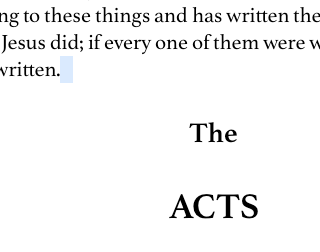
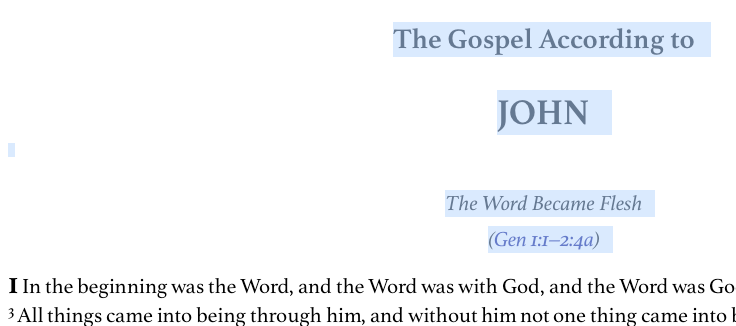
1) Click before John 1:1.
2) Scroll down to the end of John.
3) Shift-click just after the last verse.
4) This should select the entire book of John -- so that one can, for example, apply a highlighting to it -- and I'm told that on PC it actually does that, but on my Mac it creates all sorts of funny selections, just not the one I want and expect.
Discovered while researching the answer to Stephen's first Hide 'n' Seek competition, and first described here. (And just now when I created that link I found that Mark Barnes had just posted and said that it's not entirely reliable on PC either, though certainly better than on Mac.)