Is there any shortcut key that you can hold down while clicking on a search result so that instead of it loading the resource, it just goes straight through the Copy Bible Verses formatter into the clipboard for pasting?
Forgive me if this is really easy and I just don't know how to do it.
Here's a picture to explain what I mean.
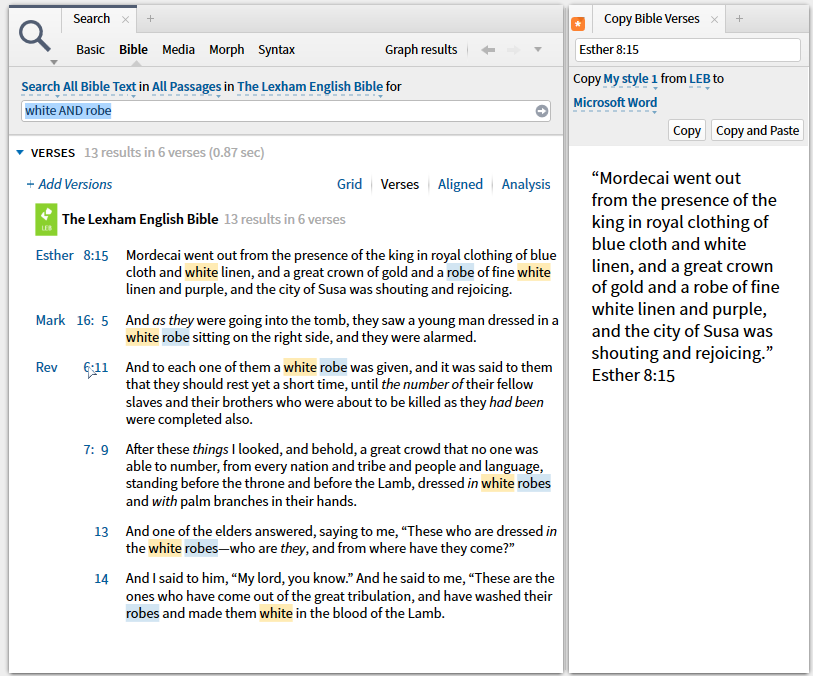
See how the mouse is on Rev 6:11 is there a hot key I can press which will take that reference run it through the formatter straight in to the clipboard.
This would be so helpful if it's possible as I really don't like having to load the resource first before the Copy Bible Verses will do anything.
Thanks.


