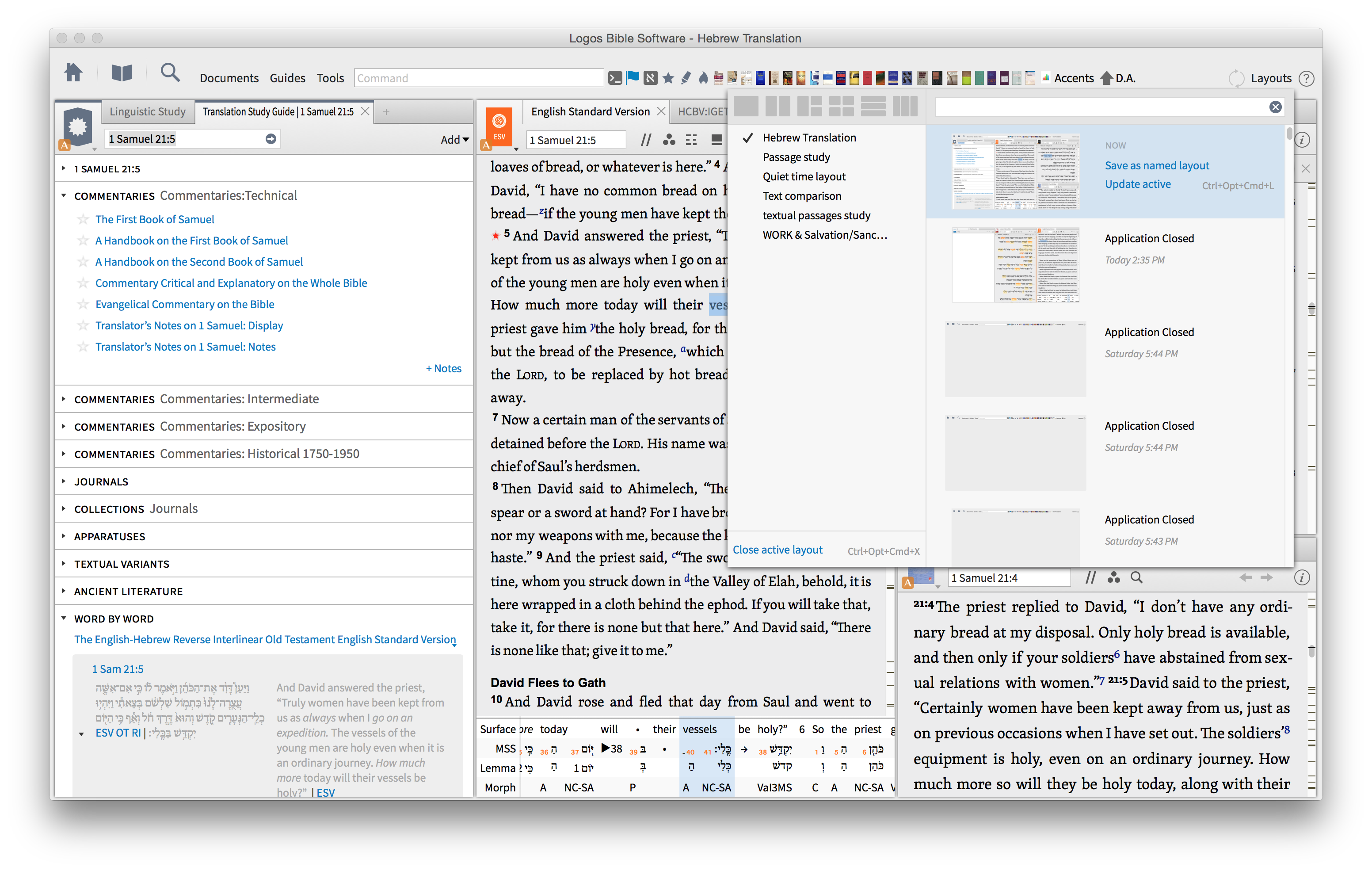
Have my layout for ACTS. Added some new commentaries, but L6 will not save amended layout - suggestions please ...
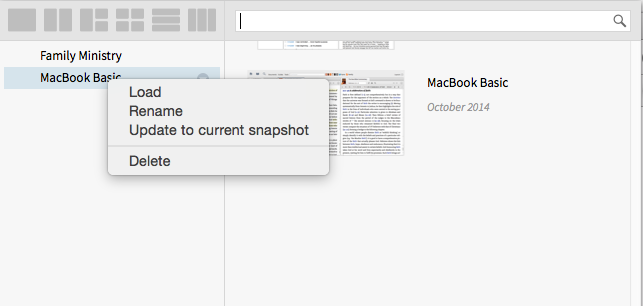
Is this the method you used (update to current snapshot)?
Thanks Alabama - but I was using the "update active" - have been for a long time. Did things change? I'll try saving snapshot as you suggest.
Just tried - did not work. Have tried adding Preaching the Word Acts by Kent Hughes. And the 6 cols of Martin Lloyd Jones on Acts. Will not keep them in layout.
What has changed? Is there a limit to books that can be saved per layout? Most frustrating ...
I don't know what the "update active" does... The list on the left hand side is the "saved" layouts, so "update to current snapshot" would be saving a new starting point.
What has changed? Is there a limit to books that can be saved per layout?
I don't know if there is a bug, but I am sure there isn't a limit, nor do I believe an official "change" has been made.
I don't use the feature much (and don't like the feature as is), so I don't have any layouts I could try changing. I only have two and they are how I want them. [:s]
Maybe another user will be able to chime in. Sorry I couldn't be more help.
Thank you again for your input - does anyone else use Layouts? I have been using them for years now ... never had this problem.
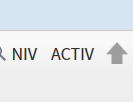
I was told that using the save active saved what was in the layout at that time.
Anyone ... anyone ...
Thank you again for your input - does anyone else use Layouts? I have been using them for years now ... never had this problem. I was told that using the save active saved what was in the layout at that time. Anyone ... anyone ...
Colin, can you provide a screenshot of the problem?
I've been using "Update Active" quite a bit lately and it has been working great for me! What version of Logos do you have installed?
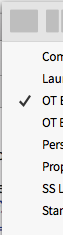
Are you sure you're selecting the right layout before you try to update it? You'll notice that next the the list of named and saved layouts you should see a check box next to the active layout. Make sure the right layout is selected before you try to update active. Let me know if this works.
I was using the "update active" - have been for a long time.
So do I Colin, with no issues.
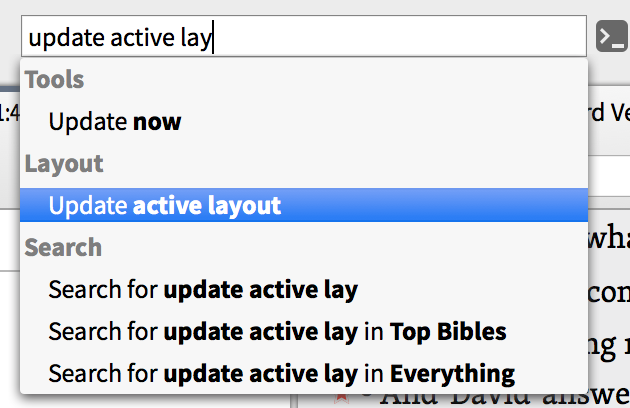
Can you try putting that command on your short-cut bar and saving your updated layout that way?
that way you do not have to go back into the Layout Menu.
... might help?
I have Logos 6.3 installed
How do you find that command to save in the short-cut bar, Steve? I can't seem to find a way to grab it.
Selecting "update to current snapshot" on the left accomplishes the same thing as the "update active" on the right, assuming that you're selecting "update to current snapshot" on the current/active layout. You can use this menu on the left to assign your current layout to any of your saved/named layouts.
How do I create "update active shortcut" ?
Have tried without success.
That exactly what I do - but currently not working ...
Thanks for your input
keep typing "layout" until the "update active layout" menu appears, then simply click and drag directly from there to the shortcuts bar.
That exactly what I do - but currently not working ... Thanks for your input
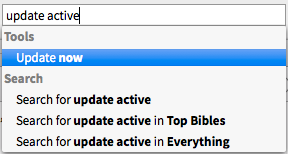
The "update now" menu is NOT for layouts, but rather forces the application to check for program and/or resource updates from the server.
Please provide some logs and state how you are trying to update the layout. Mac or Windows?
A screenshot would also help.
Got it, thanks!
Available Now
Build your biblical library with a new trusted commentary or resource every month. Yours to keep forever.