Logos 6.6 SR-1 Mac OS 10.10.5
Had Truth Matters open in a floating window. Wanted to turn off Notes in order to print a clean copy of Chapter 3. The pizza began spinning and never stopped until I forced the app to quit.
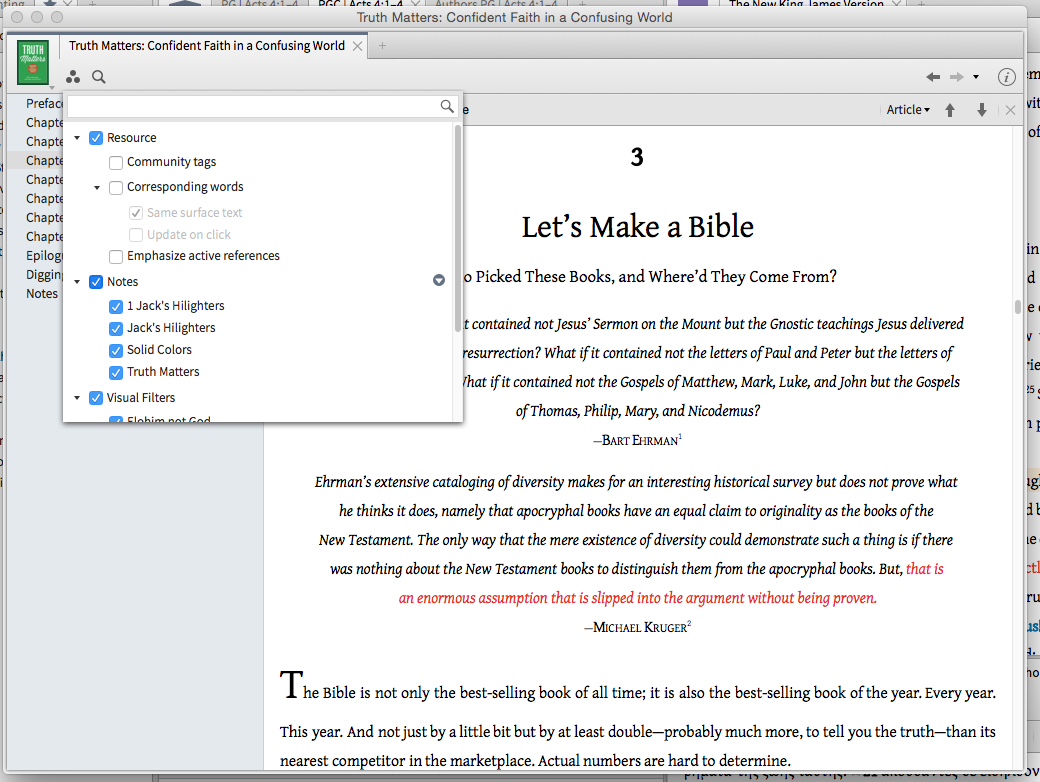
Took a sample during the spin
3312.LogosLogs.jackcav.20150927-064928.zip
Forced Quit—sent crash report to Apple
6038.Apple Crash Report.rtf
Archived Logs after forced quit
1665.LogosLogs.jackcav.20150927-065038.zip
Restarted Logos, but the app did not request a crash report.
Opened Truth Matters from a blank layout. Noted that Notes had been deselected.
UPDATE: Clicked Notes in the Visual Filters menu to turn them back on. Once again, the pizza began spinning. This time, decided to wait it out. It took approximately 5 minutes before Logos became functional again. Here is a sample of the latest spin.
3652.LogosLogs.jackcav.20150927-070628.zip
Logos had disappeared from the screen and did not appear in any desktop under Mission Control. Thinking it had crashed, archived logs.
5518.LogosLogs.jackcav.20150927-070915.zip
Noted that the Dock icon indicated that Logos was still running. Clicked it, and Logos returned to the screen. Notes had now been enabled.
