This bug occurs repeatably in (I think) all resources under L6.7 RC 1 - whether in a tab or in a floating window. Edit: This bug persists in RC 2 as well /Edit.
When using the up and down arrow keys of the vertical scrollbar (red arrow) to read through a resource, the scrollbar slider will not move. It will change its size a bit, but stay fixed to its position:
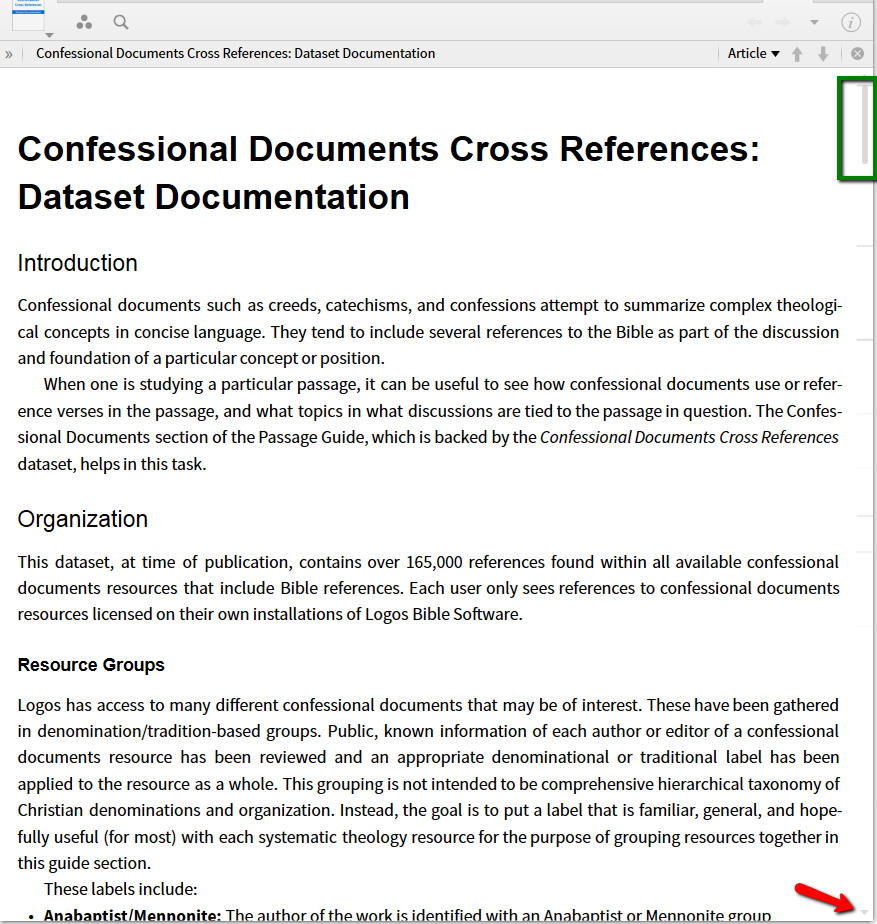
expected behavior: the scrollbar slider moves along the vertical scrollbar relative to the position in the resource - (blue box in picture below) as it does when using the mouse wheel, the arrow leys from the keyboard or the PgUp/PgDn keys
wrong behavior: slider will remain fixed to its position (here: red box on top of the scrollbar, but that's only in the example, the slider's top will consistently stay where it was when positioning using the scrollbar arrows started)
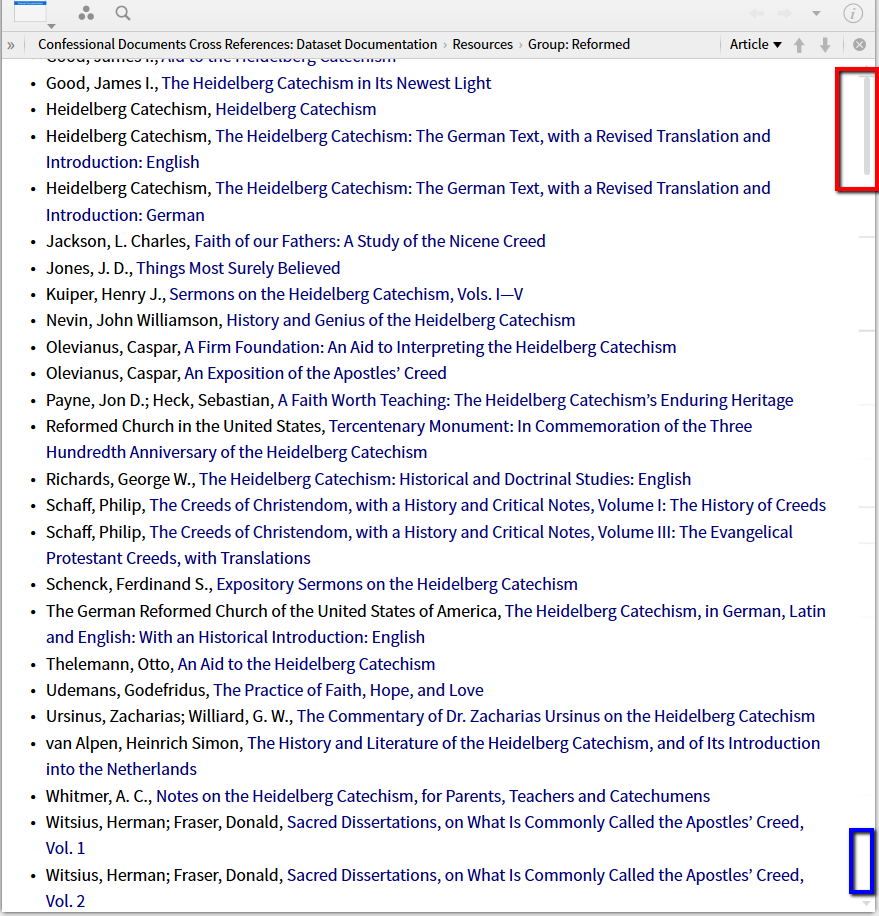
Note that dragging the slider with the mouse will work and that clicking the mouse in a resource (or using the arrow keys from the keyboard) will correctly reposition the slider relative to the position in the resource. The bug is independent of whether "show auto and favorite bookmarks" is on or off.

