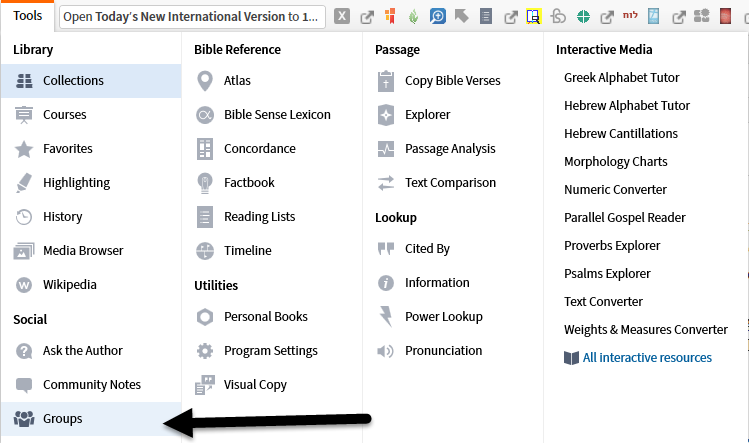
1. Logos has an interface with Fatihlife Groups built in at Tools ==> Social ==> Groups.
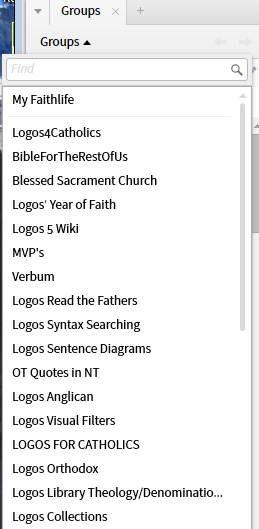
2. This opens a thin pane on the left hand side. If you move the pane into a standard pane you can resize. Under Groups you have the option of selecting any Faithlife Group to which you belong.
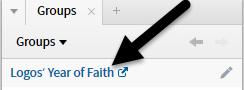
The selected group may be opened in a browser.
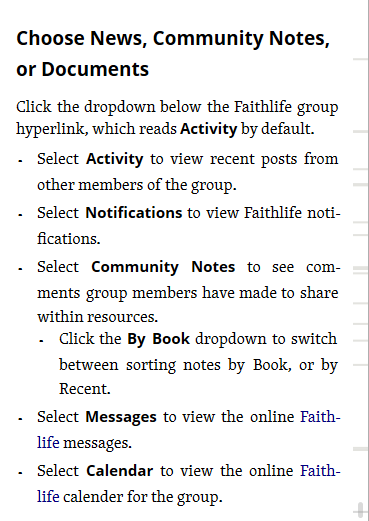
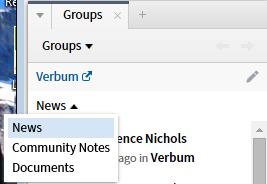
3. The default is for the News tab of Faithlife but it may be changed to Community Notes or Documents. The other Faithlife tabs are not available. I suspect that the adding of additional tabs is a matter of their use on Faithlife and the demand for them within Logos.
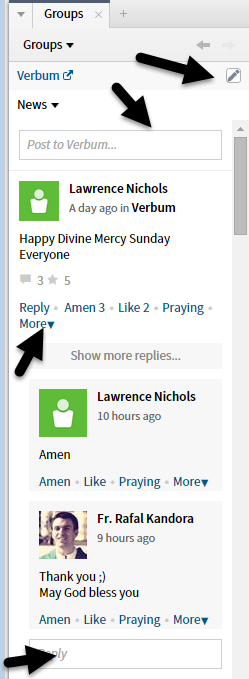
4.Clicking on the pencil will open a new entry under News. If you were in another tab you will be switched to News. The options of Faithlife - reply, amen, like, praying, more ... are available
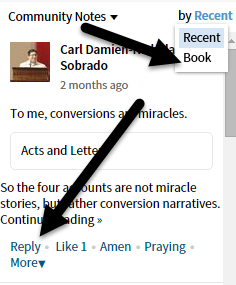
5. Under Community Notes you have an option for sequence. And the standard options - reply, like, amen, praying, more ....
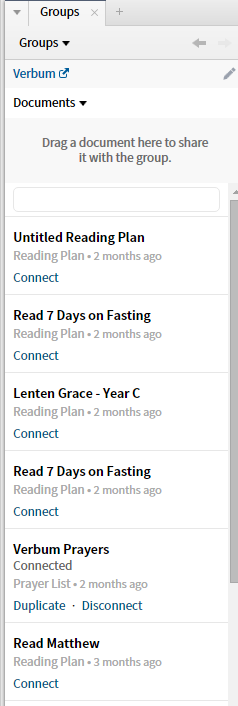
6. Under Documents you can drag and drop to share a document ... a very nice feature. And you can connect to shared documents.
============
The documentation shows additional options corresponding to Faithlife tabs ... but I am unable to find example to confirm the documentation.