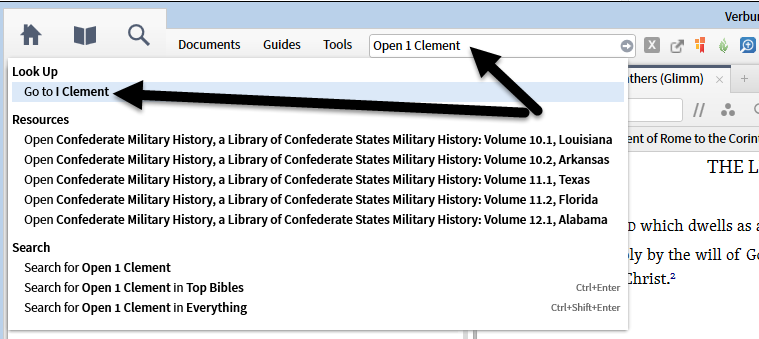
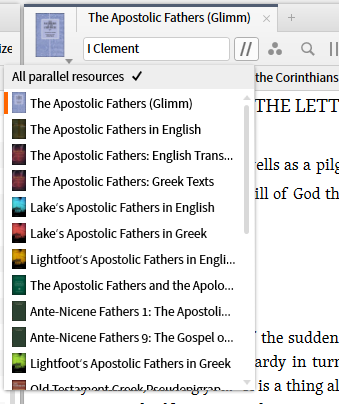
Parallel resources allow us to compare translations and find short documents as illustrated below.
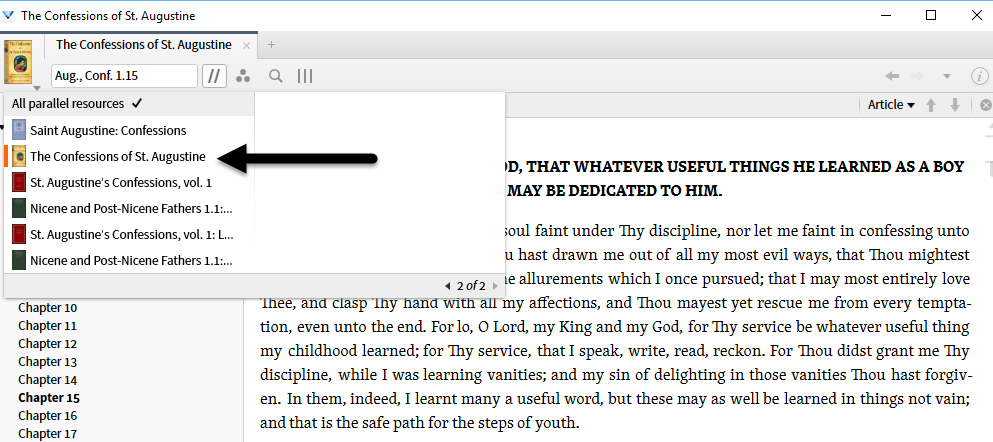
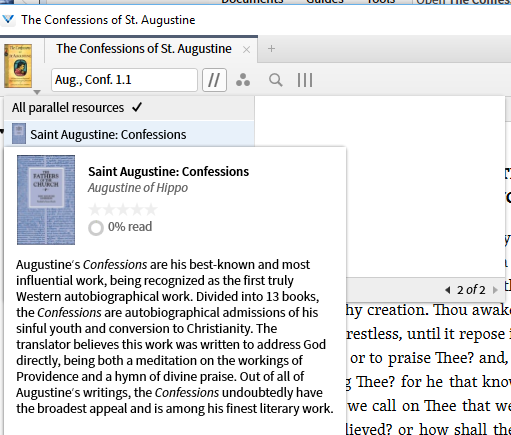
When you are in a translation and want to check alternate translations/text, parallel resources show you the other resources containing a translation. You can either click on a particular translation or use contrl-arrow to cycle through the translations/text. Note the usual popup to allow you to know what the options are:
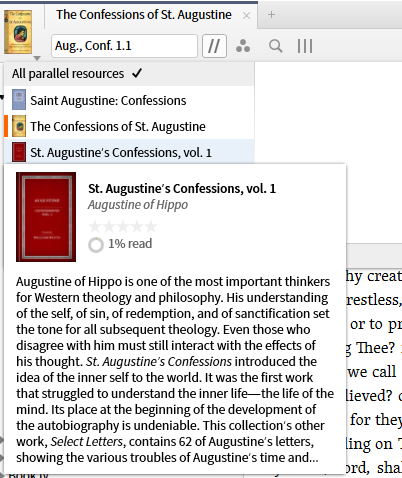
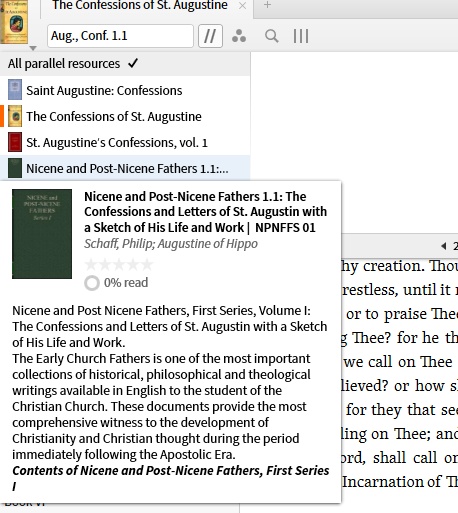
If I want to see a particular work, e.g. 1 Clement, I try to open it in the Command Box - which shows me to use Go to rather than Open. I let it open my highest priority resource containing the work then use parallel resources to see my options for translations/texts.