1. Access to the Help function
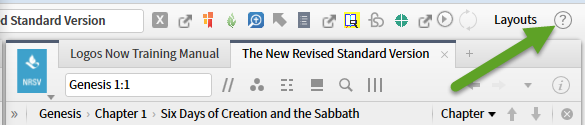
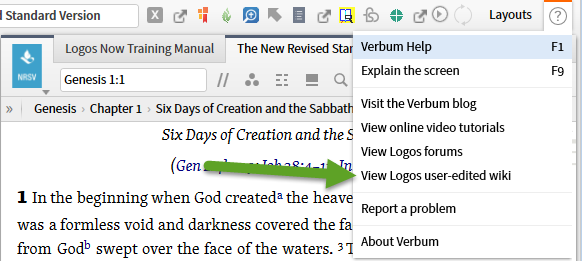
2. Several forms of help are offered:
- The Help manual appropriate to your application (Verbum, Logos ...)
- A dynamic explain the screen function
- A link to the appropriate blog (Verbum, Logos ...)
- A link to the online video tutorials
- A link to the Logos forums
- A link to the Logos user-maintained wiki
- Instructions on how to report problems
- The standard "about page" which among other things is where to check what version you are actually running and what datasets you own.
3. The link to the Wiki page opens this page in your browser. I want to concentrate on the Logos Pro and Logos 6 Videos entries which are maintained by Faithlife.
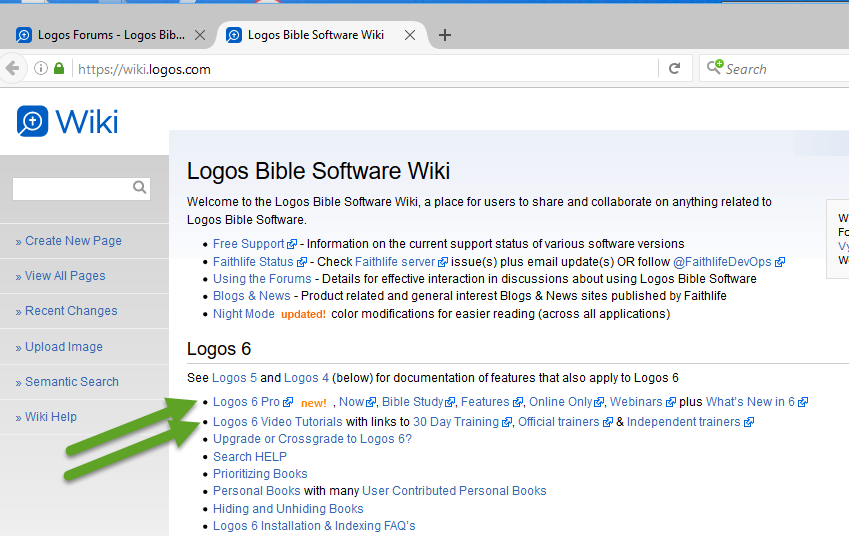
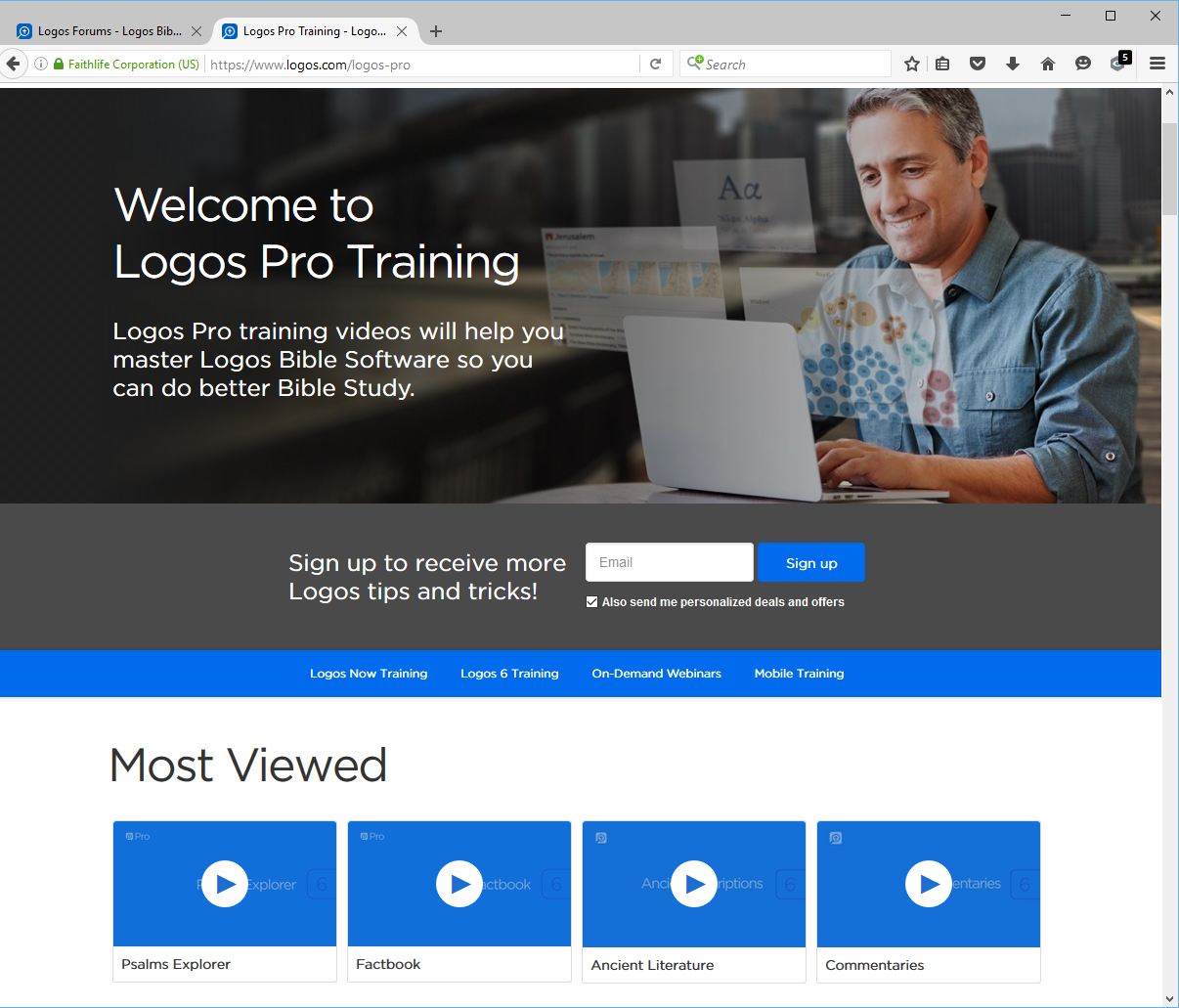
4. The Logos 6 Pro link takes you to the Pro Training page with links to the videos.
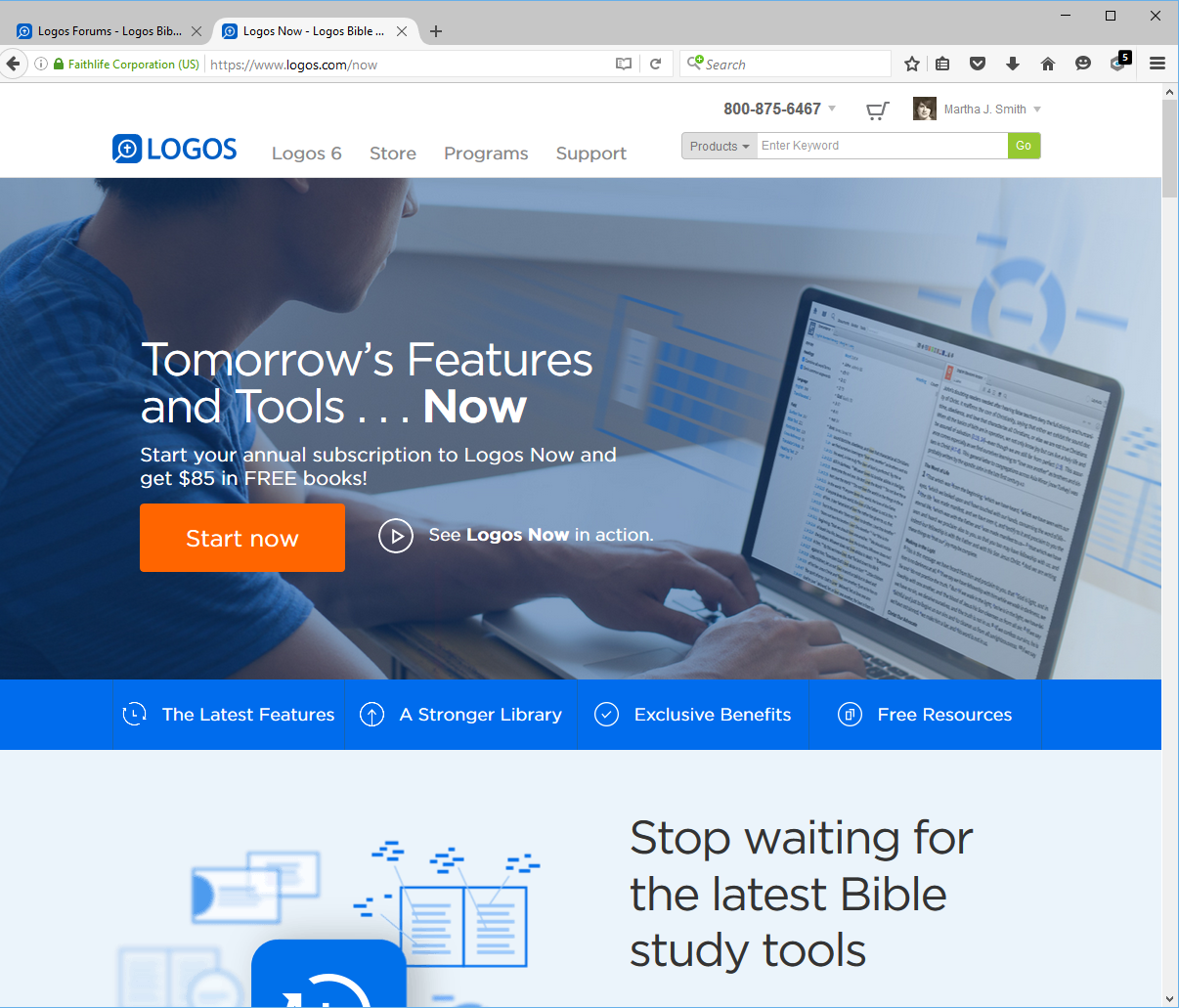
5. The next link on the line "Now" takes you to the catalogue description for Logos Now.
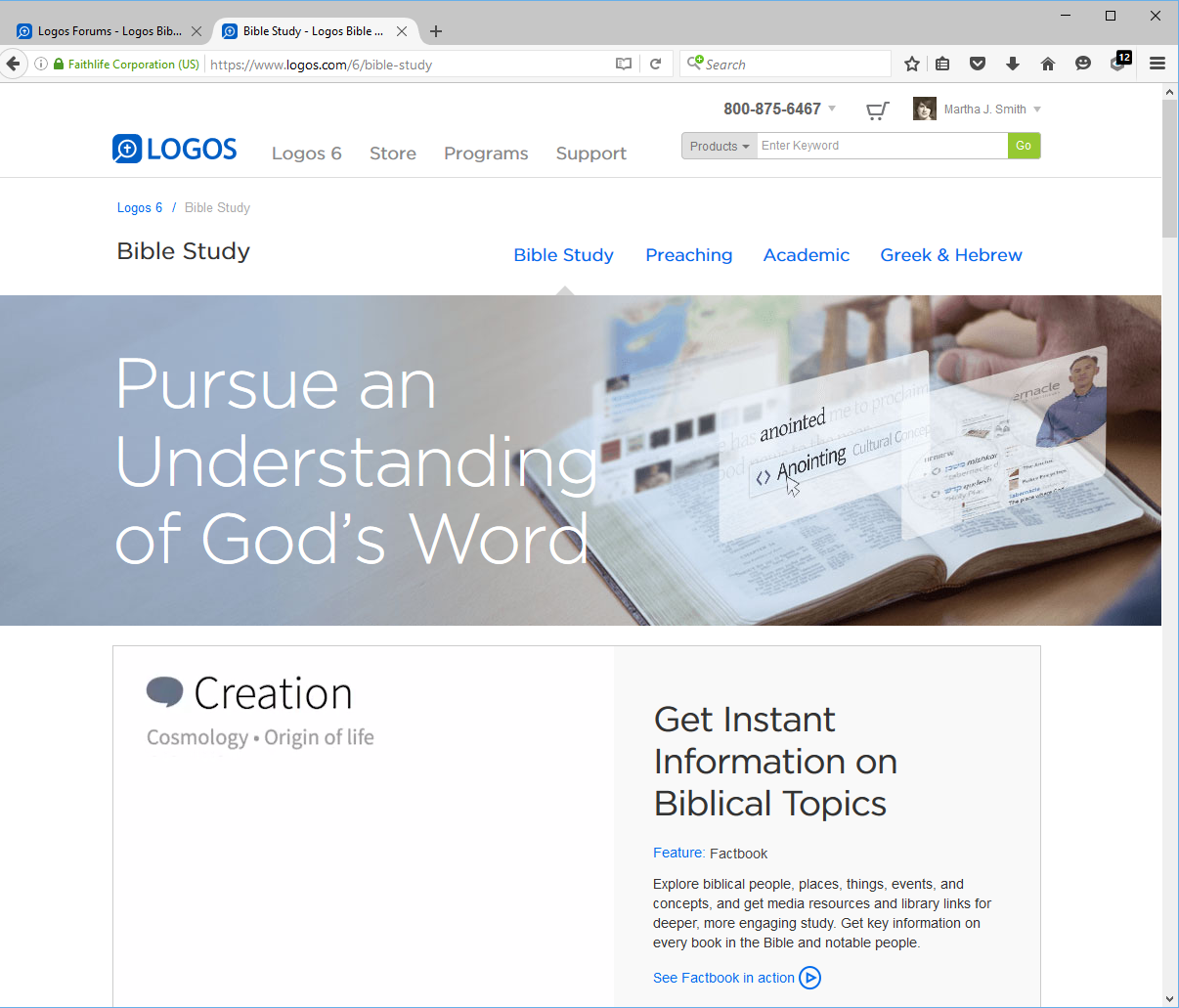
6.The next link on the line "Bible Study" takes you to the catalogue description for Logos based Bible study.
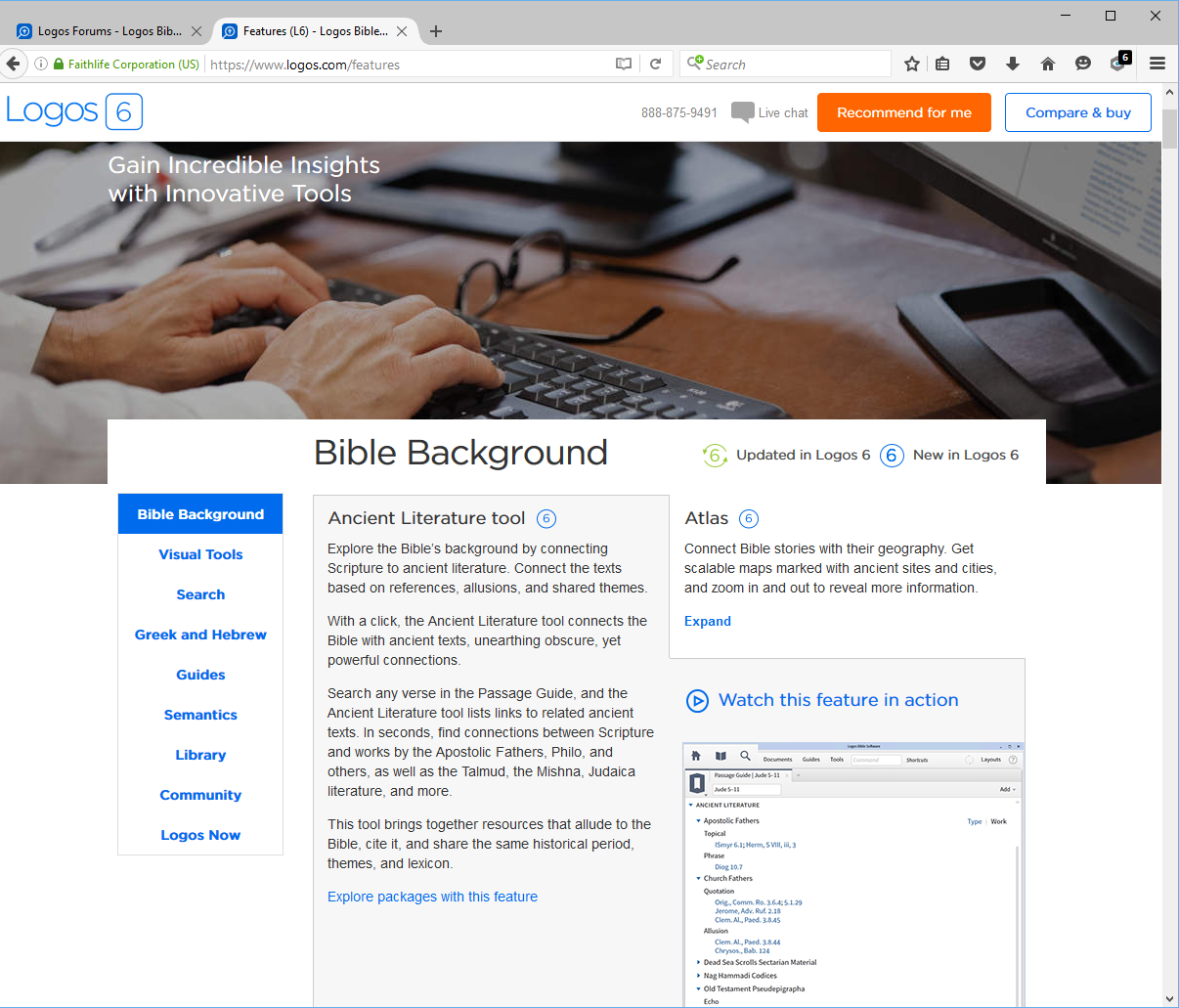
7.The next link on the line "Features" takes you to the catalogue description for Logos 6 features
8.The next link on the line "Online features" takes you to a list of features that are fully functional only if you are online.
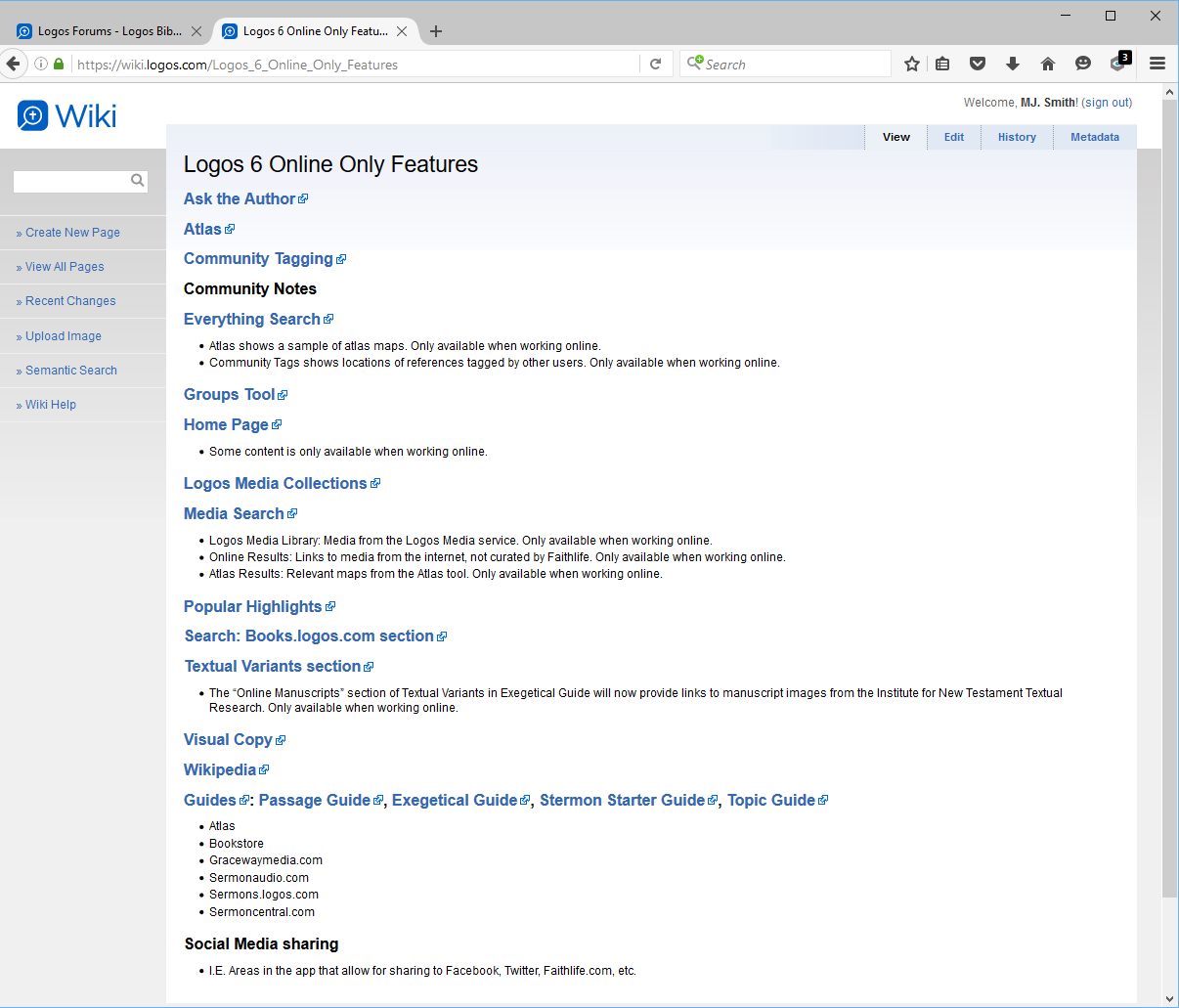
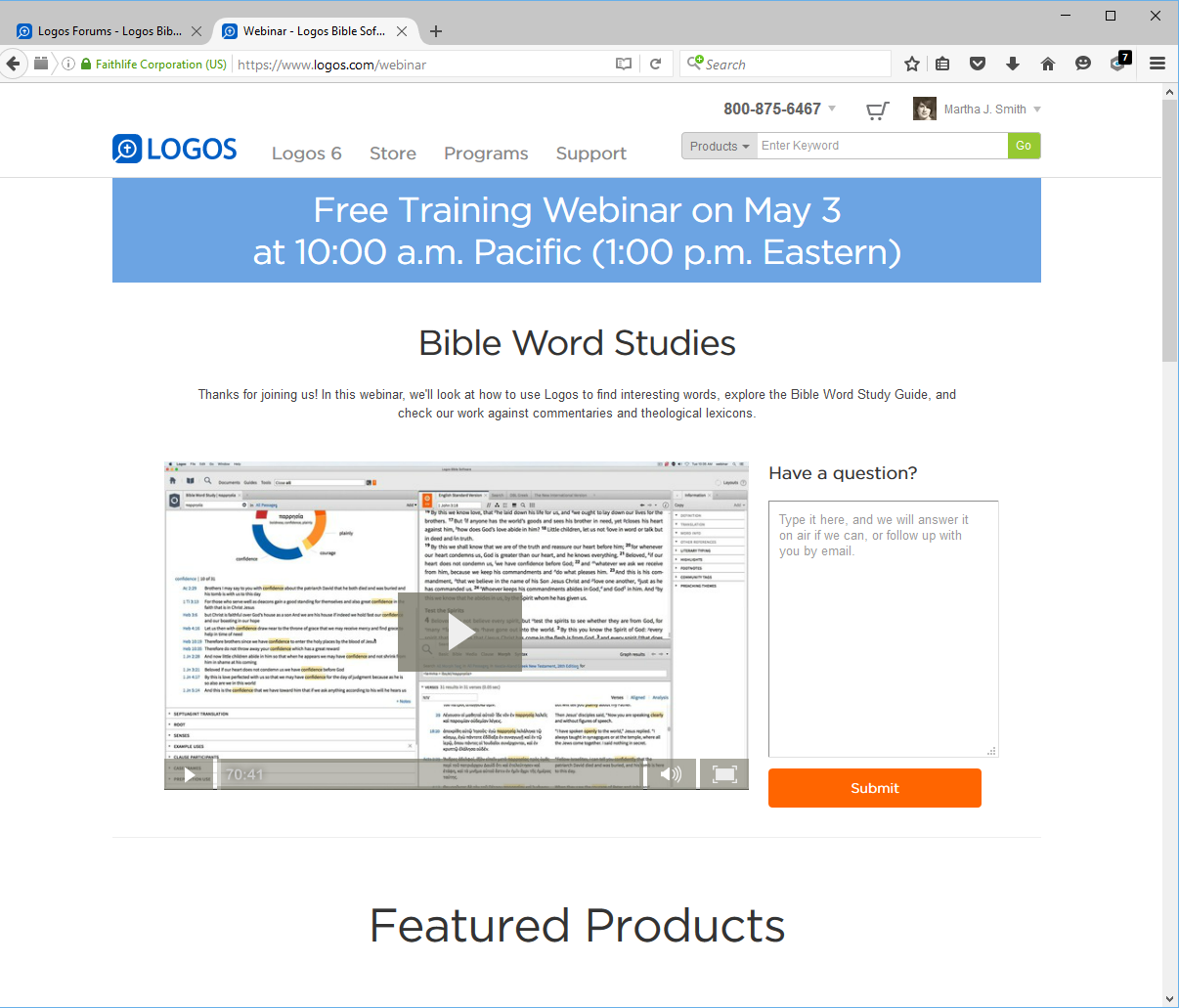
9.The next link on the line "Webinars" takes you to the archive of past webinars ...
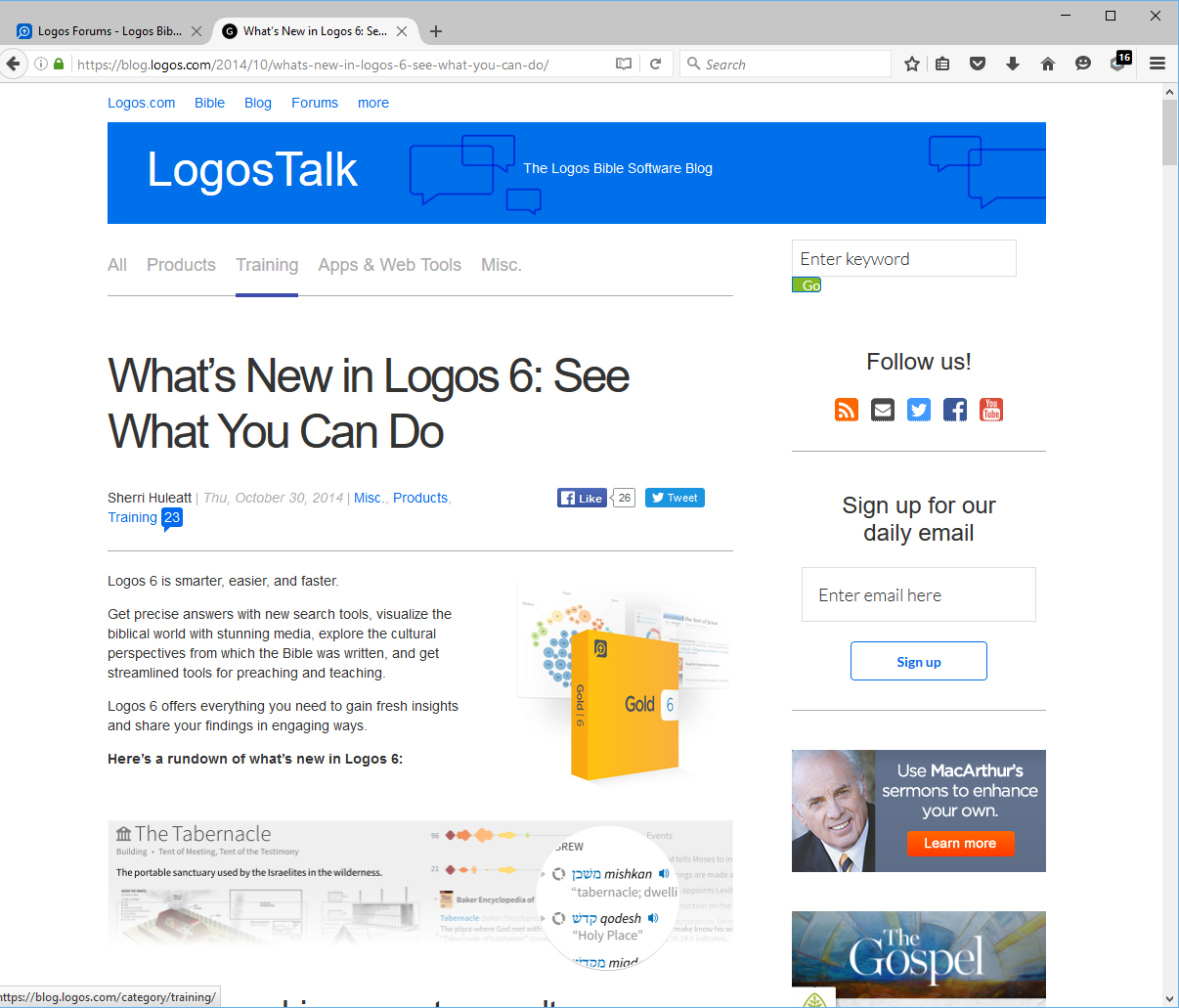
10.The next link on the line "What's New in 6" takes you to the catalogue description for new features of implemented in Logos 6.
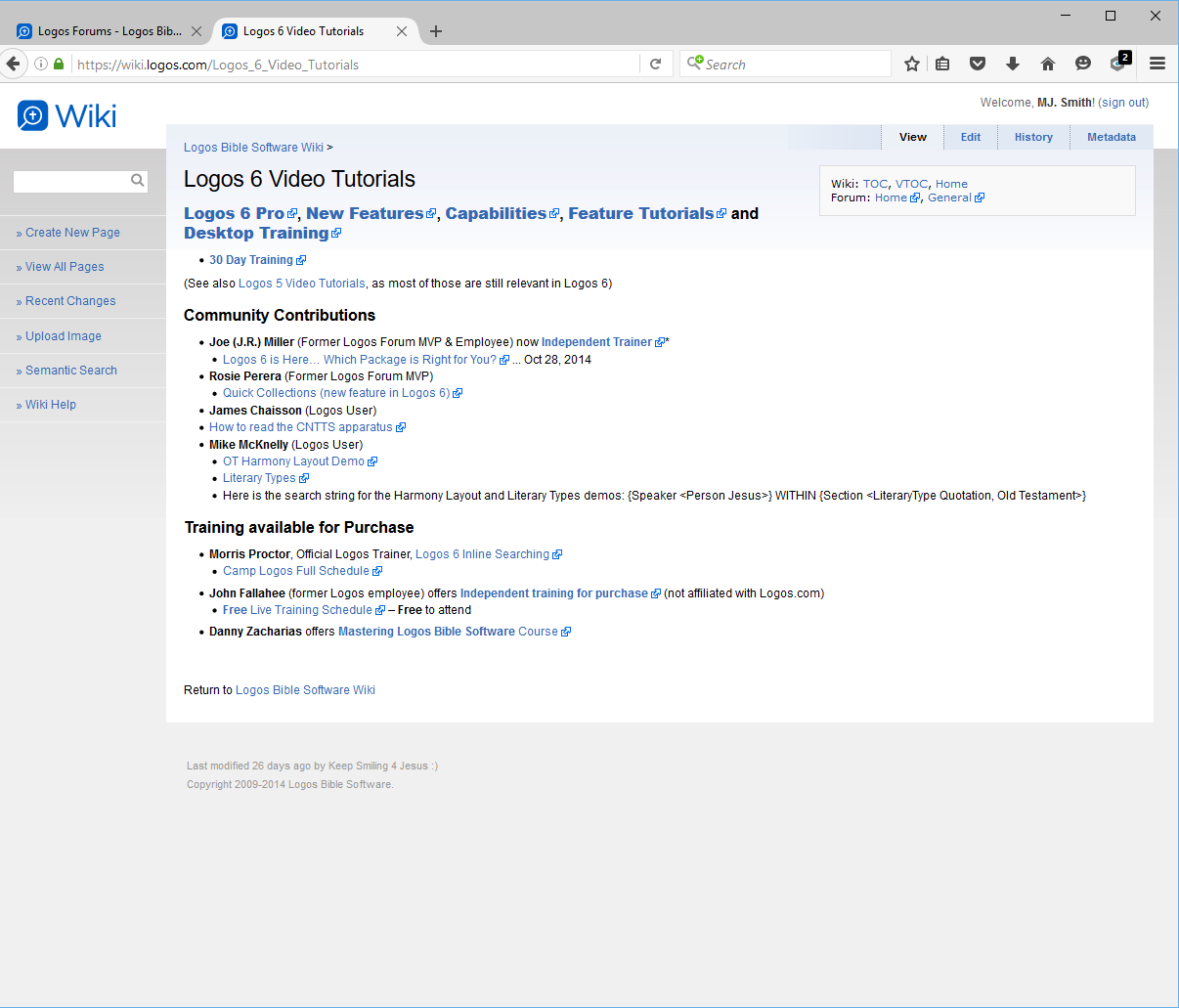
11. The second line marked on the Wiki home page is for "Logos 6 Video Tutorials" which is a central page linking to a variety of video training resources including user provided and 3rd party.
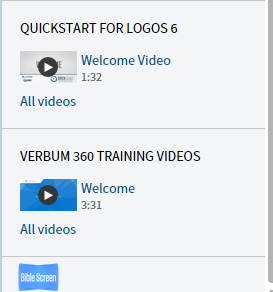
12. And while we are on the topic of videos don't forget that some appear on the home page side bar.