Hello, Have Logos 6 free core engine on Windows 10 desktop.
When reading a book and I hover over a bible verse , the Greek bible comes up in a pop up.
How do I change this default Greek Bible to an english one.
THanks.
Kevin
You need to set your "Preferred Bible"
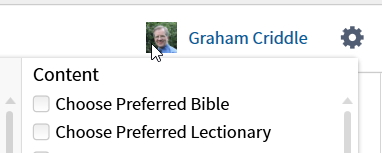
On the homepage click on the gear icon (top right) and select "Choose Preferred Bible"
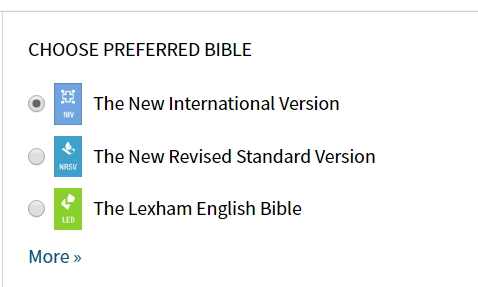
This creates a panel on the homepage allowing you to choose your preferred Bible - which will appear on hover and in other places
This is all to do with "prioritization" and for more details / finer control on this see https://wiki.logos.com/Prioritizing
Available Now
Build your biblical library with a new trusted commentary or resource every month. Yours to keep forever.