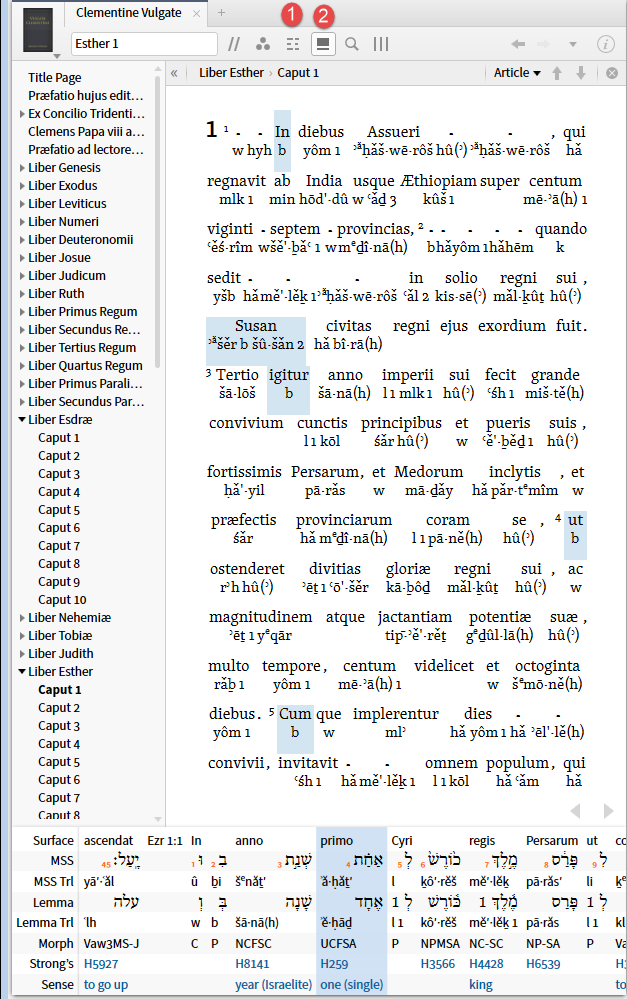
Caveat: it has absolutely nothing to do with learning an original language
1. A reverse interlinear is necessary for a number of Logos/Verbum features to be available. I have done this post using as examples the Clementine Vulgate vs.Biblia Sacra Vulgata. You can create parallel examples using Reina Valera Revisada (1960) vs. Biblia de Jerusalén Latinoamericana. Or the pair NRSV vs. HCSB also works.
When you have a reverse interlinear hovering over a word brings up a status bar popup giving the morphology data for the word. Note using the Vulgate in the Old Testament I get the morphology both for the Latin and for the Hebrew because the Clementine Vulgate is itself morphologically coded and the reverse interlinear Hebrew is also morphologically coded.
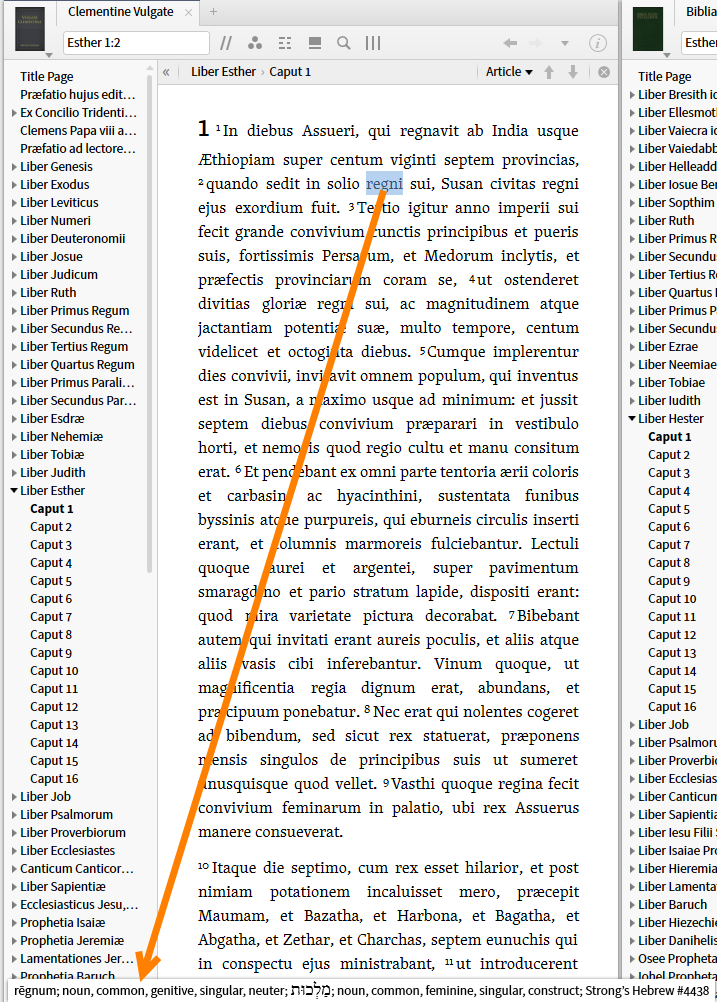
Without the reverse interlinear but with morphological coding, the status bar popup shows only the Latin.
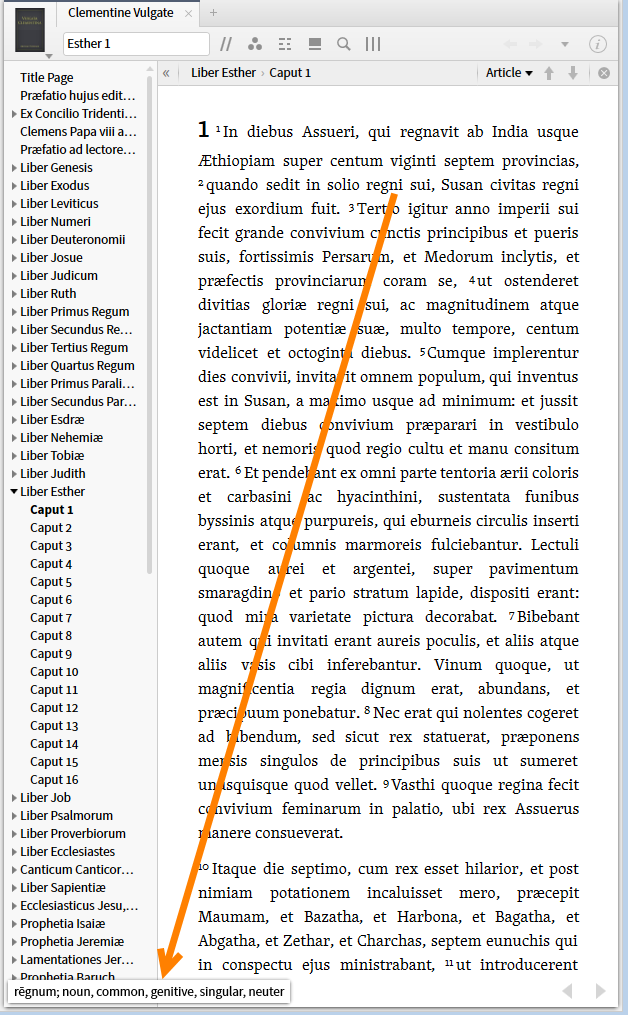
Without a reverse interlinear or morphological coding I get no status bar popup.
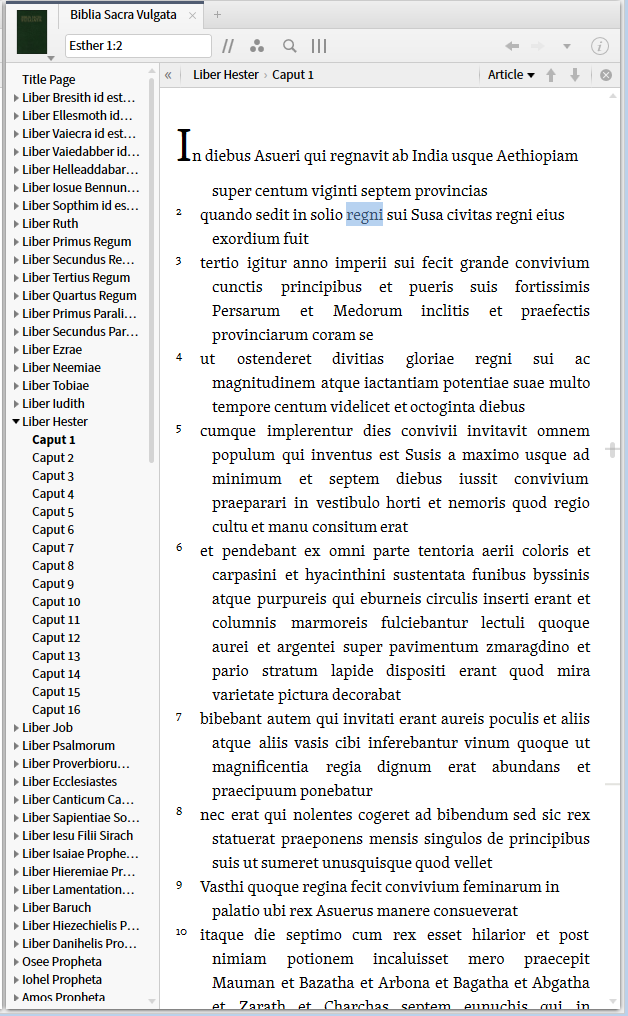
2. The right click menu has quite different information available depending upon the resource being with or without a reverse interlinear. The lemma/root/morphology, Strong's number and sense entries for the original language are present only in the version with the reverse interlinear. Morphology for the surface language may be present if the text itself is morphologically coded. Items not at the word level is available whether or not there is a reverse interlinear e.g. Biblical event, Preaching them, Literary typing, Propositional Outline ...
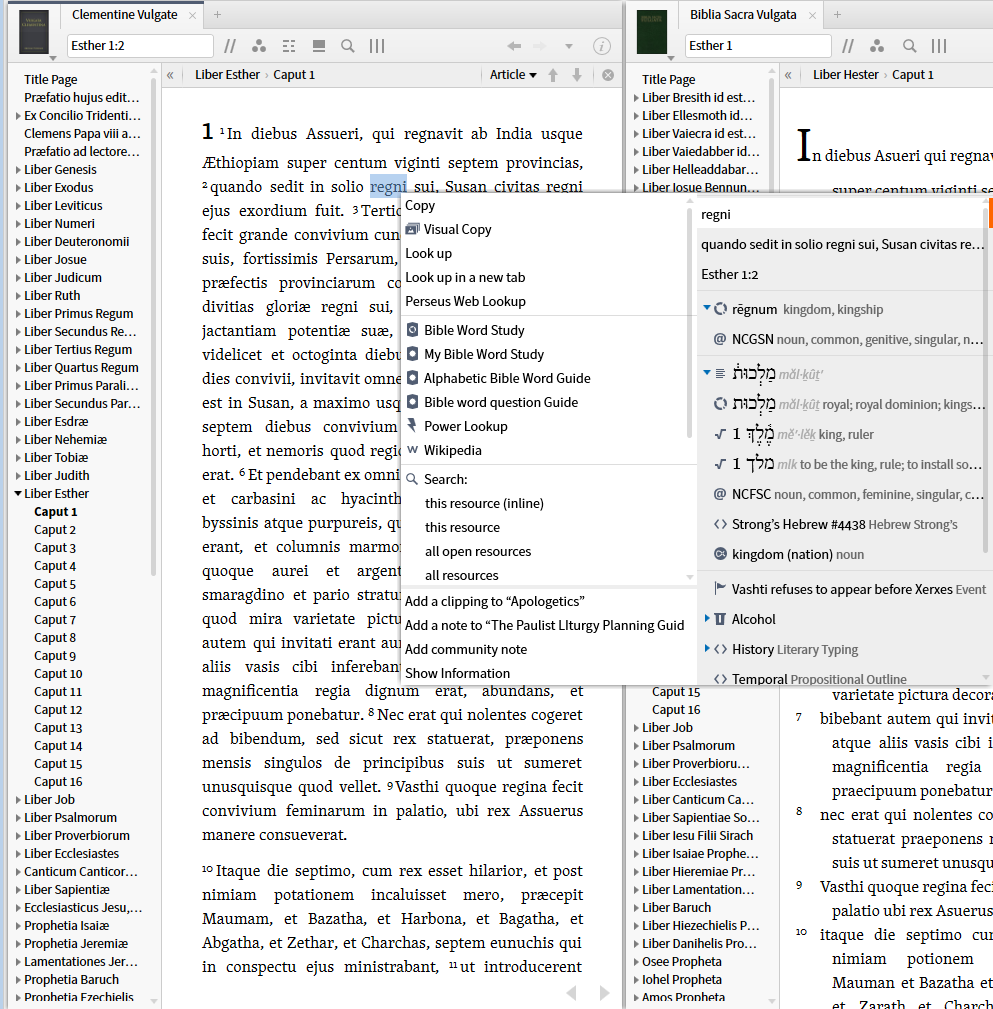
Here is the right click menu on the same word in the Vulgate without a reverse interlinear but with morphological coding.
Sorry I can't get a screen shot trying to convince Verbum it has no reverse interlinear - however, again the Latin would be present but the Hebrew would not.
Here is the right click menu on the same word with neither a reverse interlinear nor morphological coding.
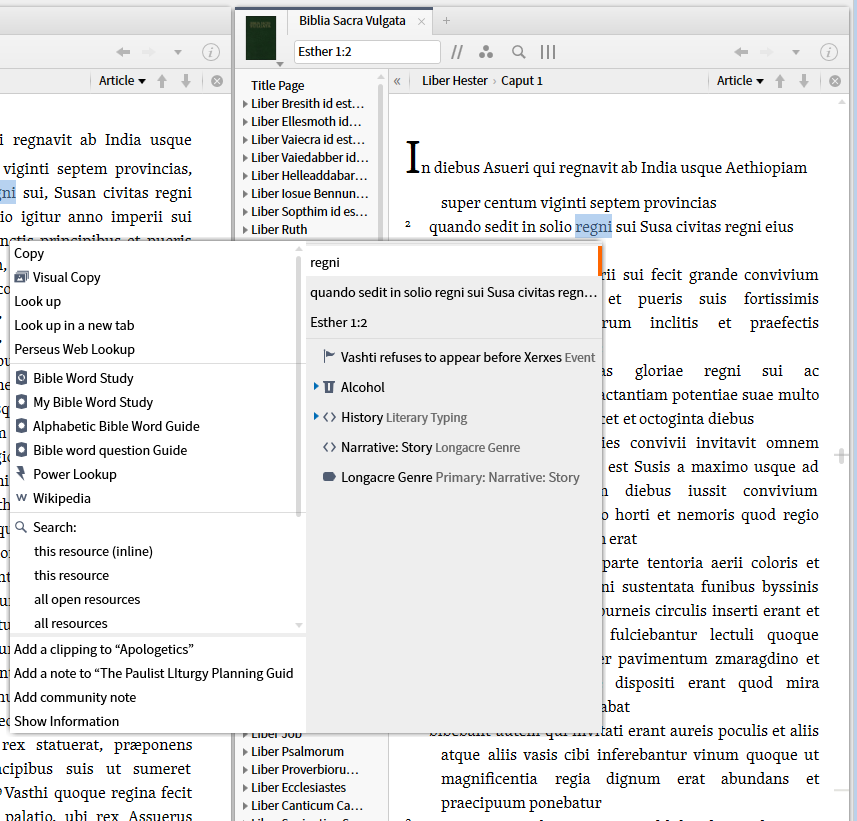
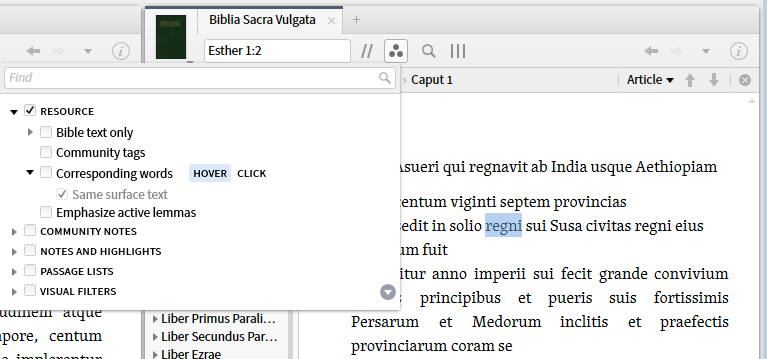
3. The third area where the difference in features between resources with and without a reverse interlinear is the resource level visual filters. This is most apparent in the corresponding selection and correspond words section. With a reverse interlinear this is what is available:
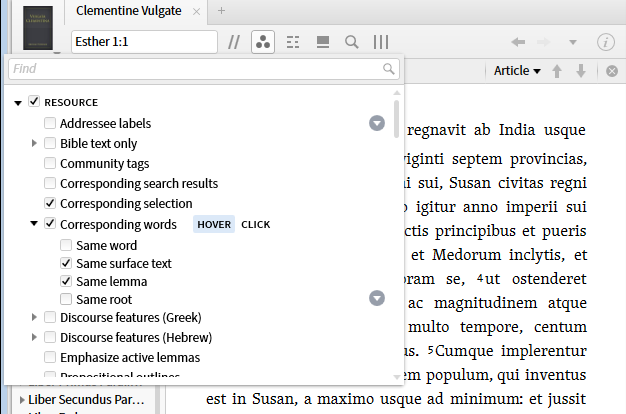
Without a reverse interlinear or morphology only same surface text is available.
4. Looking at the results of the filter one can see why the reverse interlinear is required.
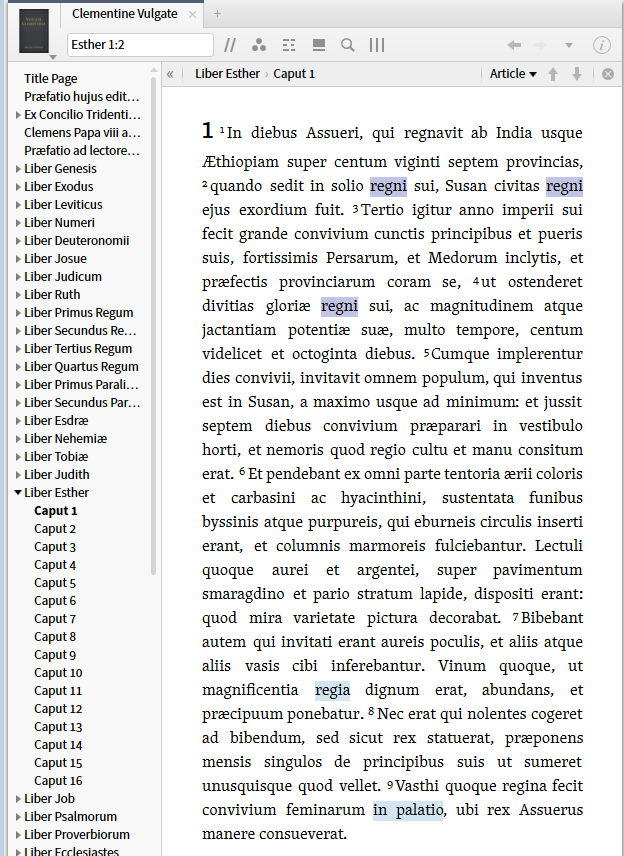
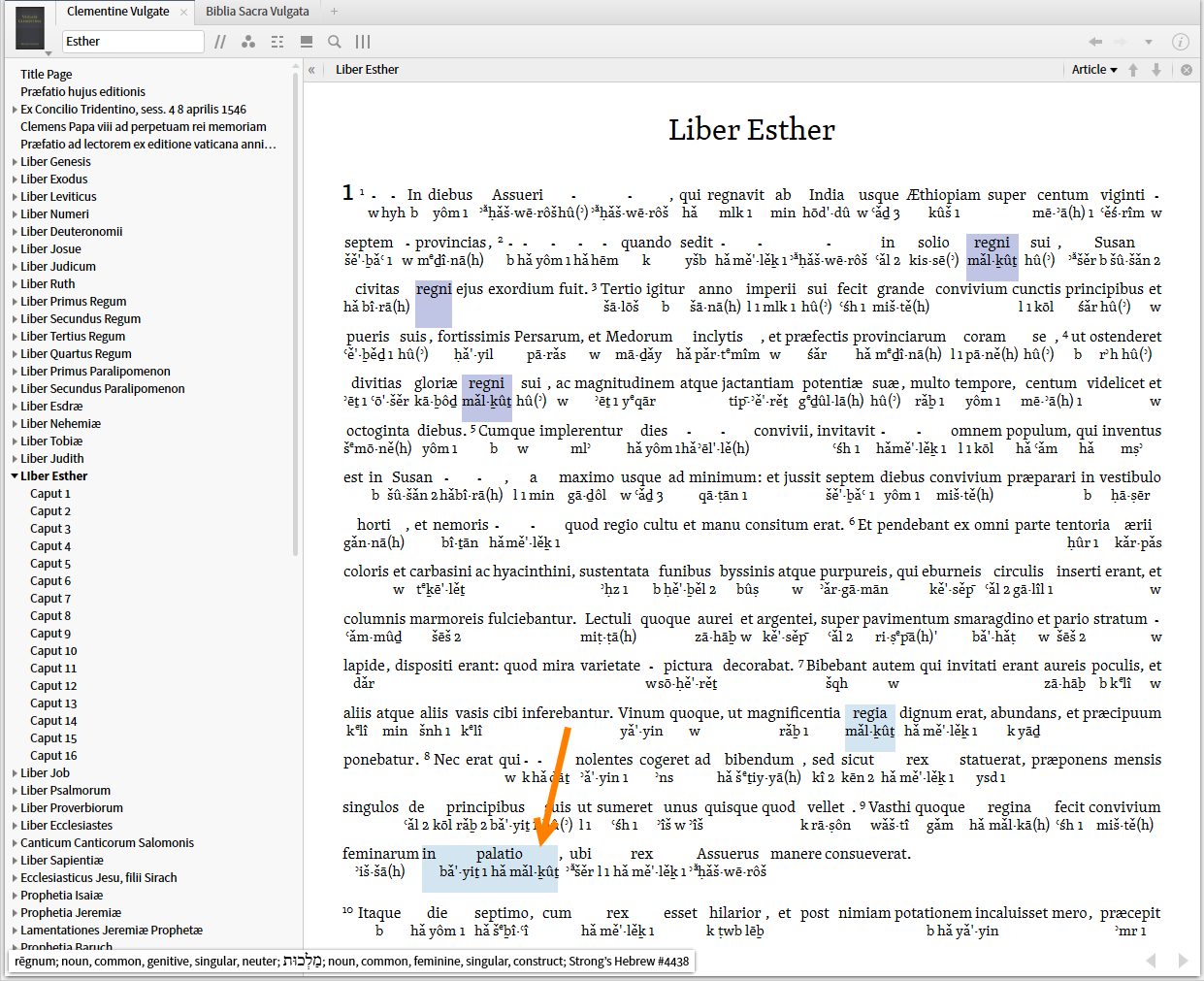
I select "regni" and get "in palatio" ... makes no sense in Latin but if you look at the underlying Hebrew:
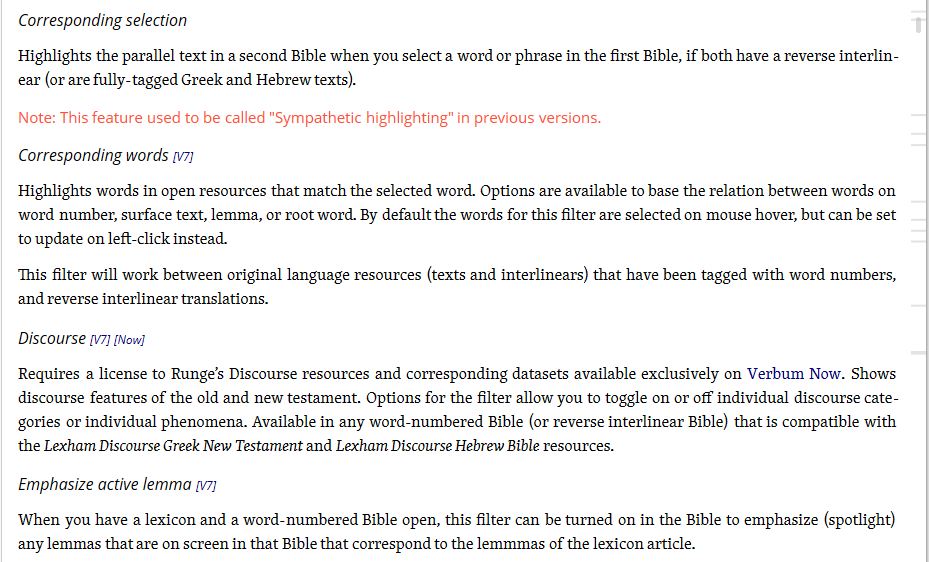
5. The Help text reminds us when we need either word numbers, interlinears or reverse interlinears in order for filters to be available.
Note: Reverse interlinears are sold in the feature sets not with the Bible. Thus since I had the English feature set, when I bought the RVR60, I had to also buy the Spanish feature set for $0.00 in order to get the reverse interlinear for it.
And yes, if you want to annoy George, you can view the Reverse interlinear as an interlinear or as a ribbon. This is often useful in tracking down anomalies in searches and highlighting.