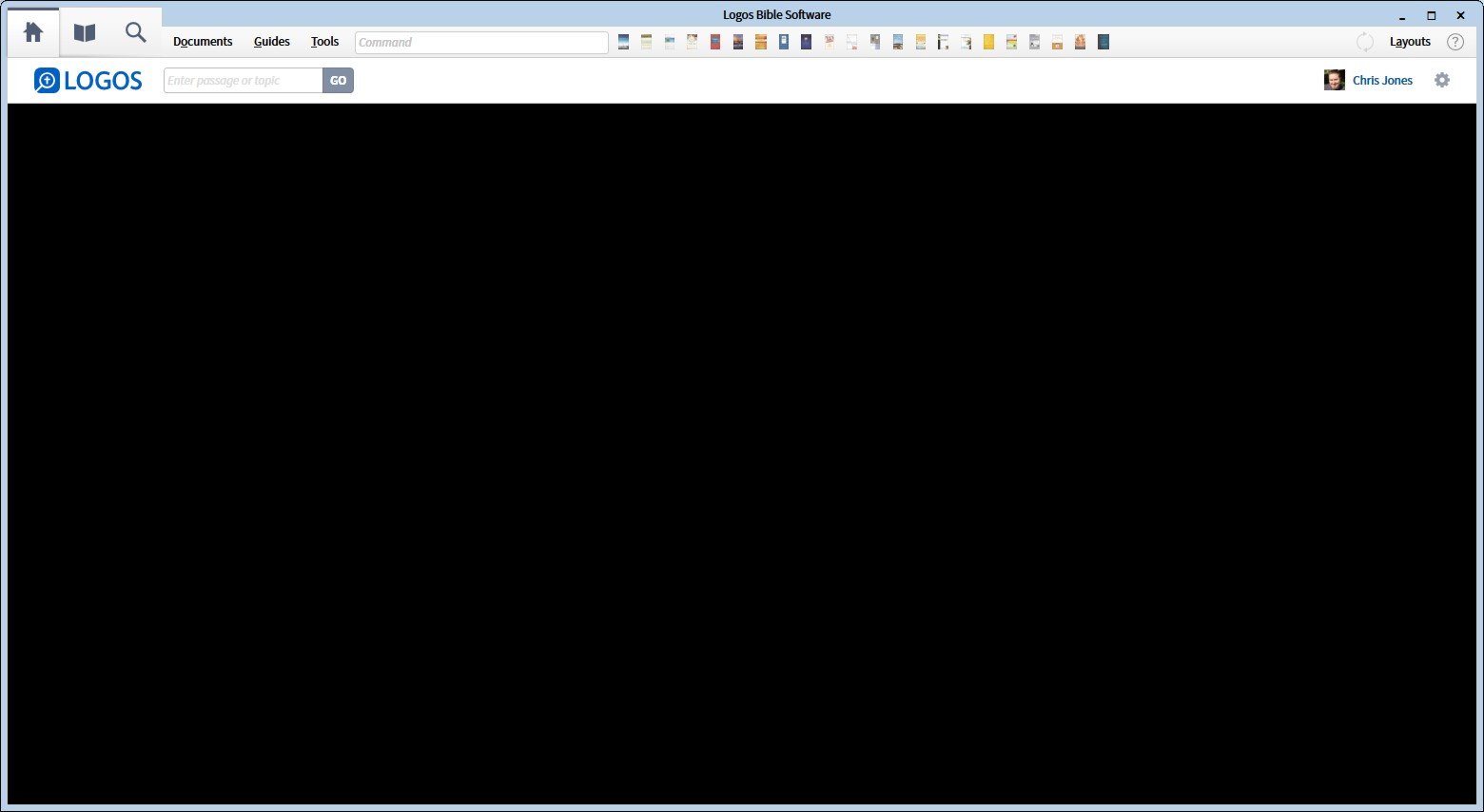
This is what my Logo 7 home page looks like right now:
Any thoughts on why this is so?
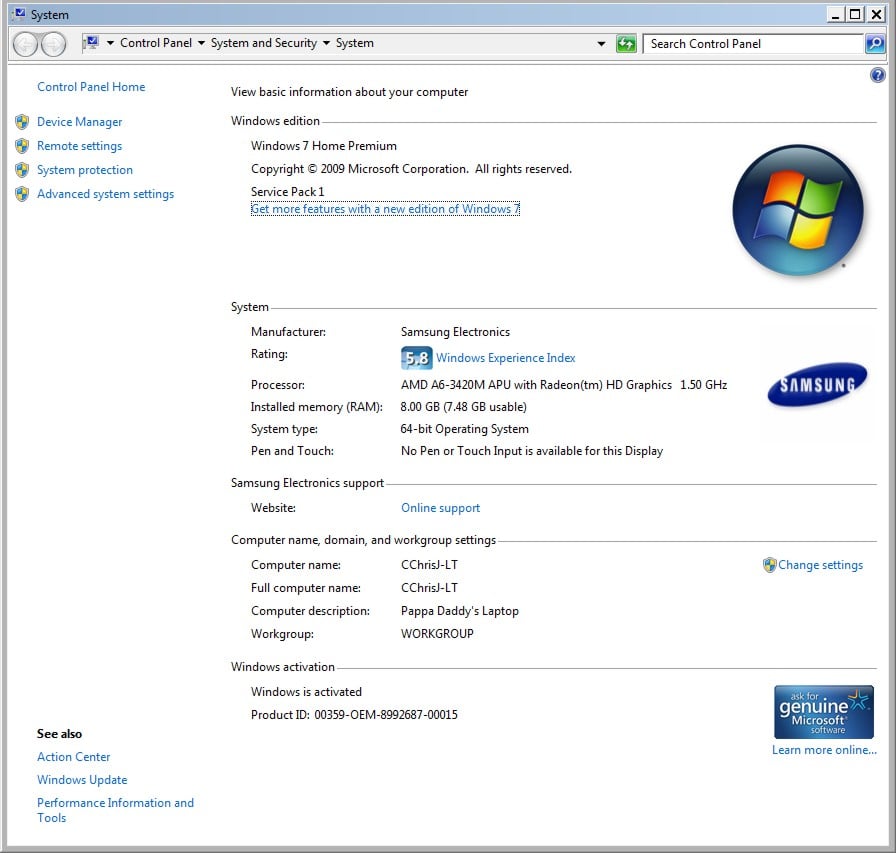
I have Logos version 7.1 SR-1 7.1.0.0039. I’m using Windows 7 Home edition on my PC laptop with 8 GB RAM.
Hi Chris:
Welcome to the Logos forums.
If you'll reply back or edit your post with your computer specs (OS version, type of video [integrated, card, make, driver]) and the version of L7 (7.?), someone might be able to help you more quickly. (To edit, click the More button at the right of your post and click Edit from the menu. You have about a 10 hour window to edit.)
From your screen shot, it looks like you're running Win10, or maybe a Mac, but that's not always easy to determine from the window elements.
This thread concerns a black Home Page on a Win7 64bit machine. It was solved by reverting to an older video driver.
This exact same thing happened to me this past week, right after I updated to 7.1.
I had to restart Logos and it went away. But it isn't simply a local problem. Fortunately, it is easy to fix.
Well, I just restarted it, and now it's working. I had restarted before, and still had the same problem. Don't know what changed.
Usually something like that is a memory issue. It may be that you had a background process running at the time.
Available Now
Build your biblical library with a new trusted commentary or resource every month. Yours to keep forever.