I don't know if others experienced this in Windows 7 but it may help you if for example your Library panel has overlapping icons such that you cannot select View , I, Browse or Prioritize.
After getting my new Desktop computer with Windows 7 Pro I noticed the large text size of icons on the desktop and it looked like I had a resolution of 1024 x 768 when I had the monitor set to 1280 x 1024! It particularly affected the Library panel in L4. Further, I had run Windows 7 RC on the same monitor without this issue! So I blamed the video driver as I had read that some graphics cards had difficulties with the Direct2D graphics interface of Windows 7 vs the established GDI from XP and earlier Windows versions. But I remembered that I could adjust the DPI (dots per inch) in Windows, and a little Help got me to this:-
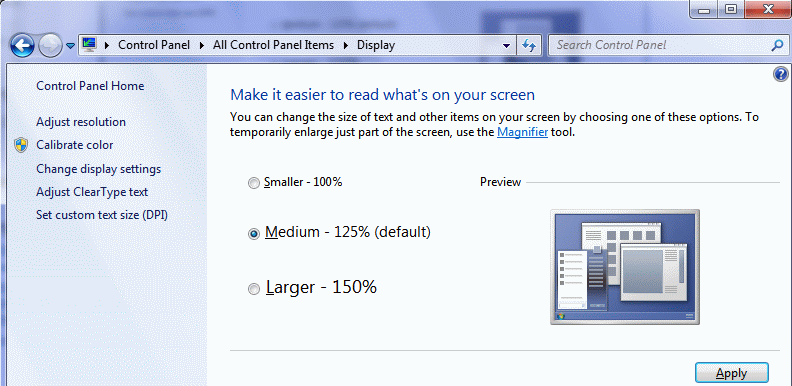
Then I saw it was displaying 125% by DEFAULT! I set it to 100% and it fixed all my difficulties.
