This is something that has made working in Logos much easier for me. I hope it helps others too. If what I'm going to suggest is obvious to you all, then I'm sorry I'm behind the curve.
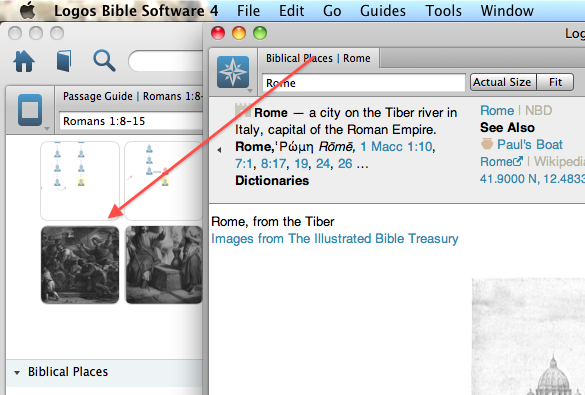
I like the fact that L4 works in one window and have been frustrated that the Library, Biblical People, Biblical Places and Biblical Things open in a separate window. However, I have found today that I can drag these panels into the main window. Drag the tab in the direction of the arrow in the screenshot below:
Having adjusted the panel to fill the screen, I then have saved a series of Layouts I can access from wherever I am:
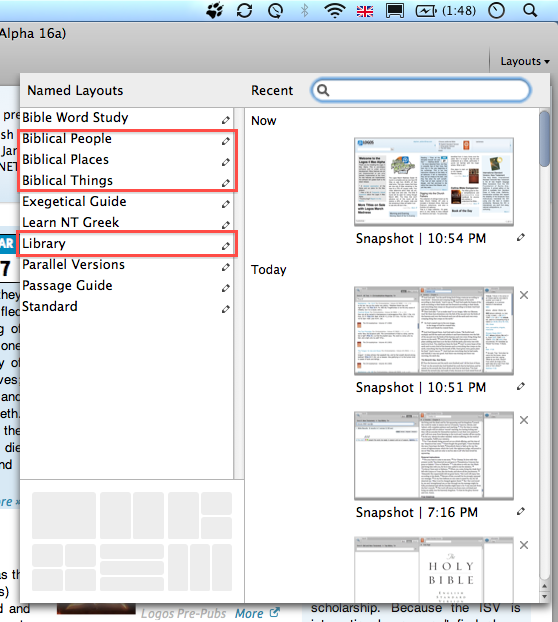
If I need to return to where I was before, I can use the Snapshots in the same Layout menu to reopen the previous window layout.
I hope this helps.

