I am reading a book in my logos app for a book review. I want to go back and only look at my highlights from the book to use to write my paper. How do I only see my highlights from the book?
Hi Michael - and welcome to the forums
I want to go back and only look at my highlights from the book to use to write my paper. How do I only see my highlights from the book?
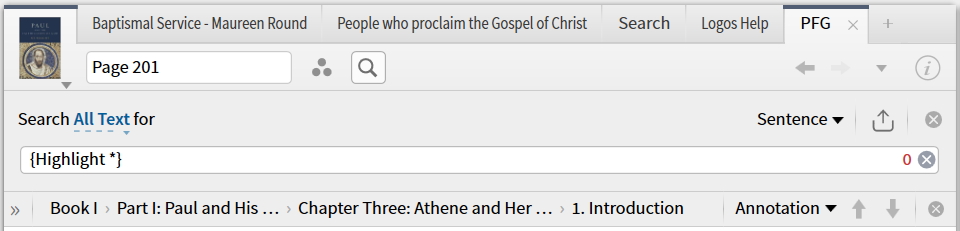
You should be able to run an "Inline Search" (click the magnifying class icon in the resource to activate it) and then use the search string (Highlight *)
For some reason this doesn't seem to be working for me in the beta version but give it a go and see how you get on
Graham
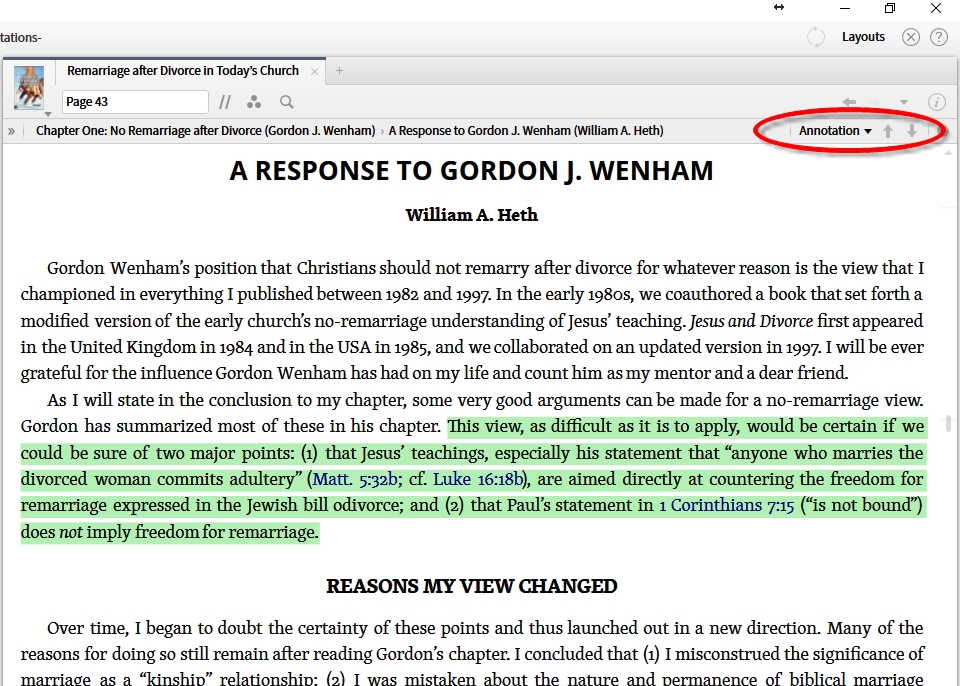
In addition to Graham's suggestion, you can select "Annotation" on the Locator Bar and use the up and down arrows.
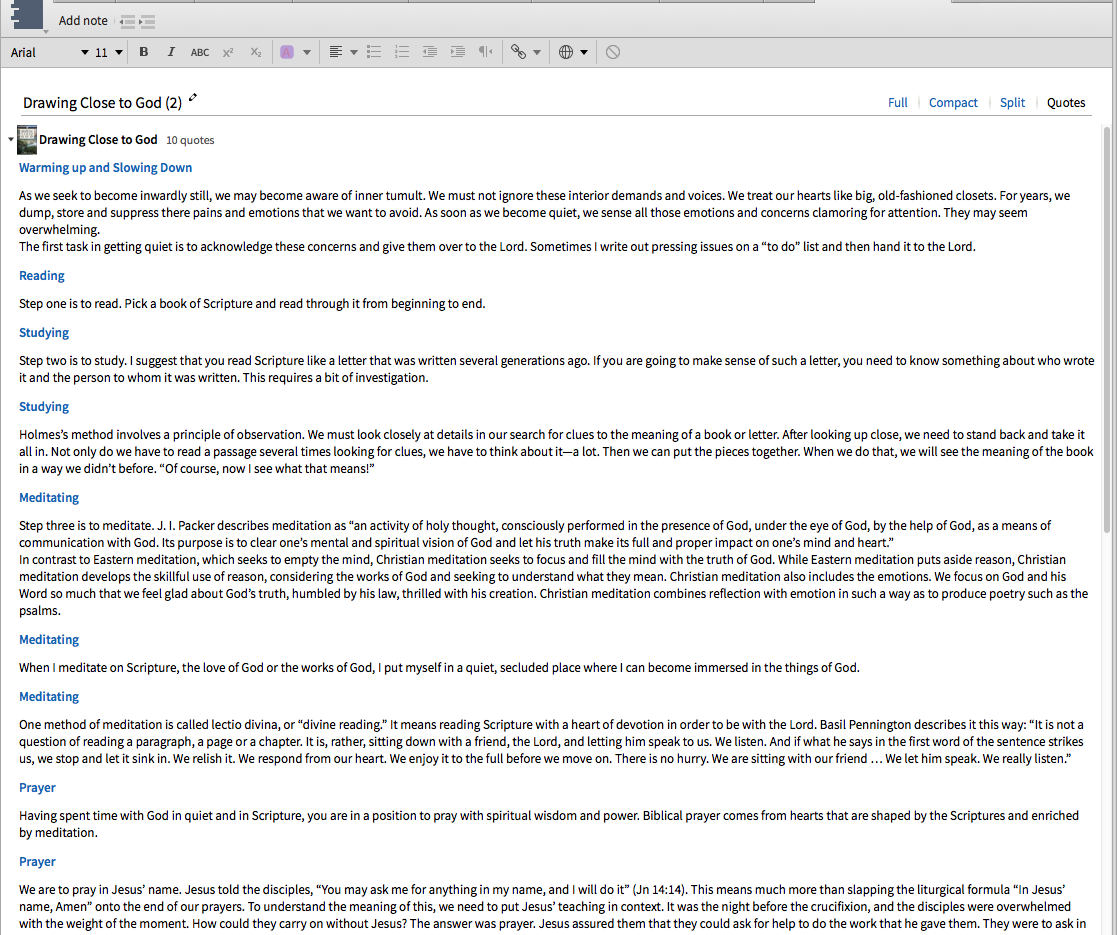
Open the Note document which contains your highlights of that book. Go to Quotes view, and you'll see all your highlights.
Available Now
Build your biblical library with a new trusted commentary or resource every month. Yours to keep forever.