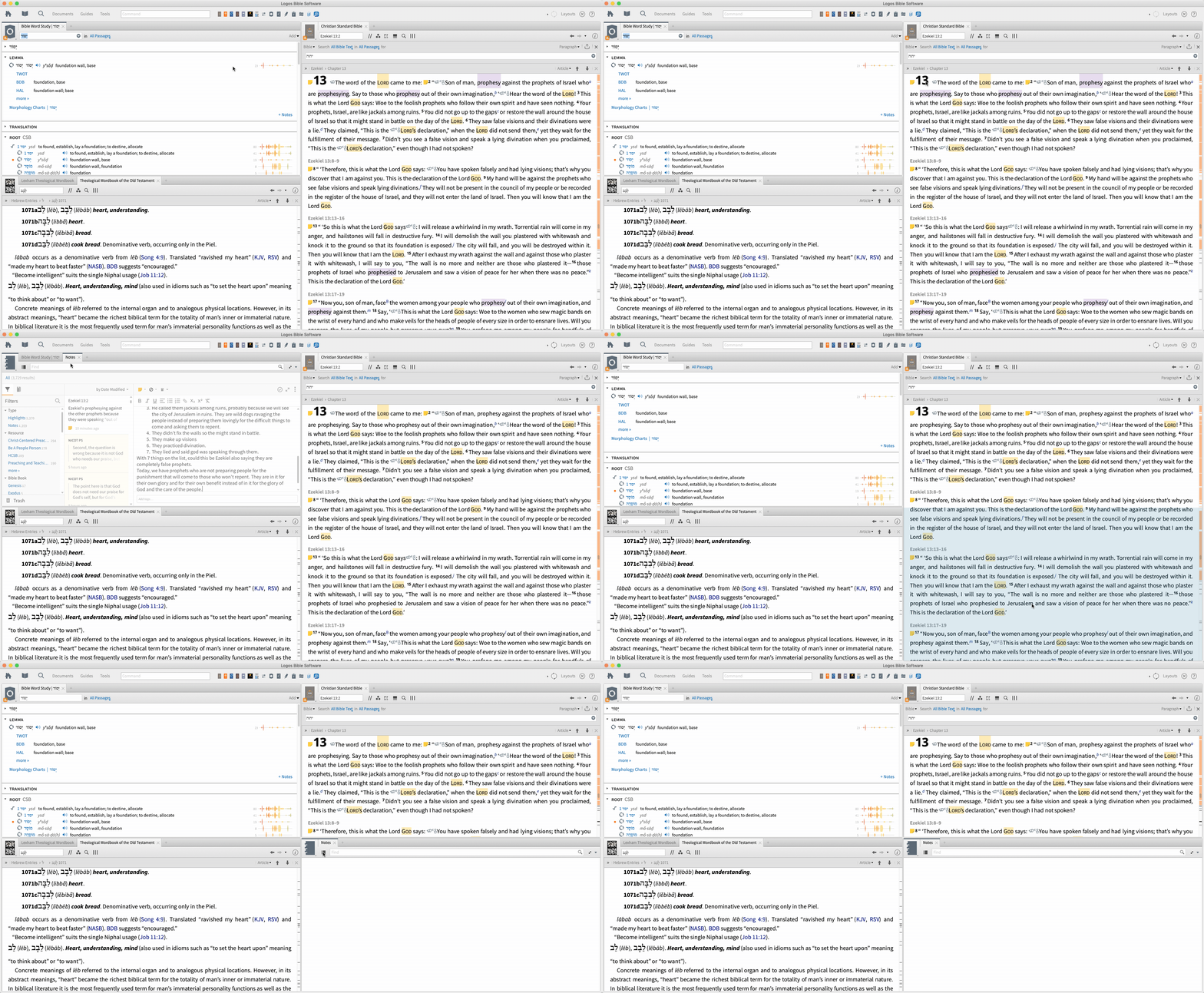
I have Logos 7.17 Beta 4 installed.
I opened the Hebrew Word Study desktop layout from the Quick Start layout menu.
When to Ezekiel 13:2 and clicked on the word a word. Then I click don a note icon (New notes system) and the note opened in the same window as the Bible Word Study. I wanted it to show in the lower right corer below my CSB. So I moved it and it went blank. Below is an animated GIF of the process of clicking the note icon and then trying to move it.
EDIT: I just tried to work around by moving the BWS window and the Notes window is still blank.
2nd EDIT: Enter and leave Reading Mode fixes the problem.