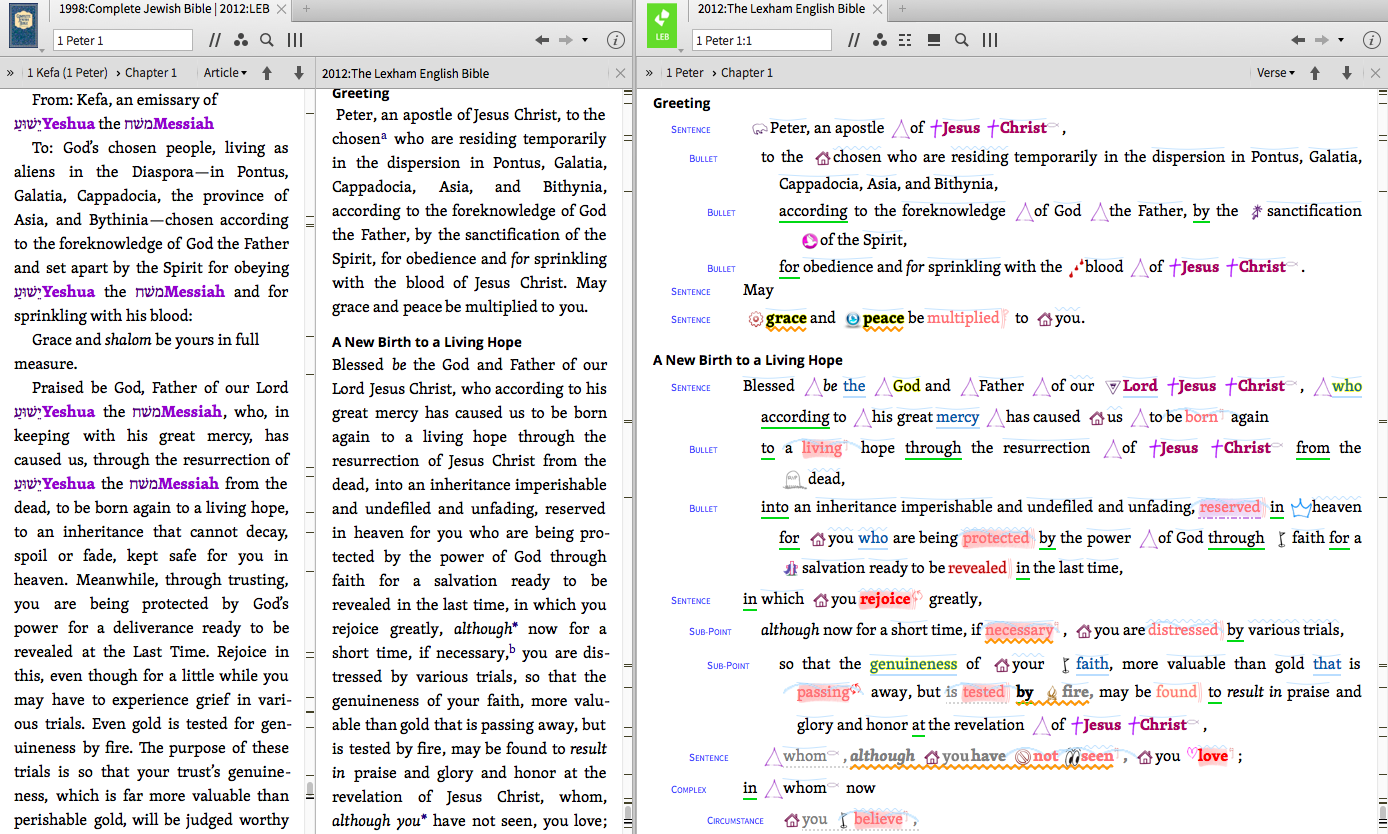
Greetings, I have looked but have not been able to find an answer.
What I want is to have, for example, a tab of the LEB that I can just go crazy with highlights and whatnot, while having another tab of LEB open with just normal study notes. Unfortunately, opening a new tab of the same Bible is essentially just opening another viewport of the same tab -- that is, any changes I make to the settings of one tab (turning off highlights, etc.) are reflected in the other. Instead, I would like for it to behave as if I have two different copies of the same Bible open.
There doesn't seem to be a way to do this, as the software seems to view each installed resource as a single copy of that resource. So perhaps there is a way to install the resource twice? Or to get the installer to list it twice (with different names)?
It seems like a long shot, but it would really help me out if it's possible, so I thought I'd ask.
Thanks!