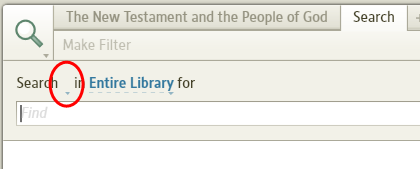
- Create a new highlighting palette and create one style in it
- Apply that style to some text in some resource
- Do a Basic Search through Entire Library (just so it takes long enough to do the next step) for that highlighting style.
- Before the search is complete, close the Search panel. (This step is the key!)
- Delete the entire palette that you just created in Step 1.
- Now open a new Search panel.
Result: The "AllText" field is null: