What is the best program to convert pdf's into docx files for a pbb? I noticed when I use ms word I loose formating sometimes
PDF's are tricky because it is really a collection of formats... Some PDF's are text based, some are image. The "best" program will depend upon the kind of PDF you have. If it is an image, you will need good OCR. Word will work best when the PDF is text based, has little graphics, and had good OCR (if needed).
Do you have specific examples of PDF's?
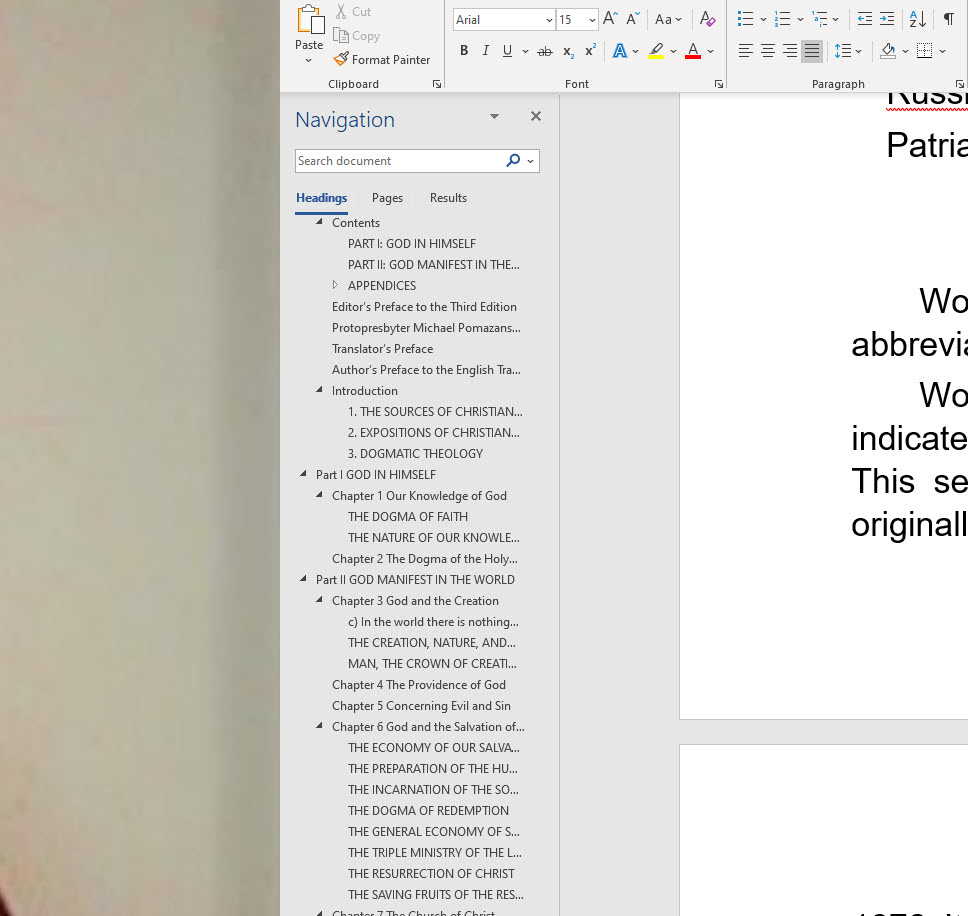
They are text but the issue is most of the reference links get lost in the conversion. The table of contents comes over as well but sometimes it looks different
the reference links get lost
Do you have specific examples? It may be an issue with the PBB tool itself.
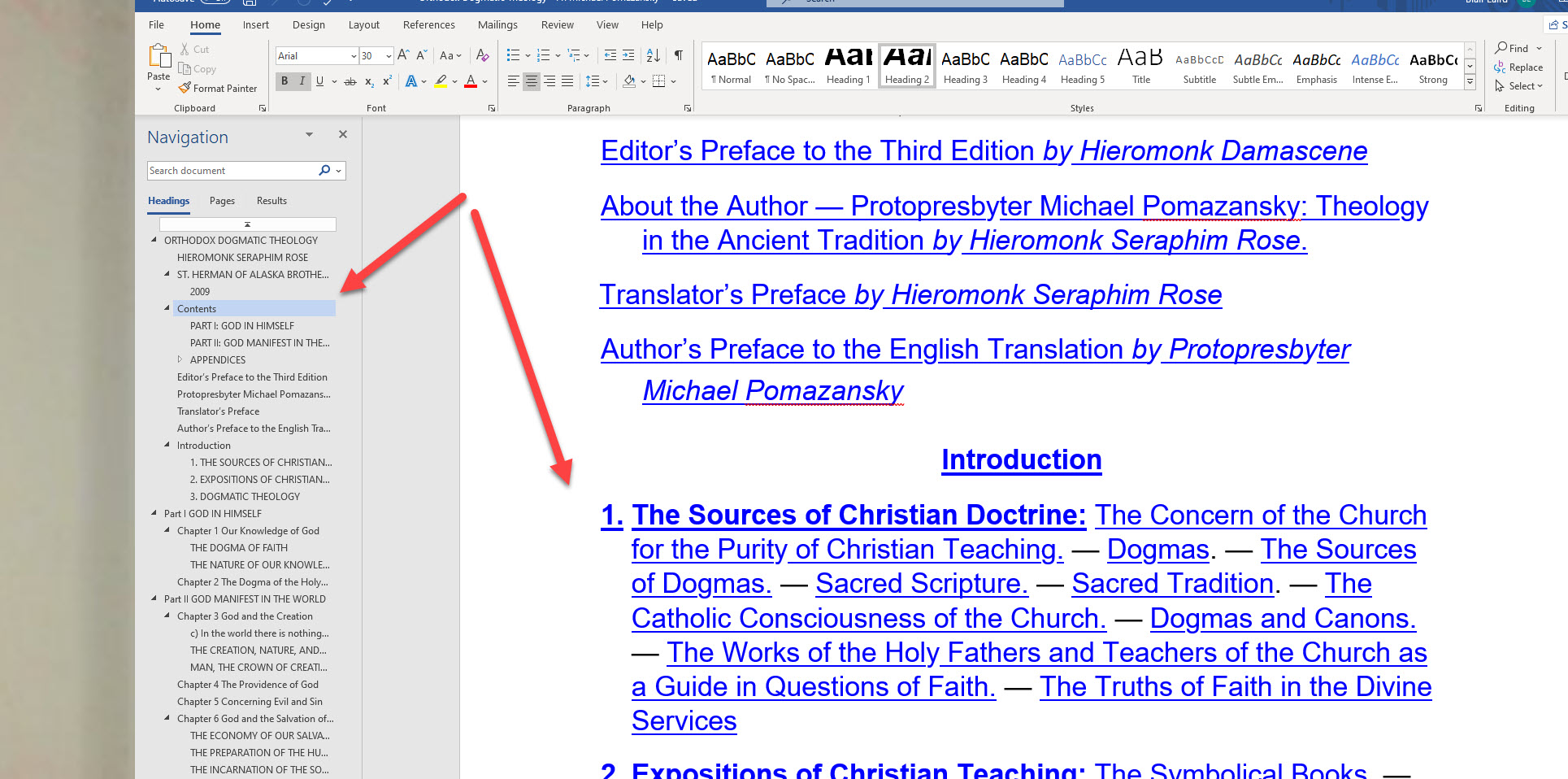
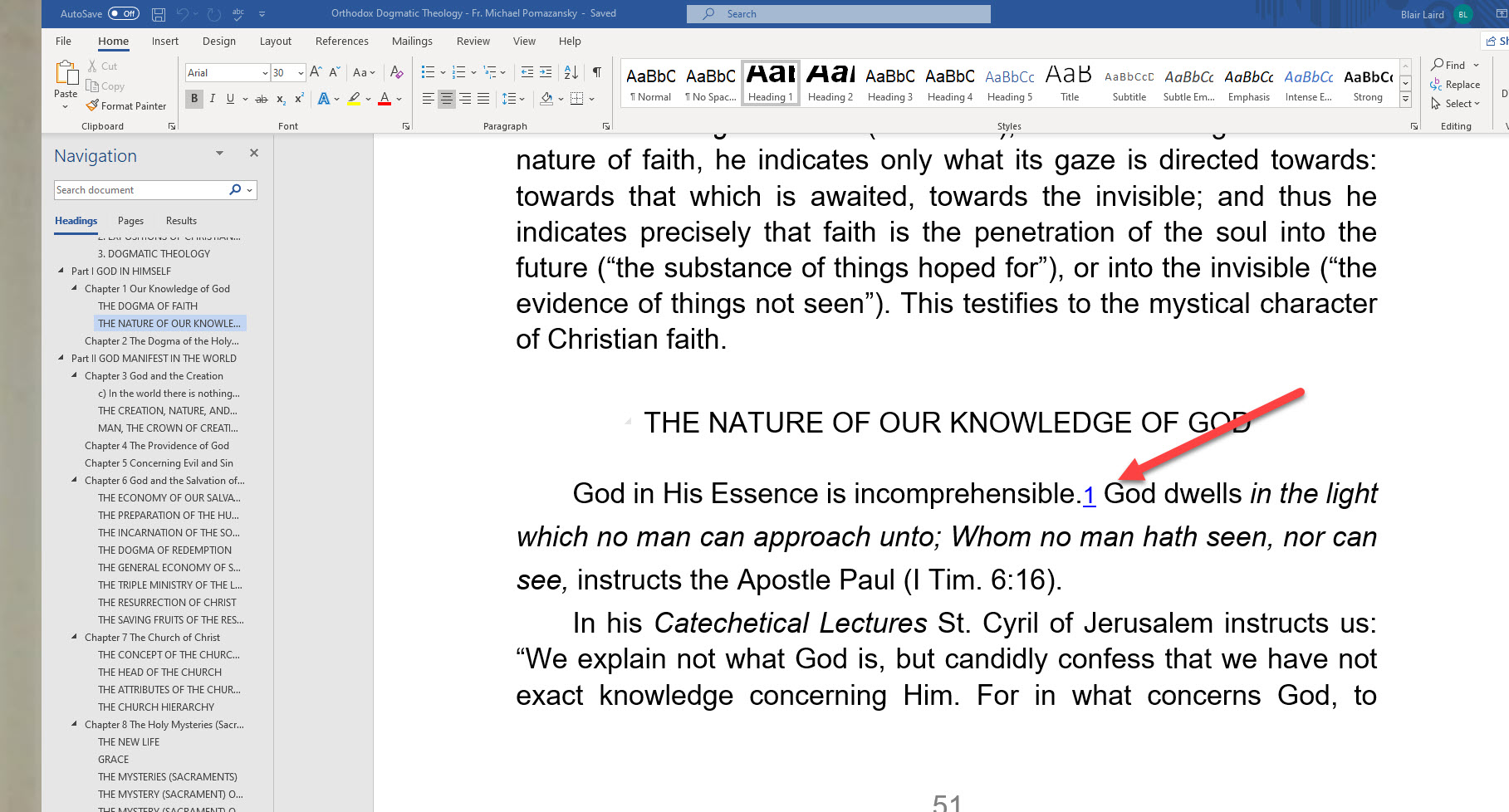
Sure.. this one the table off contents show up but they do not link (for example I can not click on part one in the table of contents and go to part 1 on the book) Additionally the references look hyperlinked but they nothing shows when I hover over them in ms word. I assume that is why they are not showing in pbb as well.
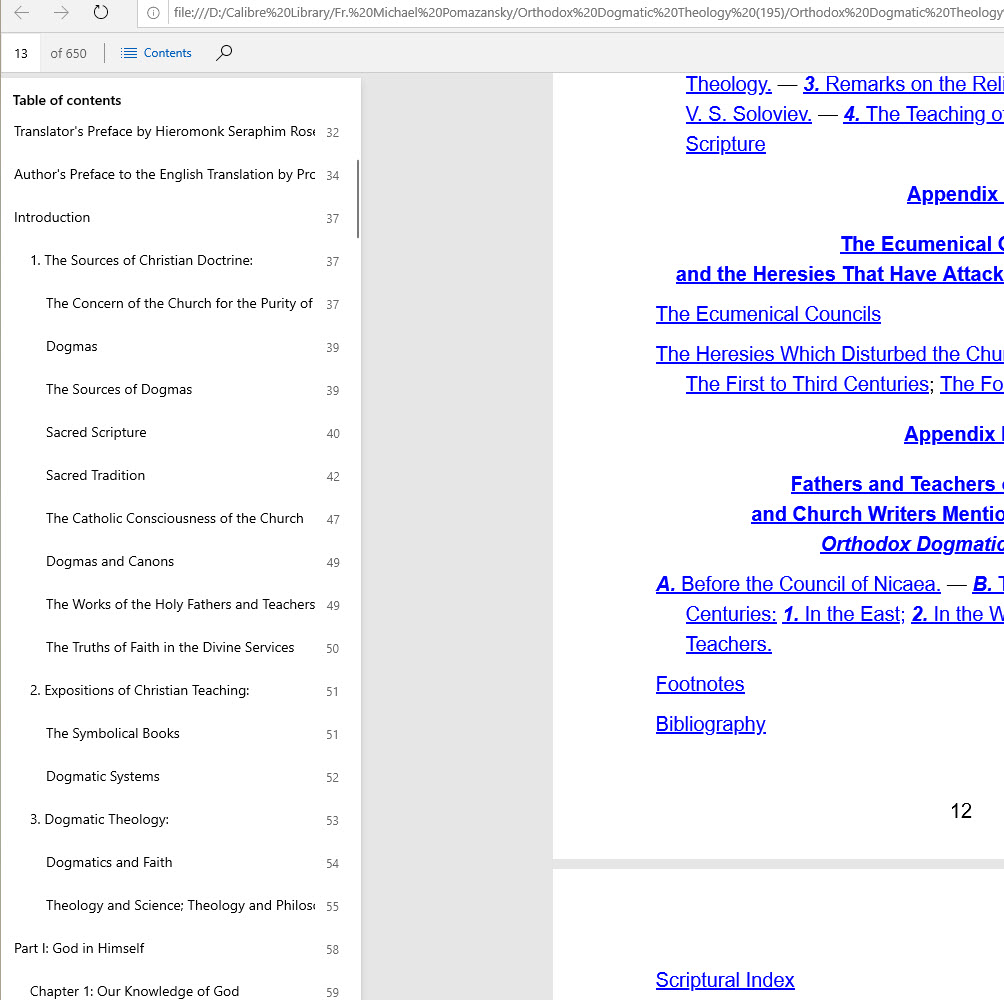
The table of contents looks way better in the pdf and when I click on the reference it goes right to the table of contents. So I know the links are there, it just does not seem to convert over correctly. I was hoping someone ran into this before and can point me to a better conversion tool or tell me what I am doing wrong. Just hate to re link all of my books. I wish logos would just accept them the way they are
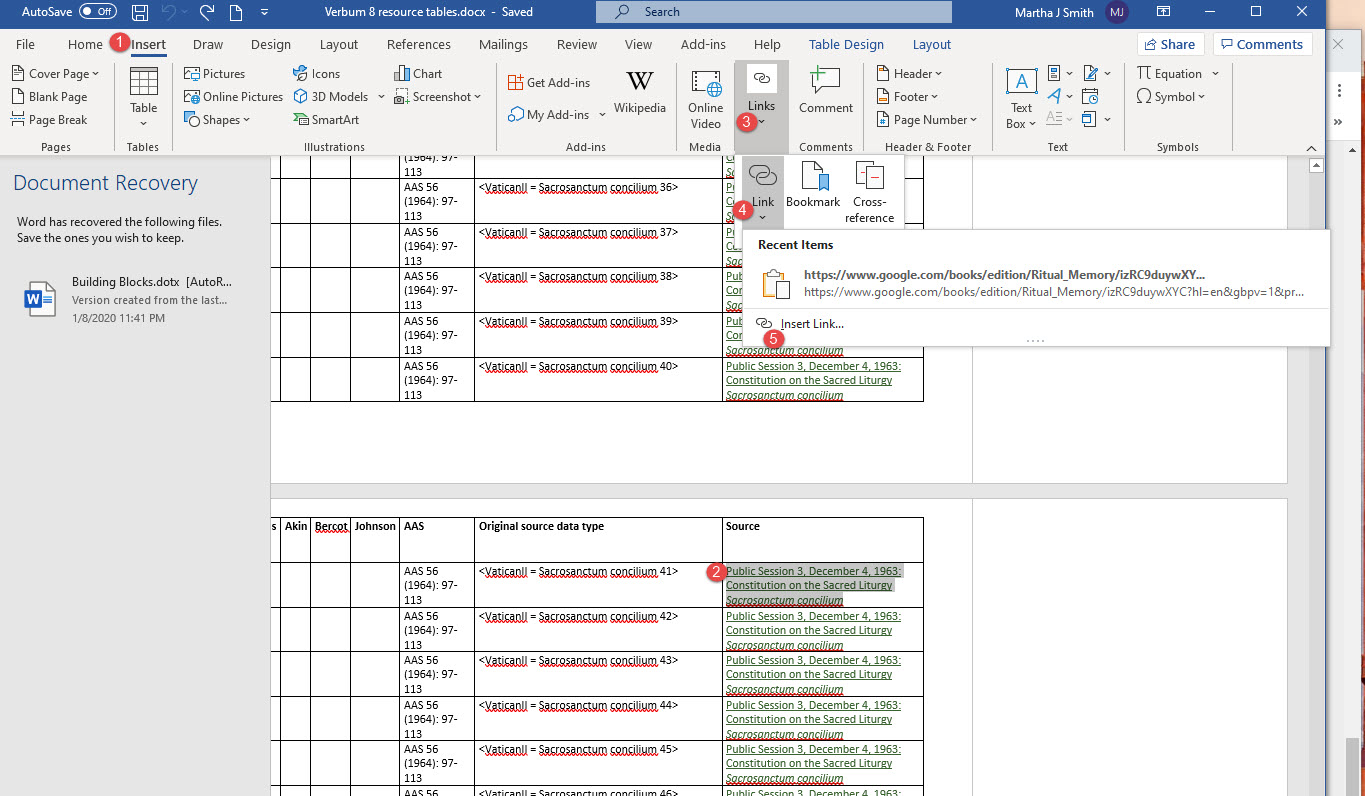
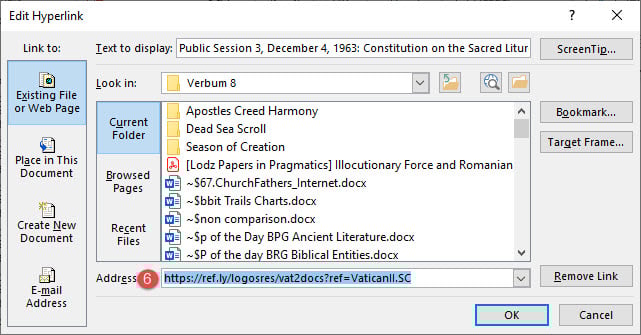
If you showed us the value of the links, it would be possible to tell why it isn't working. Opening the link icon should make it visible although you may need to copy it to show the full value.
Ok how do I do that Sorry it has been many years since I have messed around with this stuff. I am a super novice
Someone with more experience than I will need to assist... but... I think you are on a losing battle. From my understanding, The links in the PDF will not likely work right in word. The links in word will not likely work in the personal book.
Maybe this can be an assignment for some adventures worker.
A) convert a word document with internal links to a PDF
convert the PDF back to a word document and examine the links
Did they convert correctly? Then comes the question: Did the creator of the PDF have the links properly set up? [just because there is a footnote number and later what looks like a footnote with the same number does not mean that the original author used links and did not just do it manually like we did back in the days before "WORD" (etc.) ]]
Created docx file with some real footnotes – saved as PDF – opened the PDF in Word – the footnotes were restored
Created docx file with fake footnotes – where the footnote should have been inserted a superscripted number and added a fake footnote in the footer with a superscripted same number. Saved as docx and pdf file. Opened the fake footnote PDF file. Word connected the fake footnotes into real linked footnotes.
Available Now
Build your biblical library with a new trusted commentary or resource every month. Yours to keep forever.