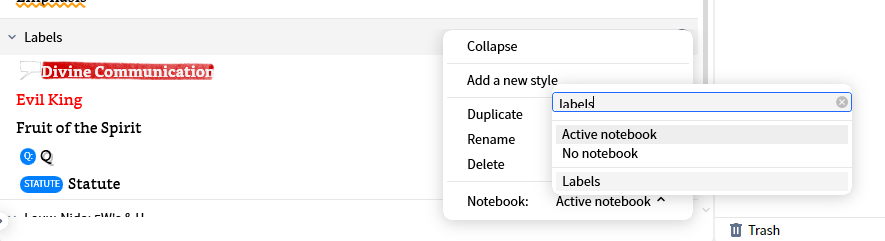
I do a LOT of Bible underlining/highlighting for various reasons (many free templates available for Styles in Faithlife groups "JimDeanStudyStuff").
Each color/style has a meaning. So, I create a DEDICATED NOTEBOOK for each one ... that way Logos automatically saves a "chain" of all places I marked with that style.
To use this, I need to be able to select a word/phrase, then quickly switch to the right Notebook, then quickly apply the appropriate style.
To do this, I set up a layout as shown below ...
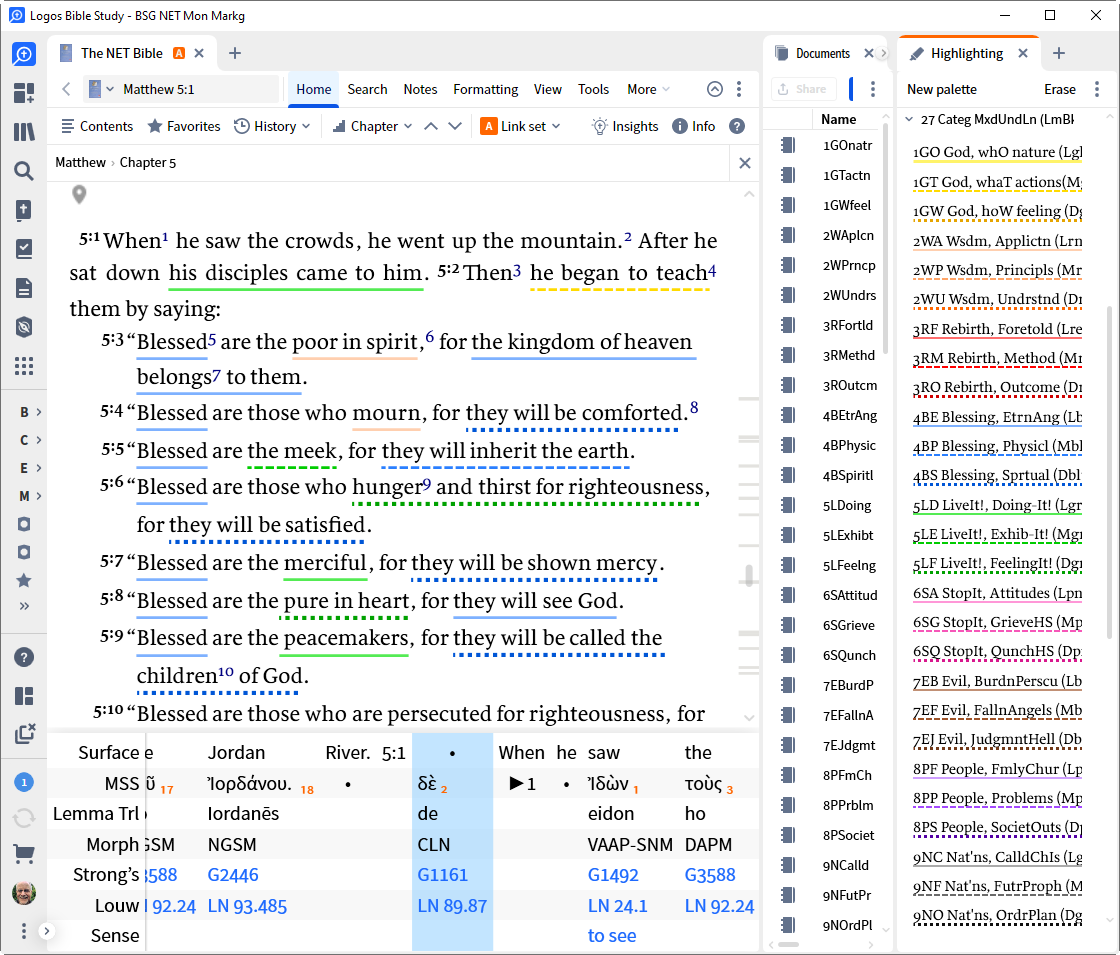
The thin right column has 27 Notebooks, nicely sorted ... the wide far right column shows the parallel 27 styles with category names. Conveniently, the line heights of the two panels are about the same, so I can get them to align well.
OK ... that's how it looks when it is set up properly. Now, I click Layouts > "Update Active". Then when I'm done, I close the layout.
The PROBLEM is that the NEXT TIME I open that Layout, the sort order of the Notebooks, and the vertical scroll positions of both right panels has been LOST, and I need to once again sort and scroll to get them to a useful point.
This is what I see when I re-open the Layout ...
.png)
Obviously, this is a pain.
PLEASE MAKE THE SORT-ORDER AND SCROLL POSITION of any such panels ... but at least these two ... to be SAVED WITH THE LAYOUT, so they persist the next time it is opened.