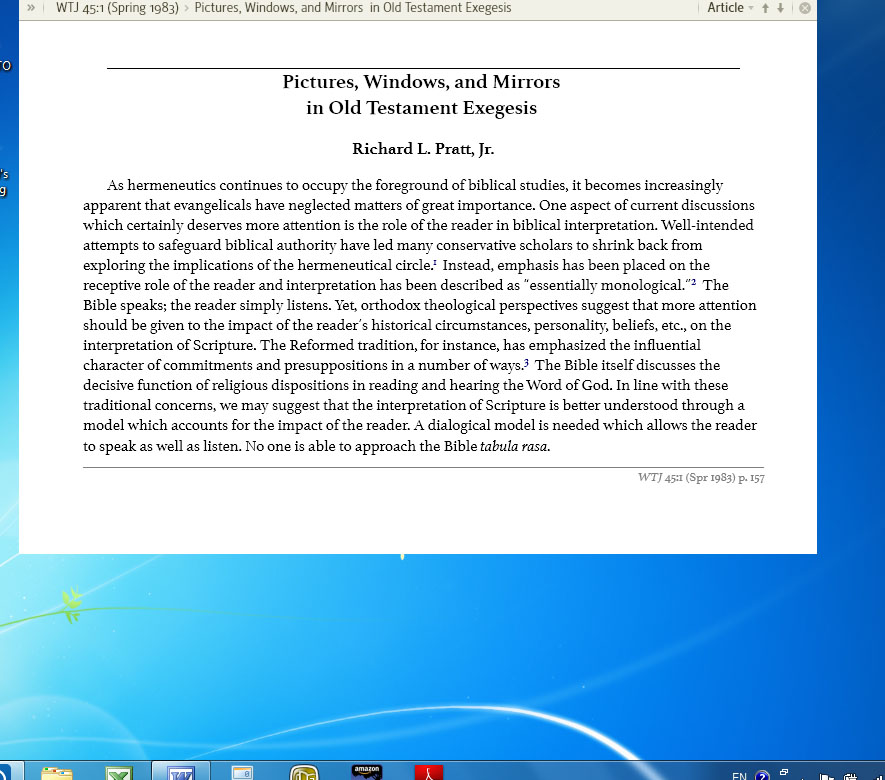
Here is the screen shot after F11 to enter into the reading view.
I think that is an instance of this "known issue" mentioned in the 4.2 Beta 1 release notes:
Content that is too wide for the optimal column width can force fewer columns. Scrolling past the wide content never restores optimal width columns. Toggling paged view or resizing the window will restore optimal width columns.
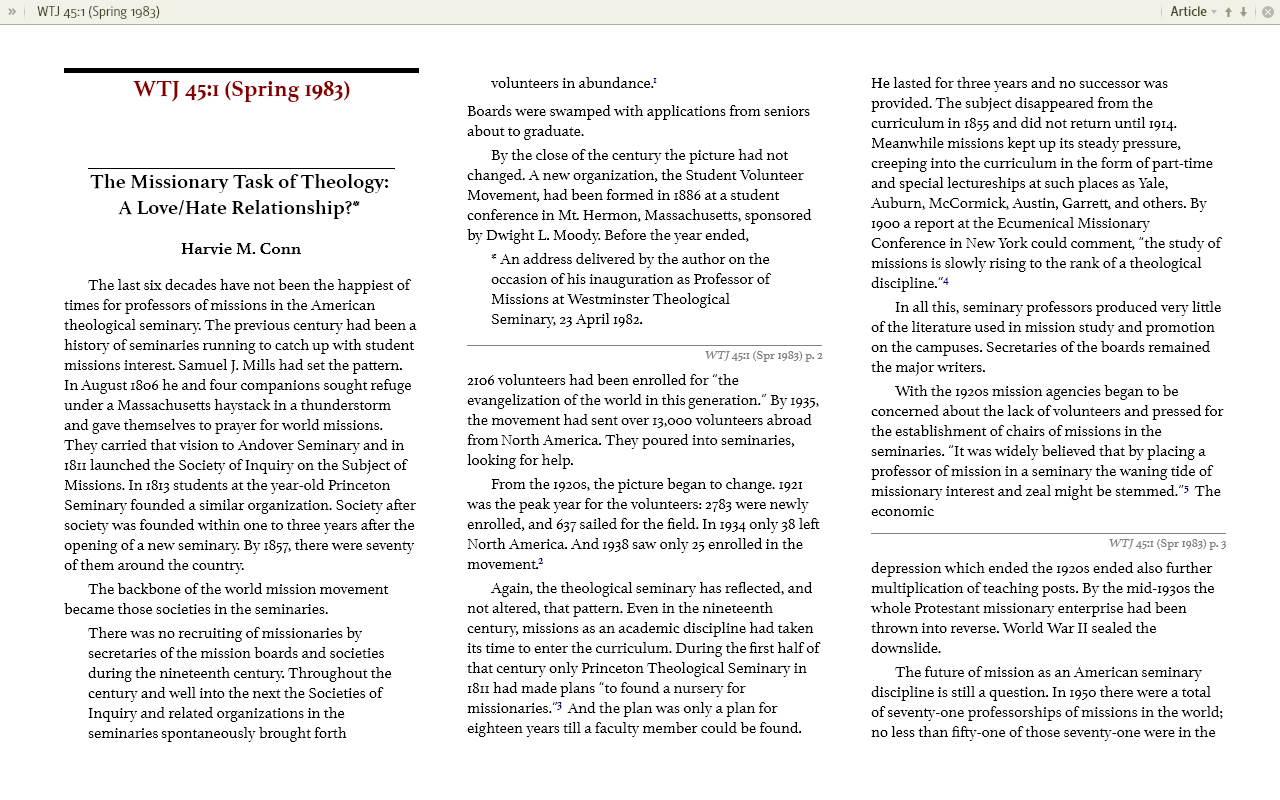
I opened that issue of WTJ in paged view and hit F11 for reading view, and the columns worked fine:
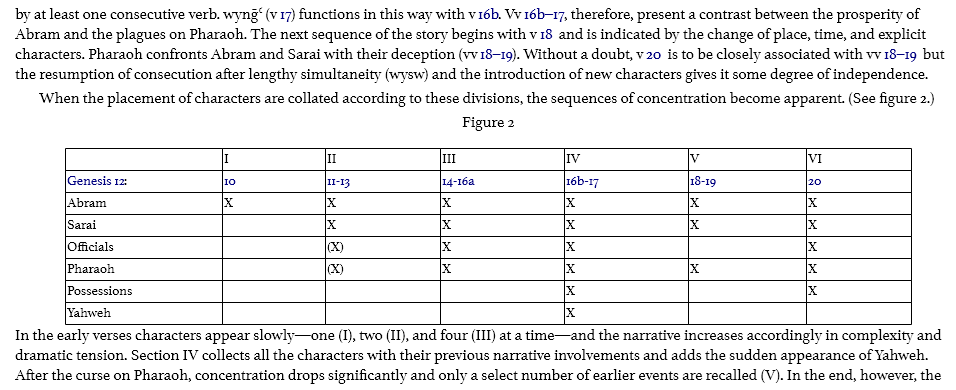
But when I scrolled to the article you're referring to, it did go back to 1 column mode. I think it's the extra wide table (Figure 1, p. 161) that's causing the problem:
Be assured that they know about this issue and it should be fixed in a later beta release.
Available Now
Build your biblical library with a new trusted commentary or resource every month. Yours to keep forever.