How can I access a book I purchased and its not in my library
I purchased Andrewa study bible and it's not in my library
Is this on desktop, mobile or the web app?
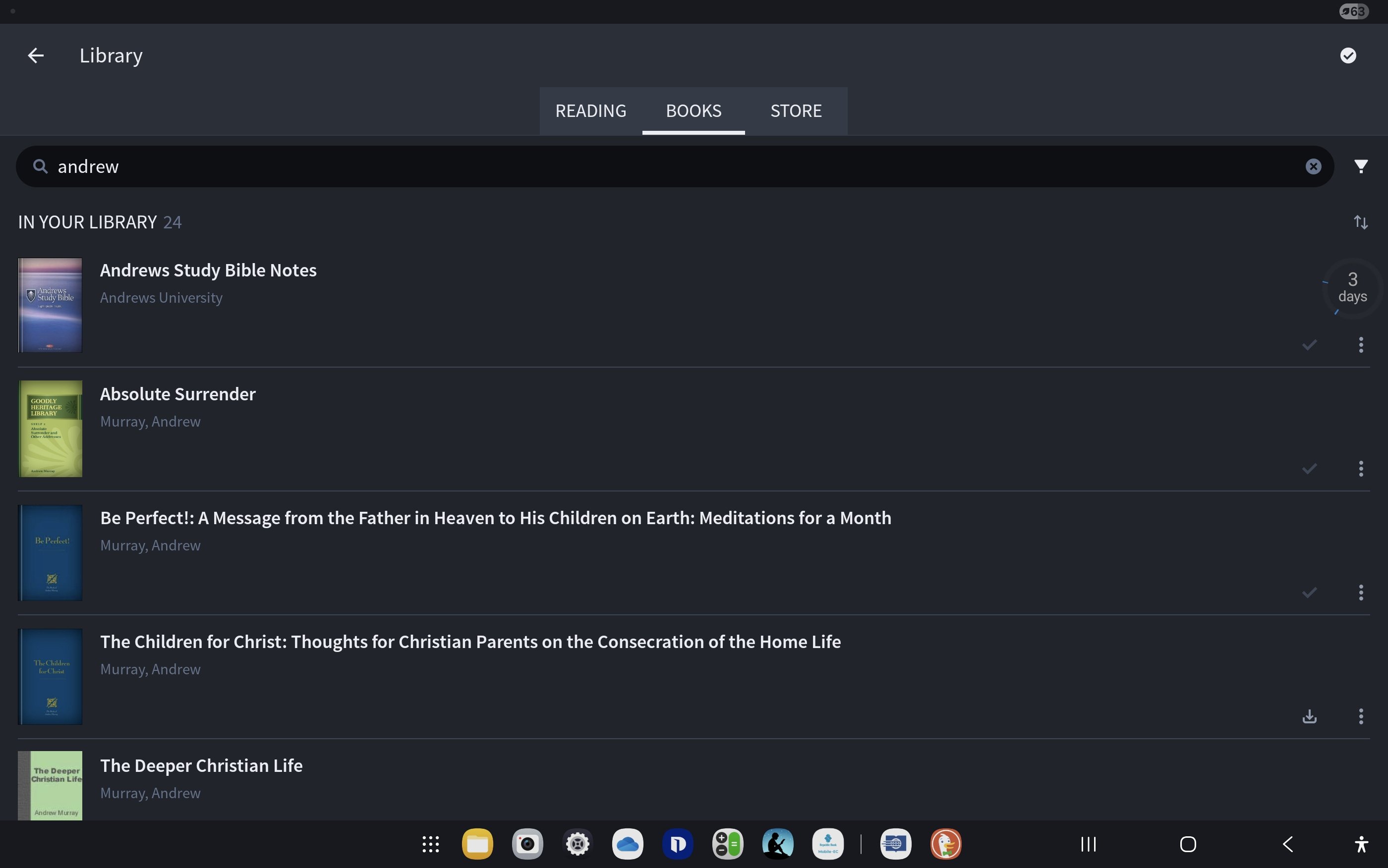
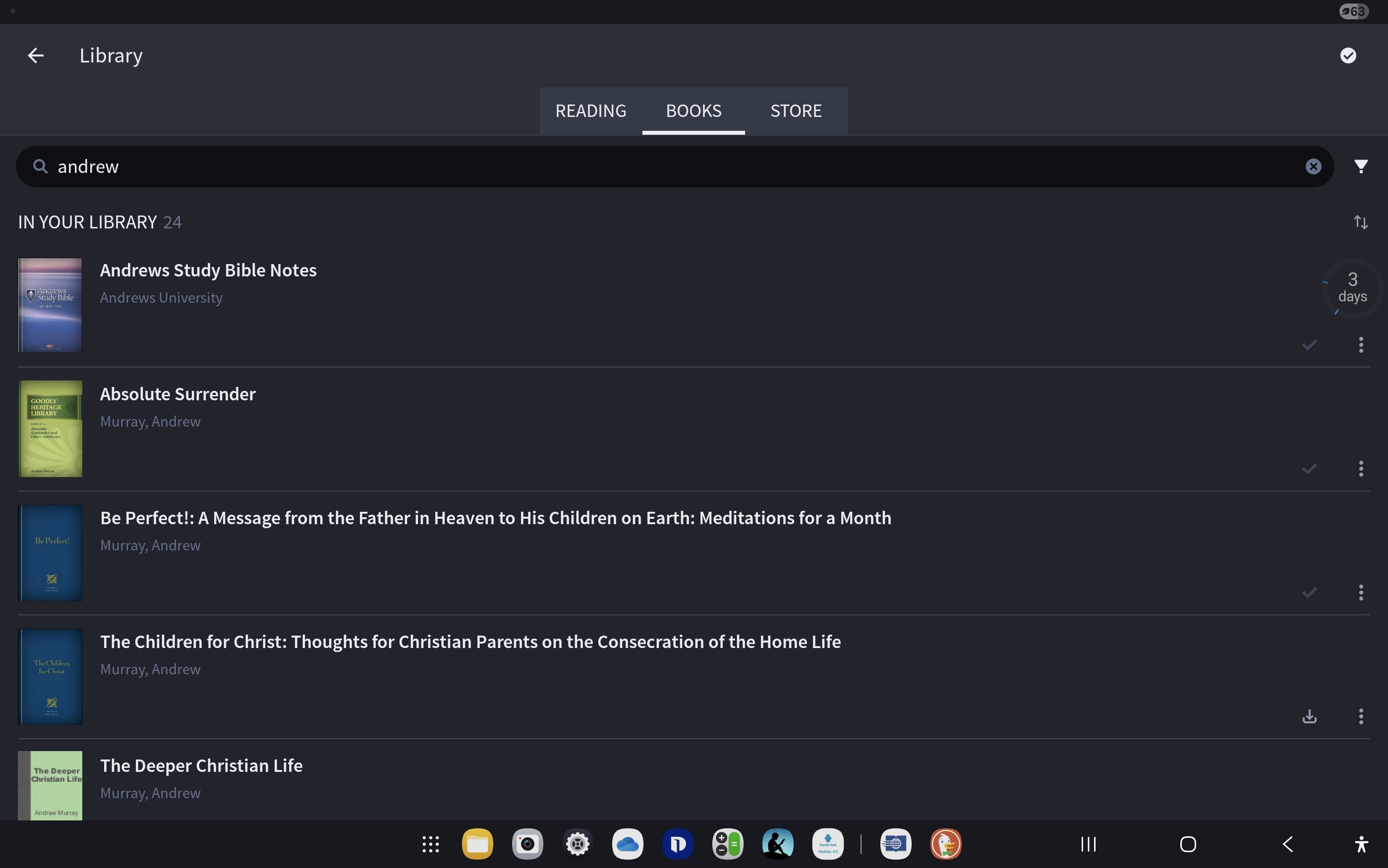
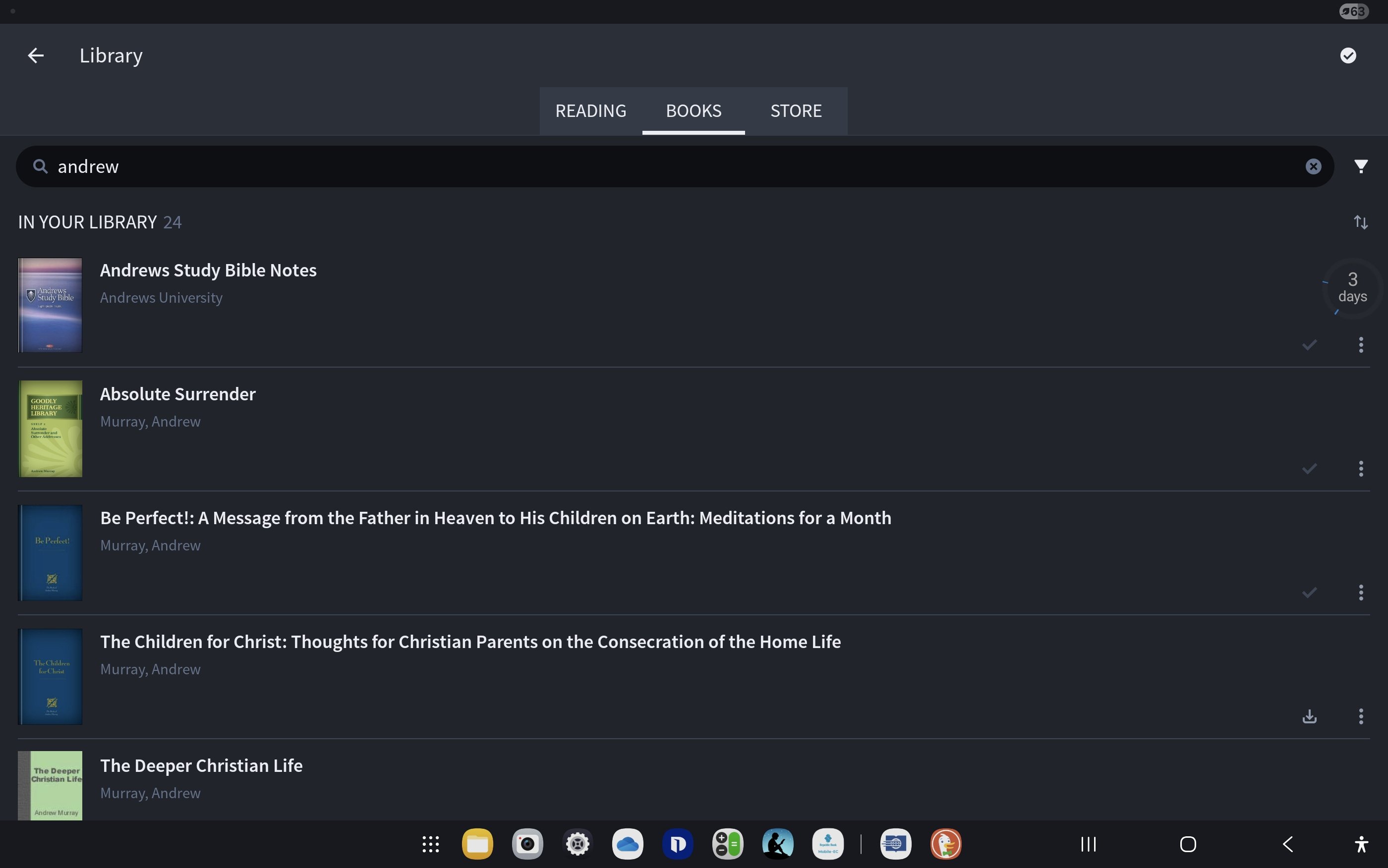
Please post a screenshot showing your library with the word Andrews in the library filter box
Mobile app
I can see the Study Bible Notes resource there - did you purchase that as well as the Study Bible?
I purchased both
The above information as requested
The "Andrews Study Bible" you purchased consists of the New King James Version Bible and the "Andrews Study Bible Notes" book that is listed in your library.
There is no separate resource that is the "Andrews Study Bible".
When I purchased there were 2 separate resources
If so the store needs updating
https://android.logos.com/product/9500/andrews-study-bible
That's correct. The NKJV Bible and the Notes. It is set up this way so that you can use the NKJV if desired, but you can also link it with any Bible in your library.
I understand your argument
Why did I have to pay for 2 different resource then
As per the https://www.logos.com/product/9500/andrews-study-bible product page, it "Includes NKJV text". There's a callout stating that you can "Order only the Andrews Study Bible notes" here https://www.logos.com/product/15006/andrews-study-bible-notes if you don't want to purchase the NKJV text.
And, for what it's worth, if you do not want to have purchased the NKJV, then you can contact customer support and return the product and then repurchase just the notes at the link Bradley provided.
Available Now
Build your biblical library with a new trusted commentary or resource every month. Yours to keep forever.
When I put my program in full screen three of my menus in the pull down menus at the top do not work correctly: Layouts, Tools and Guides. If I click on them they flash down and then close. They never open fully. I have had this problem since Apple updated its OS to Tahoe. I have reported it several times but seem to get…
I know that hermeneutics is interpretation of God's Word, but what am I missing? Am I missing anything? The best interpretation of the Bible comes from the Holy Spirit revealing the hidden meanings. I am halfway through my Pastoral Counseling and Addiction Recovery master's class. It is a shortened version rather than…
Hi everyone, I am following up on the discussion regarding the addition of Serbian Bible translations to the Logos library.In a previous community post from early 2025, it was mentioned that the "Sveto Pismo - Novi Srpski prevod" (NSP) should be available sometime by August 2025. However, I am still unable to find it in…
When I open The Lexham English Bible Sometimes I have vaious things Highlighted that I didn't add and also Tabbed Highlights With Tabs "NT", "OT", etc. These don't seem to be "Notes" and I don't know how to turn then On or Off. As one example, I see that "NT" & "OT" identify "Quotes" from the "NT" & "OT", but don't see a…
I am trying to find a quote from a secondary source in the primary one. In this case, an author quoted Tertullian. I want to see this in Tertullian. I am aware that a lot of ancient works have multiple translations, so individual words may not be the same. So I am trying short phrases to help me find the original. I tried…