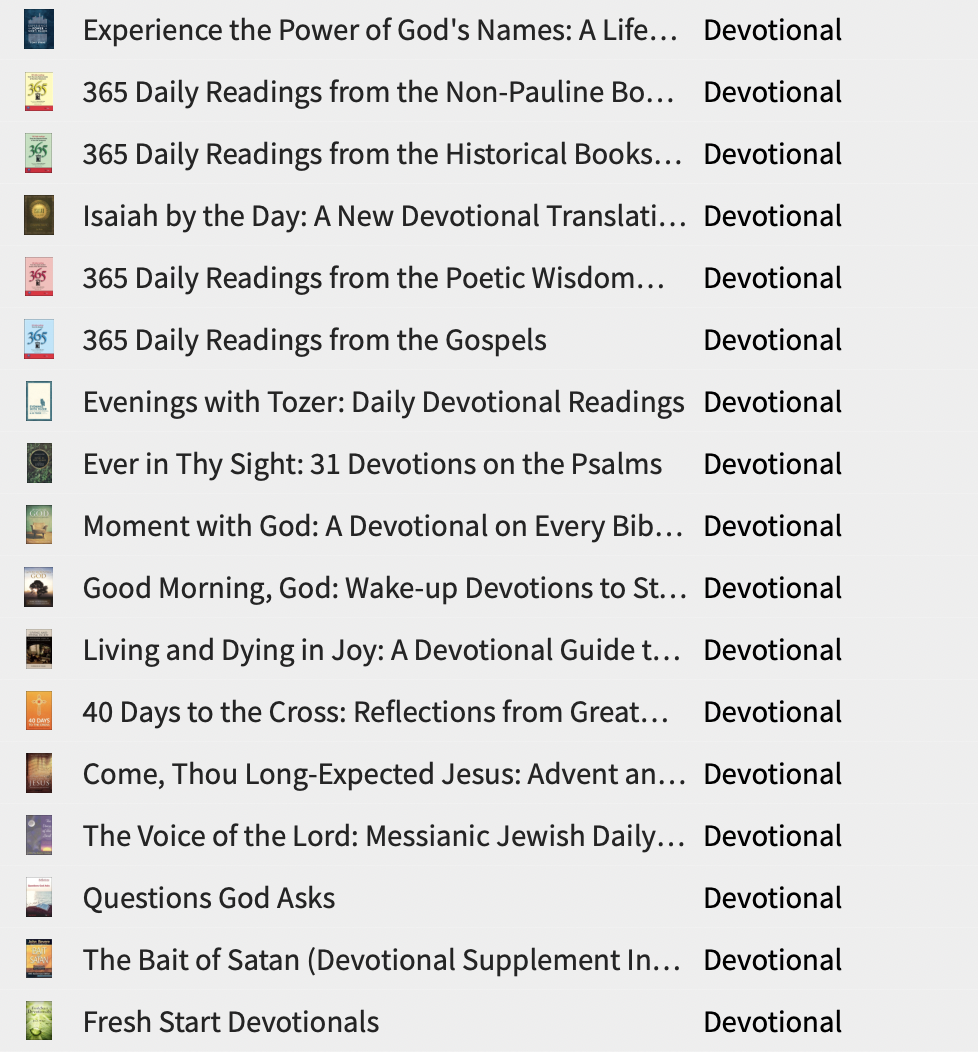
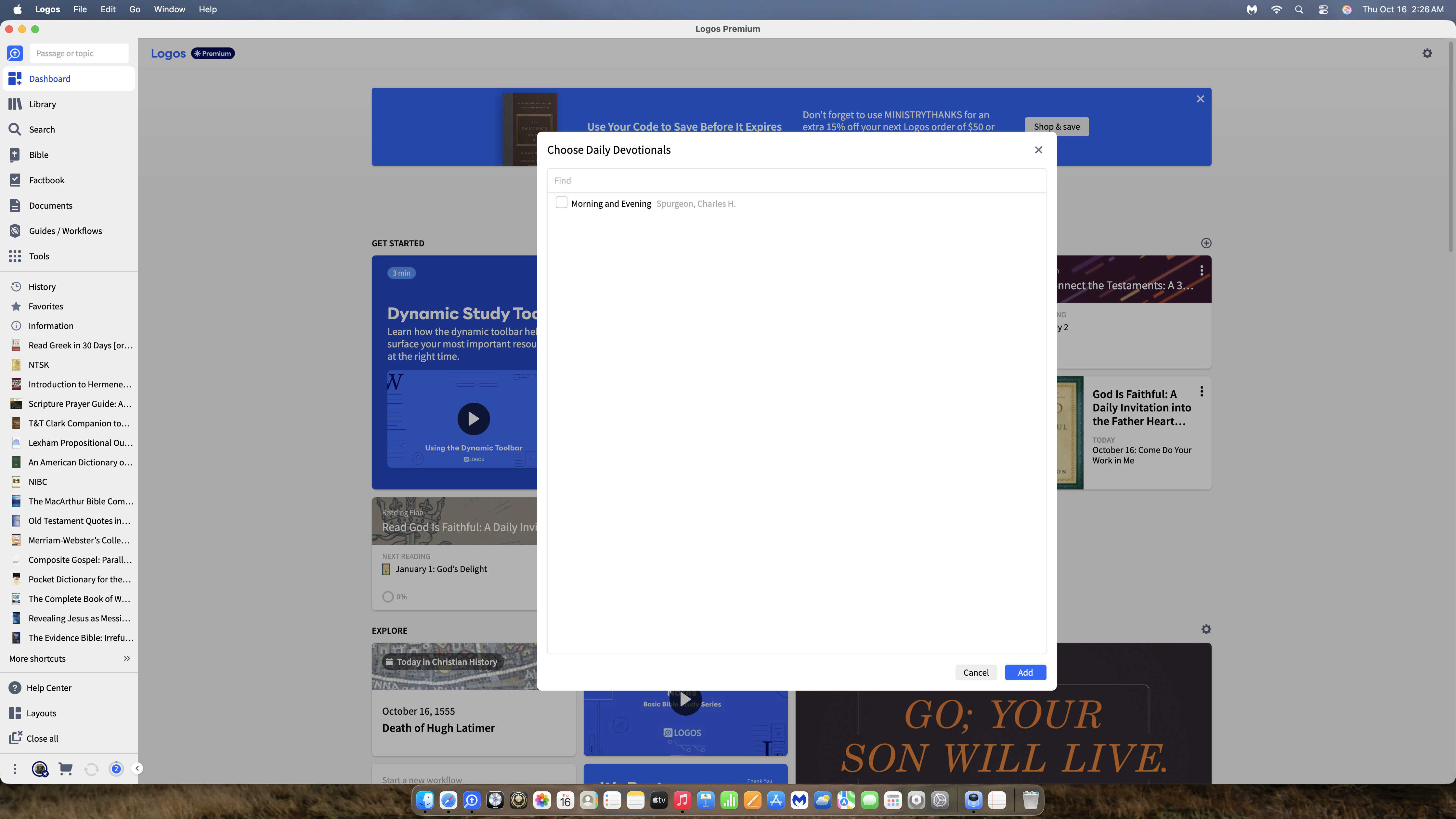
the devotional resource are not in the list to add to the dashboard. How do Iadd them as a card w/out creating a reading plan
@Greg Kingsley Look for "calendar devotional" not "devotional" as the resource type.
Can you give an example of some of the resources?
If they are ebooks they won't appear, if they are classed as Calendar Devotionals they should
These. When I click the + on Dashboard to create a card, none of these are in the add list
This is what I get when I click the + to create a card for the Dashboard. None of my devotionals from my library are on the list
Yes. Thank you. That was the key. i didn't realize there were 2 types of devotionals.
Yes, thank you Graham. I was only looking at Devotionals, not Calendar. TY !
Available Now
Build your biblical library with a new trusted commentary or resource every month. Yours to keep forever.
Dear Folk, Doing a course, and have a suggested search phrase that doesn't work for me. I'm doing something wrong. Search syntax has changed since some of the older screencasts for older courses. How do I search for the any of the first terms near any of the following terms? Suggested search phrase: [(<Topic Divine…
I purchased some standalone videos on Faithlife TV a while back (not the Faithlife TV Plus subscription). What will happen to those? Will they be accessible inside Logos if the FL TV app goes away? Thanks!
How do I download and use logos on linux?
Hello ; Does anyone know the procedure (or syntax) in WORD to include official (original) notes in personal Bibles ? e.g. in Genesis 1:2: [[@Bible :Genesis1:2]] {{field-on:Bible}} 2 The earth was desolate and empty. There was darkness over the Abyss, and the spirit of Elohim hovered over the waters. {{field-off:Bible}} on…
In the mobile app, how do I compare Bibles other than those in my top 5? Even after reading through the help article on using the Text Comparison tool in the mobile app, I'm still at a loss as to how to choose a different collection of Bibles for comparison. I have multiple collections of Bibles set up in the desktop app:…