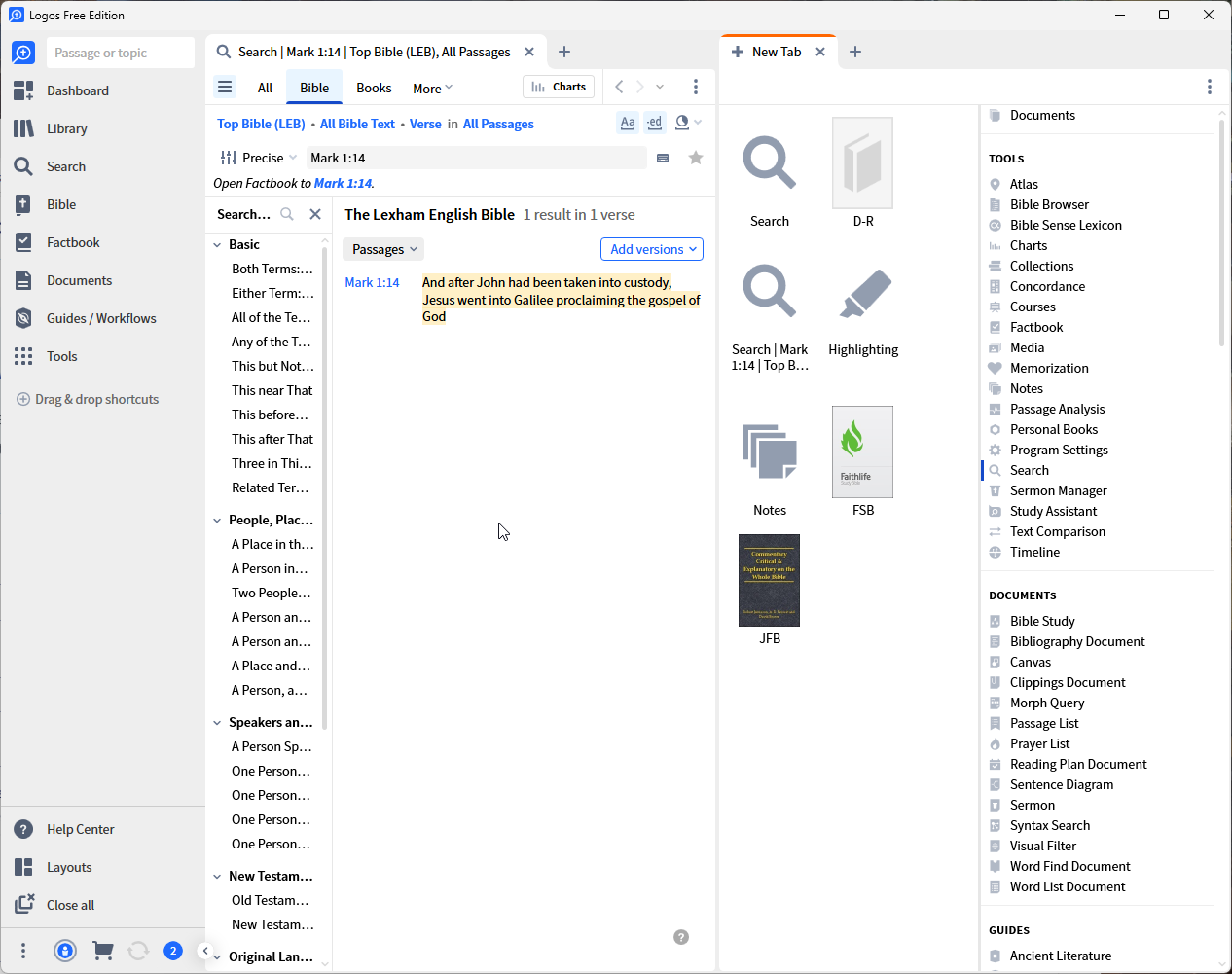
I created a new account in order to use the free version for comparison and to answer forum questions without the assumption that everyone had the same features and resources as myself. It used to be that your first view of Logos had a input box - if you simply entered a passage you would open your Bible to that passage. That was not the "intended" use but from the forums we know that is what some did. Now one has a search box which is useless as a starting point for a first-time user jn the sense of getting a confusing window without any obvious next step:
Alternatively, one can use the second card on the dashboard to open the "Get Started" training page. However, that leads me to:
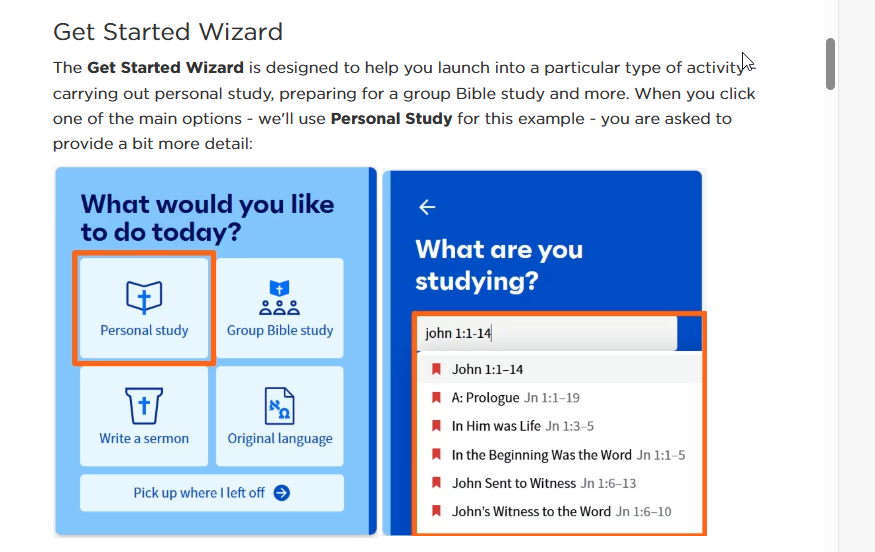
Unfortunately, I can't seem to get the Wizard to display.
So, @Mark Barnes. If I am a new user, how am I supposed to get started? I am not sure in which version this became a problem. I do know that either I am missing something obvious, or it is no longer possible to just jump into the application.
Note that if I were directed to the free version page, as I would expect, i.e. Get started with Logos for free! – Logos Help Center, I get another form of the option which is not available to me:

The result is that I don't know how to get to the screen that the video begins to explain in more detail.

