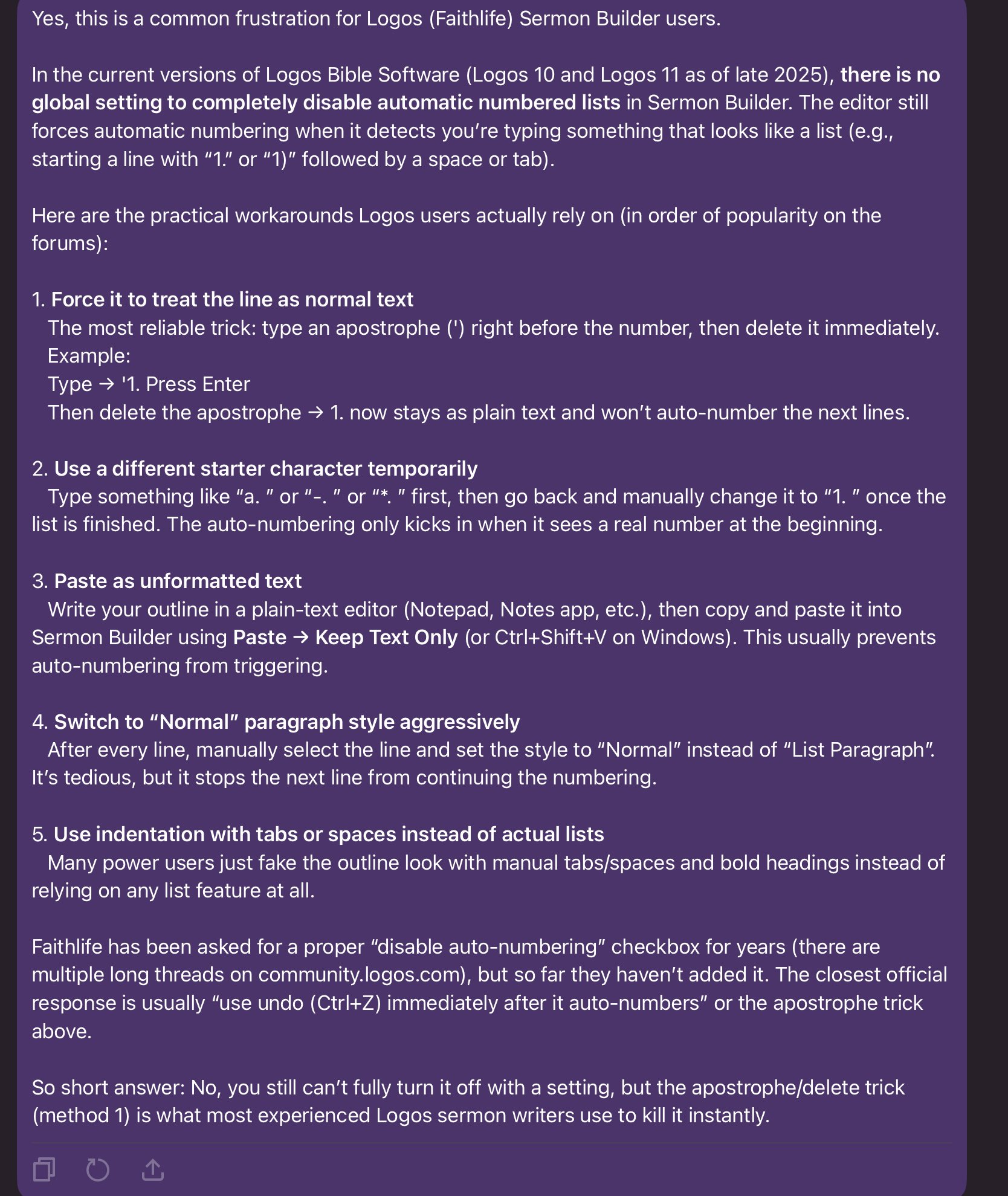
Sermon Builder numbered lists do not work properly. I make my own lists. Can I completely turn off the automated numbered list feature? I make too many keystrokes to fight against this feature.
I won’t swear to the veracity of this, but attached is a Grok response to your question.
Yes, this is very helpful. Small comfort knowing that I am not alone. The Ctrl+Z trick has been my favorite. Will adopt the apostrophe trick … and just leave it in the document that I will print and preach from.
I have used Logos forever. True love. Yet for many years I have been mystified that the text editor should be such a dissatisfying experience.
Many thanks!
Available Now
Build your biblical library with a new trusted commentary or resource every month. Yours to keep forever.
In Bible Word Study on Mac, I don't have access to several features I would like to use: Lemma in Passage, Example Uses and Case Frames. Is this due to my subscription tier (premium) or missing datasets/resources? Which subscription tier or resources will enable those sections? I called Customer Service, and they just gave…
At what package level is the Bible Sense Lexicon included as a feature?
Scrolling is slow. Would a more expensive phone help?
My Mac is running low on disk space, and it looks like the Library/Application Support/Logos4 folder is taking 20GB in /Data and 15GB in /Documents. I'm guessing that one of those is my library and the other is my notes and highlights. Is there a way to see the size of all the things in my library so I can get rid of those…
The Books of The Bible from the International Bible Society presents the biblical text visually according to its natural literary outline Christopher R. Smith, “What They Don’t Tell You in Church: Chapters & Verses,” ed. John D. Barry, Bible Study Magazine: July–August 2009 (Bellingham, WA: Lexham Press, 2009), 47. I was…