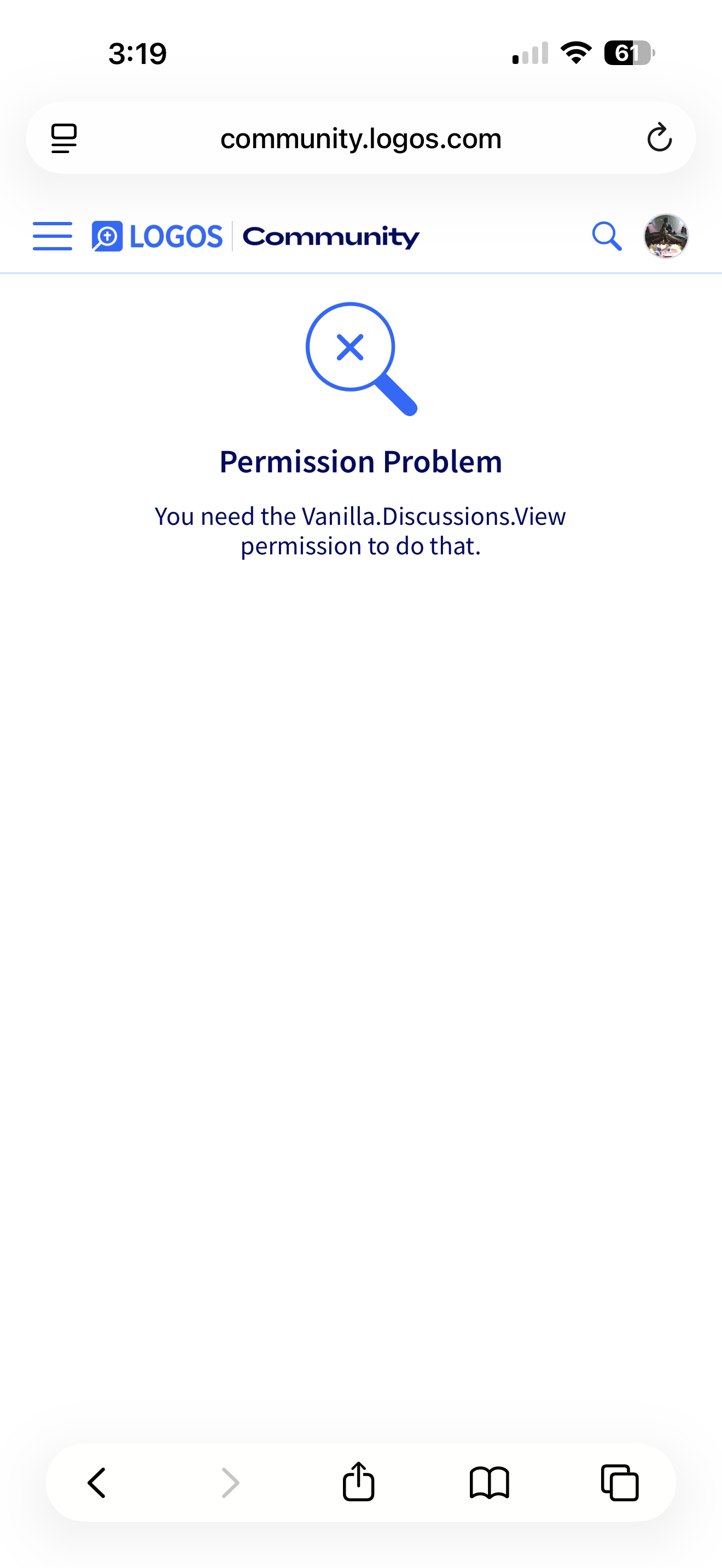
I get a “permission problem” error whenever I attempt to create an “idea” post.
@DMB, that note on permission is appropriate because it is behind a permissions wall. That comment of MJ's was mentioned in our MVP space, which is closed to the general member audience.
You are not alone - although with patience and ingenuity you might get it to work. I find duplicating the tab and trying to post on the copy often works. @Jason Stone (Logos) will likely step in with actual advice.
You only have good ideas, @Stephen Otto, so it's certainly the platform that's the problem and not you. :) This has been escalated.
This is a known issue that was first reported by several users earlier today and has already been escalated to developers to determine the root cause and a long-term resolution.
The problem appears to be triggered when tags are included on an idea post. In the browser’s developer tools, we are seeing the unexpected error: "You need the tags.add permission to do that."
"You need the tags.add permission to do that."
In the short term, the workaround is to submit idea posts without any tags. This will allow posts to be created successfully until a fix is in place.
@MJ. Smith, @Stephen Otto, apologies for the difficulty here.
Actually, it was first reported nearly a week ago
and has been reported sporadically since then. I mention this as the error may have been introduced into the code a bit early than you implied depending upon when releases have been implemented.
I'm sorry for laughing … I clicked on the 'View Post' button in MJ's post, and … no permission!
Available Now
Build your biblical library with a new trusted commentary or resource every month. Yours to keep forever.
Hi there, I am new to syntax search, so I am looking for help with an issue where certain results are not showing up. I am trying to find instances similar to the end of Lev. 16:10, where there is a clause with שׁלח and an indirect object with a prepositional ל (for those unfamiliar with Hebrew, the ל would be attached to…
I am doing a study for both self and also for a small group and I am trying to find a verse or verses in scripture that relate to the Completeness of God in Himself and does not require us because He needs us to fulfil something in Himself.
I am wondering if you discussed or have plans to add any more narrators for the people who enjoy listening to the Word read to them as they follow along? I love hearing Max McLean's narration of the King James Version; it helps with the pronunciations of the old modern english words.
Are all books downloaded locally with the desktop app?
Hi Logos Community i own this product, and i want to do a reading plan to read one or more sections every day. But no matter how i tried, i am not able to make a reading plan, based on the sections. It always give me only a pages based reading plan, which do not align with the sections - can you help me? Romans–Revelation…