Hi everyone. I'm starting a project that requires multiple notes with identical text, labels, and tags, however each note will have unique verse anchors. Rather than creating a new note each time, I used the "Duplicate" function (Ctrl-click on the note tab, and select "Duplicate").
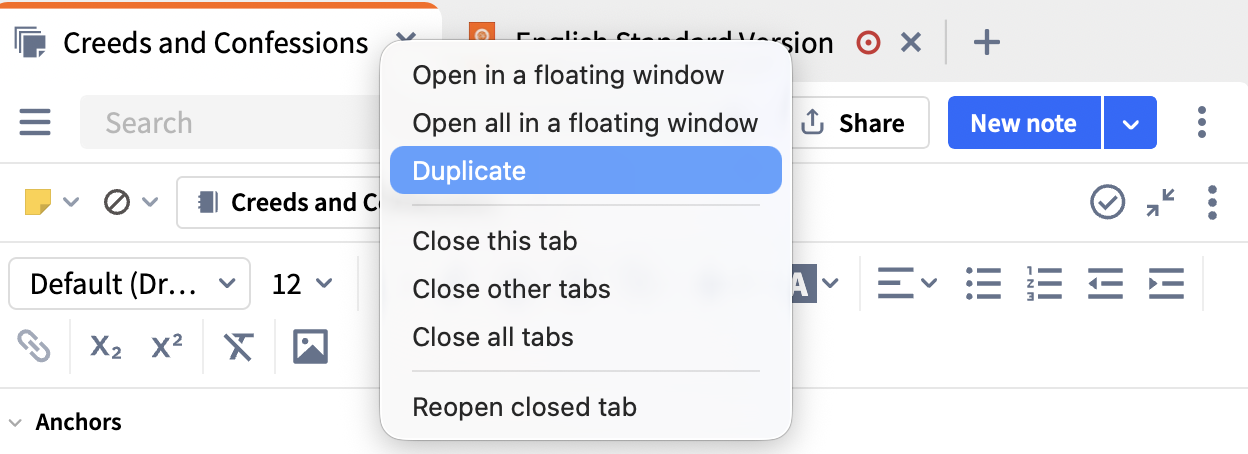
This results in a new note that exactly matches the original note. However … when I change anything in the new note, that change is automatically added to the original note (and v.v.). Deleting a word in the new note causes that same word to be deleted in the original note. Same with the note anchor. I tried changing the notebook for the new note, thinking that 2 identical notes in the same notebook might violate a database rule. Same result - changing the notebook in one note changes the notebook in the other note.
Is there a way to duplicate a note in a way that will allow the duplicated note to have its own edits? I've researched Logos Help, the forums, and YouTube for a solution and came up empty-handed. Thank you for any suggestions.
Mike
M2 Macbook Air / Tahoe / L10 Legacy Edition



