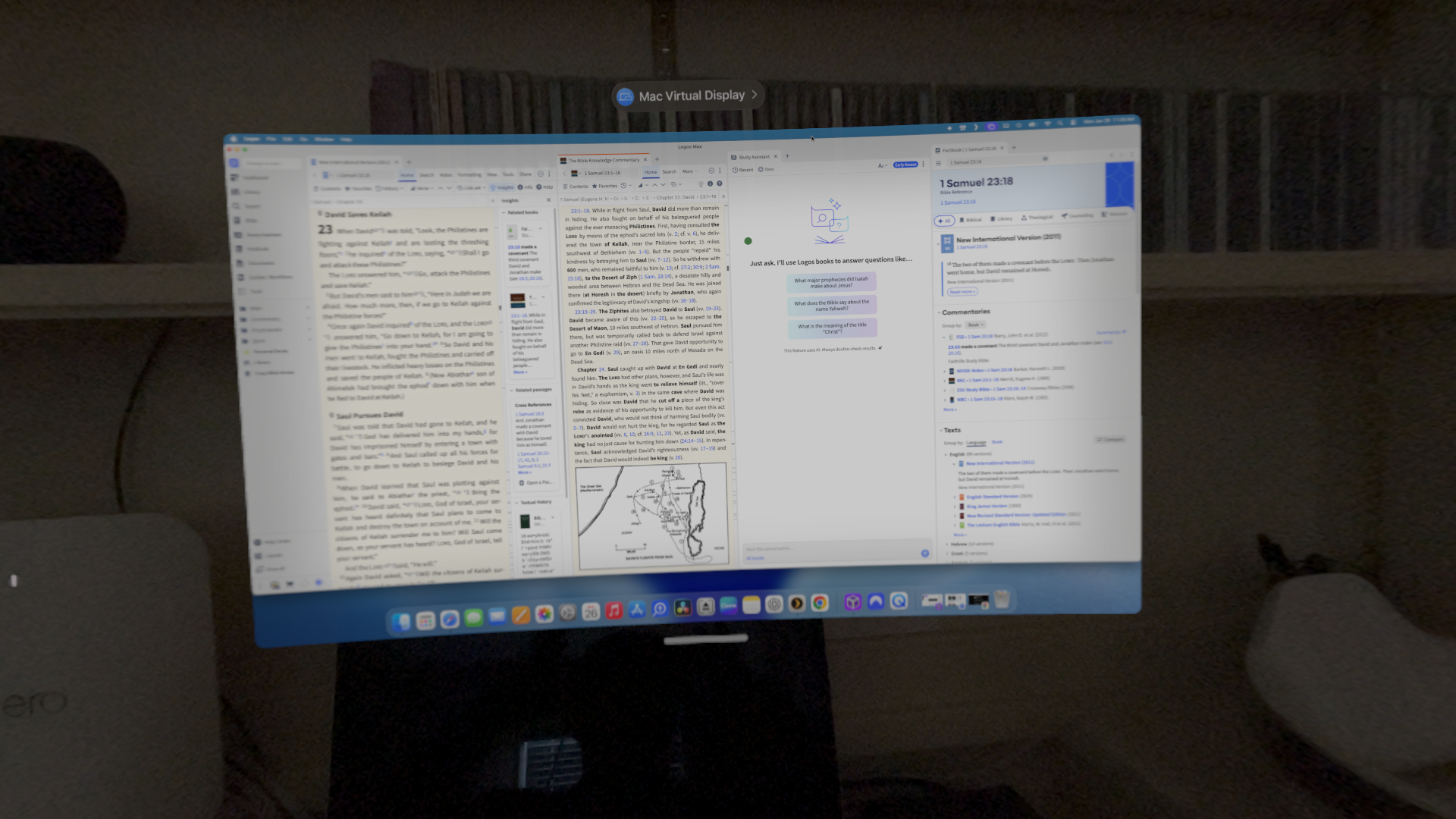
This will likely be of little interest to most of you, unless, like me, you have bitten the golden bullet and purchased an Apple Vision Pro. I did so two weeks ago, and today I installed the Logos Mobile App. Even though it is not a native AVP app (instead, a compatible iPad app), it appears to work flawlessly. The tap (pinch) actions respond smoothly. The tap to select (both words and verses) feature functions without any problem. So far, the best use is for watching the Logos Mobile Education videos (as big as real life). While using Logos on an AVP isn’t earth shattering, I just wanted to report for those interested that it is doable and works well.
BTW, I tried the web app using Safari and it was not a good experience. Also, I have not tried using the desktop version using the AVP’s Mac Virtual Display function. However, with the AVP’s Ultra Widescreen mode, the extra screen real estate would be hugely beneficial when utilizing a large number of panels during a study/research/preparation session.