Open a resource that has footnotes in it (I used ANF:5)
Click on a footnote reference mark to bring up the footnote in a popup window.
Right click somewhere in the footnote and select Add Note to <any note file>.
Close the resource. (This step is important; the bug isn't reproducible if you leave the resource open.)
Click on the Note link in the Note file:
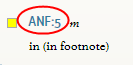
--> Here's where the trouble begins: it opens the footnote text all by itself in a tabbed window; this I've never seen before, and it's probably an invalid state for Logos to get into.
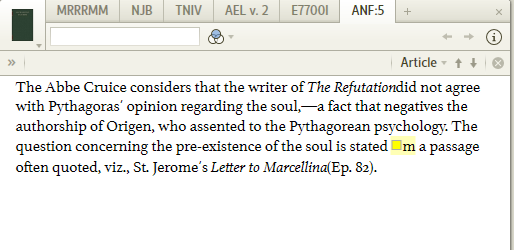
Now use the reference box to jump to some random page of the resource that footnote was in (I typed 123). [Logos opens the main body of the resource text now, instead of the footnote, and goes to that page.]
Now click the back button.
Logos crashes. "NullReferenceException: Object reference not set to an instance of an object." I guess it can't deal with going back to an invalid state. Shouldn't have gotten to that state in the first place, and then this would be a moot point.
Log files attached.
1030.Crash20110123.zip
Note: I can reproduce this bug at will. Also, when I get into the weird state with just the footnote text in the tabbed window, I can Copy location as URL, and here's what I get: logosres:anf05;art=s1.v5.a1.w1.b4.f52. If I close that tab and make sure ANF:5 is not open, I can paste that URL into the command bar and jump back to this unstable state. If, however, ANF:5 is already open when I do this, it jumps to a part of the resource that is just the footnotes one after the other:
(here it is scrolled down a bit)
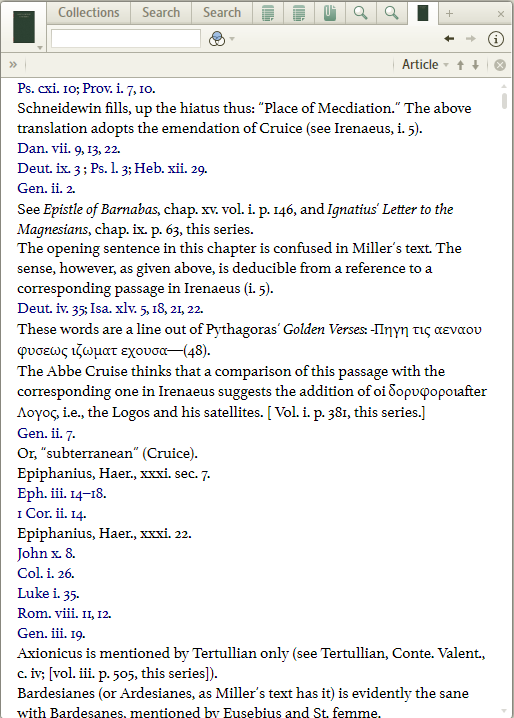
Again, this is a bogus state that Logos should never be able to get into. It doesn't lead to the crash mentioned above, but it is weird.

