Here's the test file: 0640.Foo_test.docx
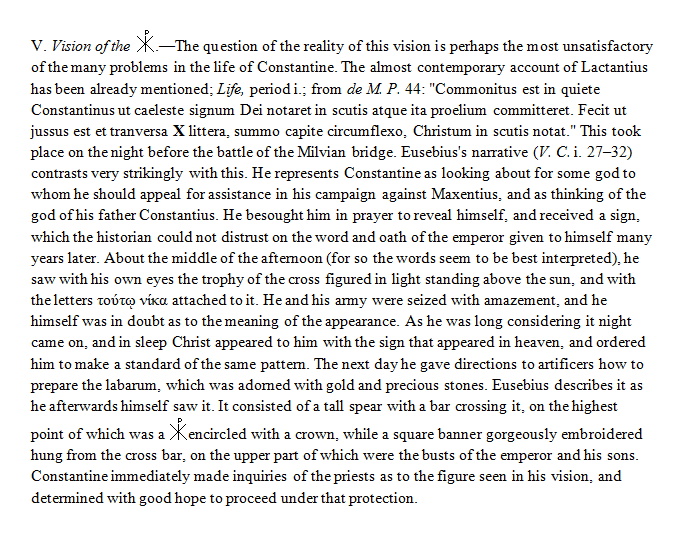
Looks like this in Word:

The image comes from this gif file which I inserted into the document: 
Here's the PB log file (note the warning and error): 8053.PBB_5ba1a4e7fcad4ec38ad0d9d5e2792e17.log
[Info] Starting build for PBB:5ba1a4e7fcad4ec38ad0d9d5e2792e17
[Info] Converting
[Info] Converting C:\Users\Rosie Perera\documents\Logos\PBB Sources\Foo_test.docx[
Info] Compiling
[Warning] File exists but unable to load at C:\Users\Rosie Perera\AppData\Local\Temp\tmp7D00.tmp
[Error] Failed to load image at tmp7D00.tmp
[Info] Discovering
[Info] Complete
Here's how the resulting resource looks in Logos:

Note that the image did load, but what's missing is all the text up to that point in the paragraph. I've tried this with longer documents with more text, and that appears to be the pattern: all the text in the present paragraph up to the image is omitted.
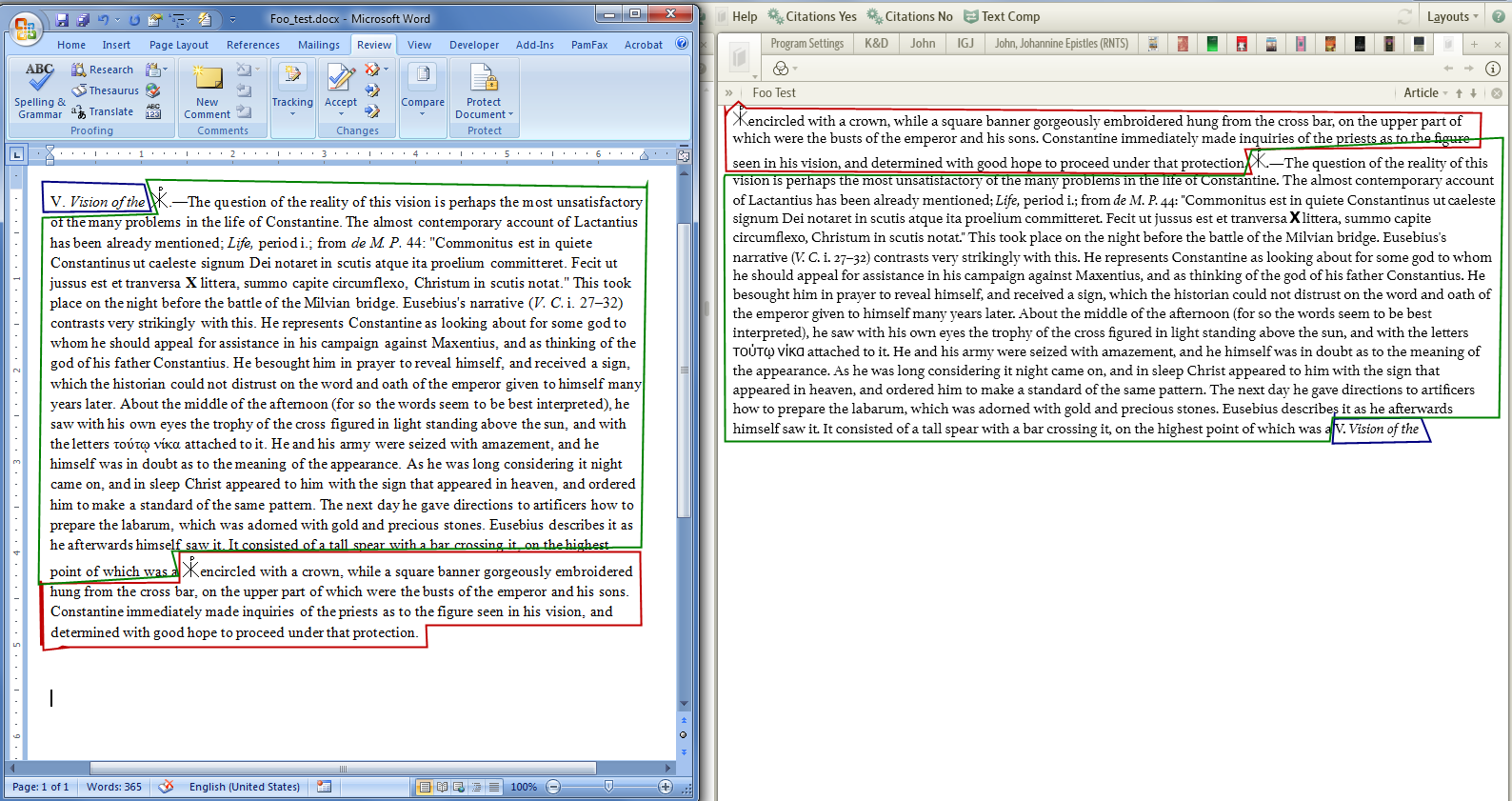
EDIT: Here's another example, even more wonky than the first:
In Word:
After building, in Logos:
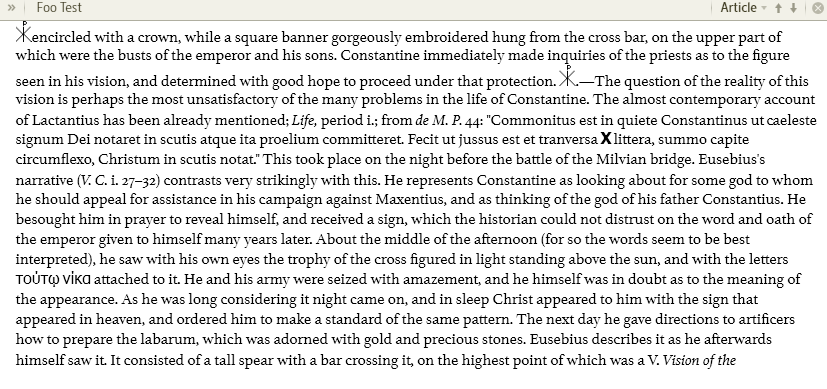
See how the text gets shuffled around? This color-coded image shows it better:
Here's the PB document: 5557.Foo_test.docx
There were similar PB compiler errors the the log file posted above.