When reading in Logos and using the Information or Power Lookup tab, it usually makes the document small, distorting images and affecting the text.
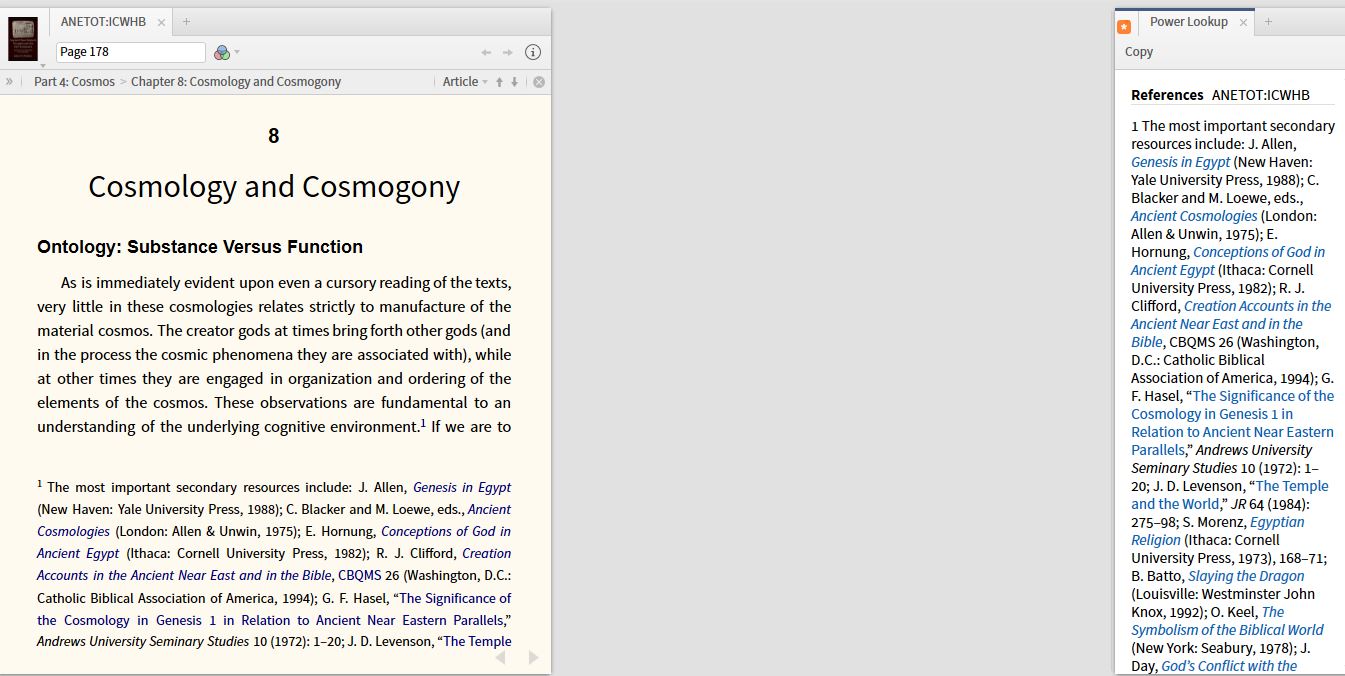
Here is the same book with the Power Lookup dragged to the second pane, thus allowing the maximum amount of text for the resource being read.
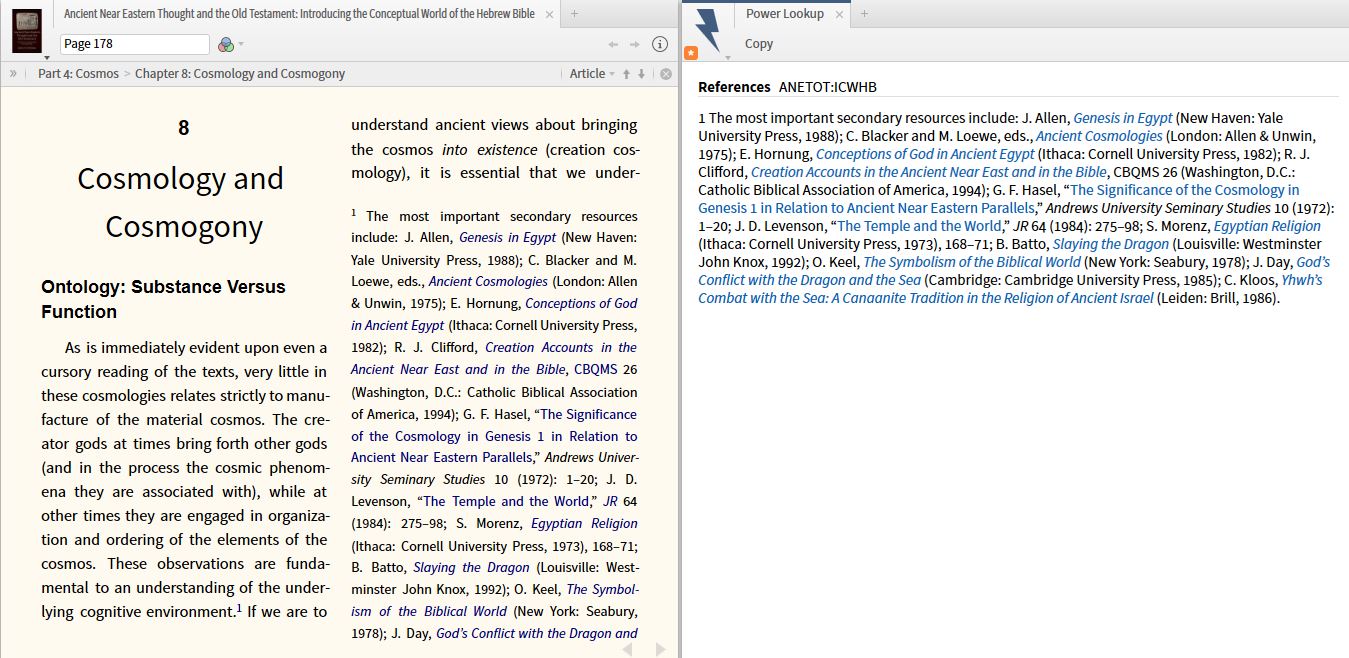
Notice that in the second window, the increased text on the screen, and Logos automatically gave me two columns, as the panel menu is set to auto for the resource.
