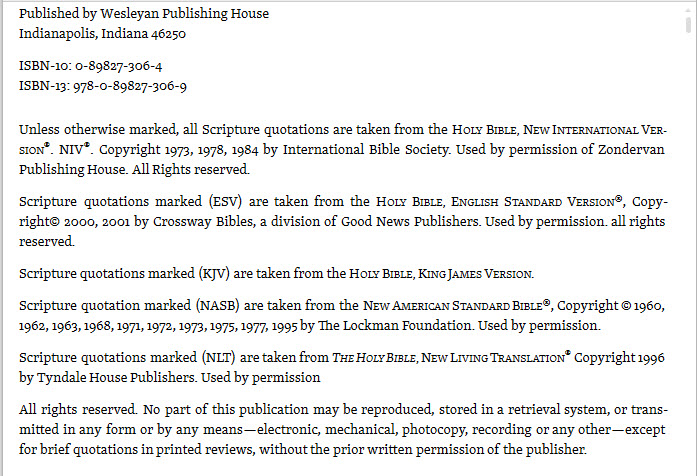
The above is a reasonably typical example of the copyright page of a standard monograph or Bible commentary. I find that the quotations embedded in the text are often very short; I need to look the text up to see the context to understand the point being made. This is why Logos gives me a mouse over to read the text. But the point may not be obvious in the text of my default Bible. In may not even be obvious in the default Bible of the resource - in this case stated to be the NIV. That is precisely why the author sometimes uses the ESV, KJV, NASB or NLT and marks them as such.
I have this weird habit of wanting to understand what I read ... especially the line of argument being presented. Therefore, I want the option of having the mouse over display/click open the default Bible of the resource (NIV in this case) when no translation is specified by the author. Ideally, it would display the specified version when the author has provided one.
My alternative - open all the translations the resource states it uses, click on the correct tab, navigate to the correct passage, forget what the original resource was talking about (hey, I'm old enough for senior moments). Better alternative Logos offer me the alternative of using the author's Bible choice OR the current behavior of using my personal top Bible.


