Steps to reproduce:
In 4.0a:
- Create a new reading plan.
- Name it the same as the default reading plan.
- Edit new reading plan props (name, time, resource, etc.)
- Delete the original (default) reading plan.
- Press sync.
The iPhone app will retrieve the new reading plan changes, although it still shows the deleted plan. This seems like some type of sync bug.
Logos 4a pic:

iPhone pic:
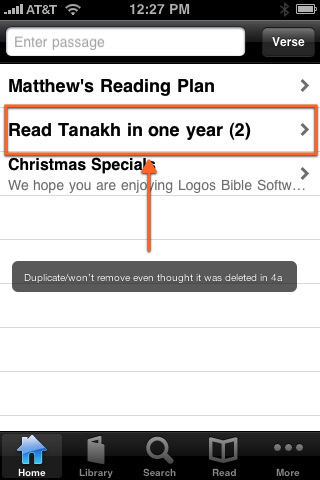
Thanks,
Matthew


