After updating to Logos 4.0a, it took me about 3 days to finish the new indexing. The system crashed about 4 times just before completing the new indexing, which made me reboot the machine. When it would boot again, the indexing would resume. When it finally finished, everything seemed to work fine. I took advantage of some of the new highlighting.
But the next day, the only way I could get Logos 4 to start
was to hold the CTRL key down and start the program with a blank page.
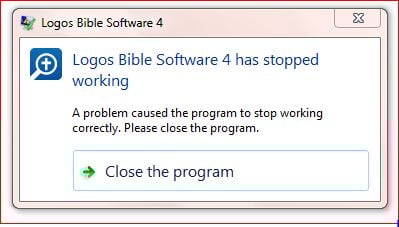
If I did not do this, I would get a repeatable error message that says:
Logos Bible Software has stopped working
A problem cause the program to stop working correctly. Please close the program.
>Close the program
4505.Logos4.logI must confess that I do not know how to read the log file to troubleshoot the program. I would appreciate help from anyone. Thanks.
I attach the file below.
My computer is an Everex Laptop with an Intel T2050 Dual Core Processor
at 1.60GHz, 2 GB RAM, running Windows 7 Home Premium (32 Bit).