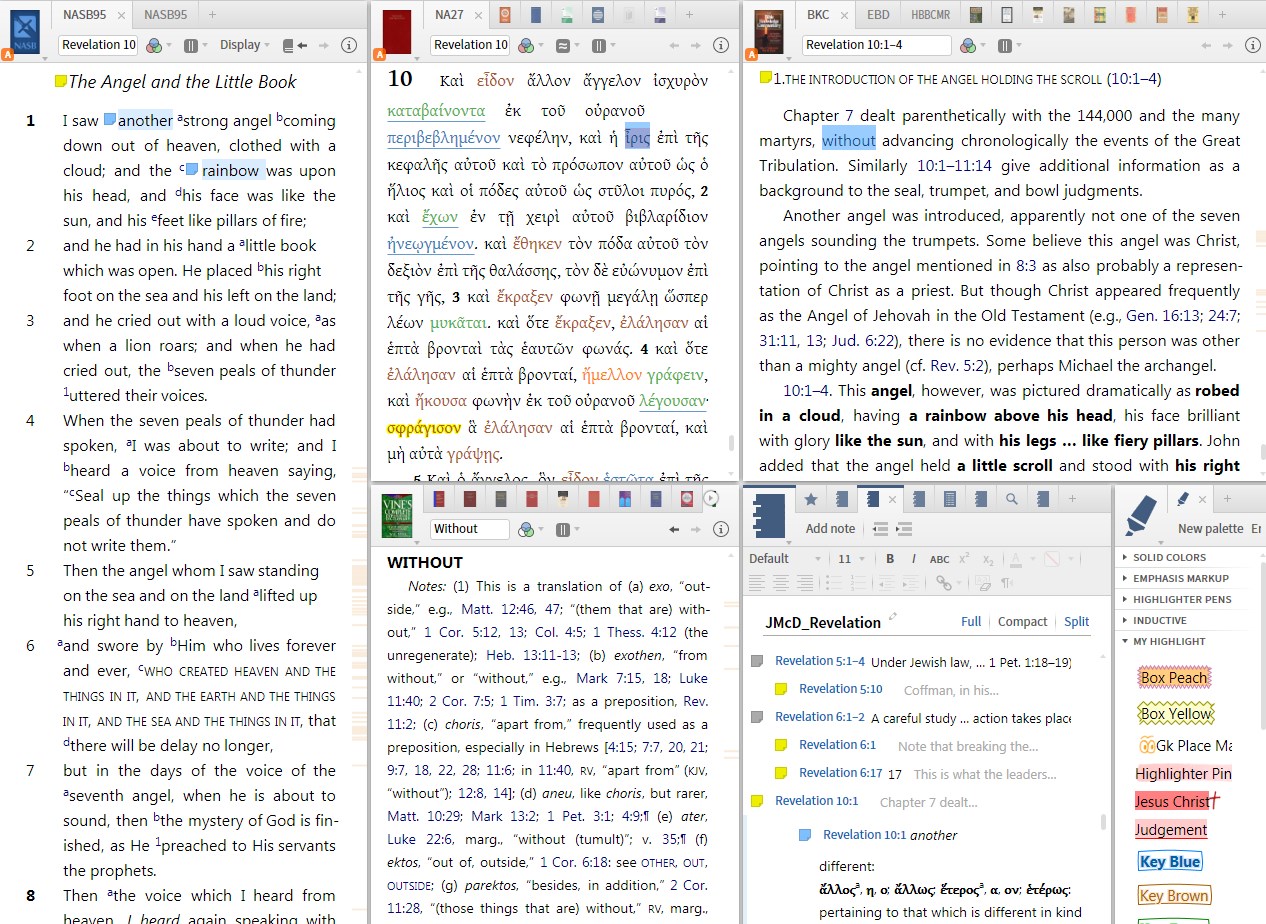
Logos Bible Software 5.2b (5.2.2.1489) and all previous versions of Logos 5 and probably Logos 4.
I have multiple panes including a notes pane. Apparently when the notes pane is below a certain size Logos does not open it to the correct note. This happens in two circumstances that are probably two instances of the same issue.
When I open a new note, I know the note is created because a note icon will appear in the text, but the note pane does not show the newly created note, it jumps to some existing note much lower in the note file. I can get to the new empty note by clicking on the newly created note icon.
The same thing happens if I am in the note's compact view and click on a note. It opens, but the pane jumps to some note much further down in the list so I have to scroll back up until I find the note I opened.
Now if the note pane is larger (vertically) then this problem doesn't happen. However that requires giving too much prominence to the note pane in my layout.
It would be nice if Logos could fix this.