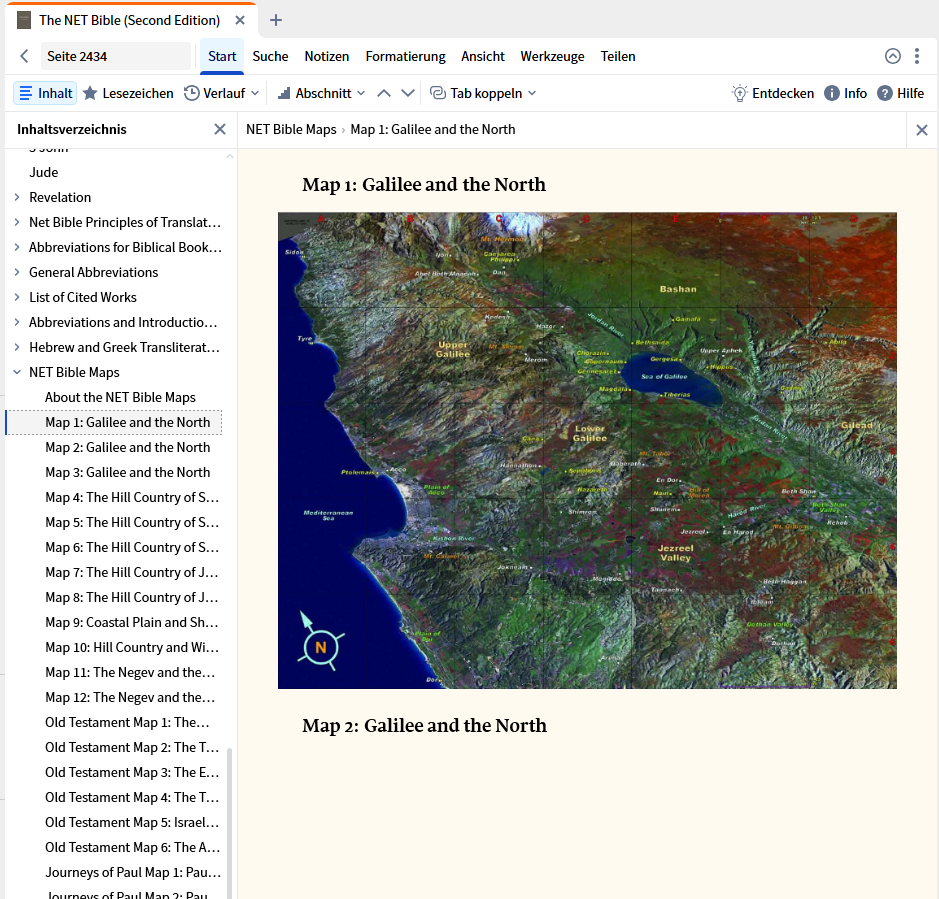
Every time I click to see a map marking in the NET 2nd addtion, it comes up blank. Usually, within my moble phone. So, decided to look on the desktop and it gets the same blank page..
Desktop (Verbum) works for me:
Android Logos and Verbum, too.
Turn off the "Bible Text Only" visual filter.
Now under "Formatting" - "Reformat"
That worked..!!
Now, the mobile takes you to the Web version for maps, if you click on them inside you mobile logos..right? I highlighted Galatia, hit fact book, at the bottom are maps. Click and it opens to the Web bersion
Available Now
Build your biblical library with a new trusted commentary or resource every month. Yours to keep forever.