Howdy
Wondering how after a concordance search, you copy the entire set of findings either with/or without the text.
Howdy Wondering how after a concordance search, you copy the entire set of findings either with/or without the text.
Assuming you mean how do you copy the results of a search, it's really quite simple. You just have to know where to look.
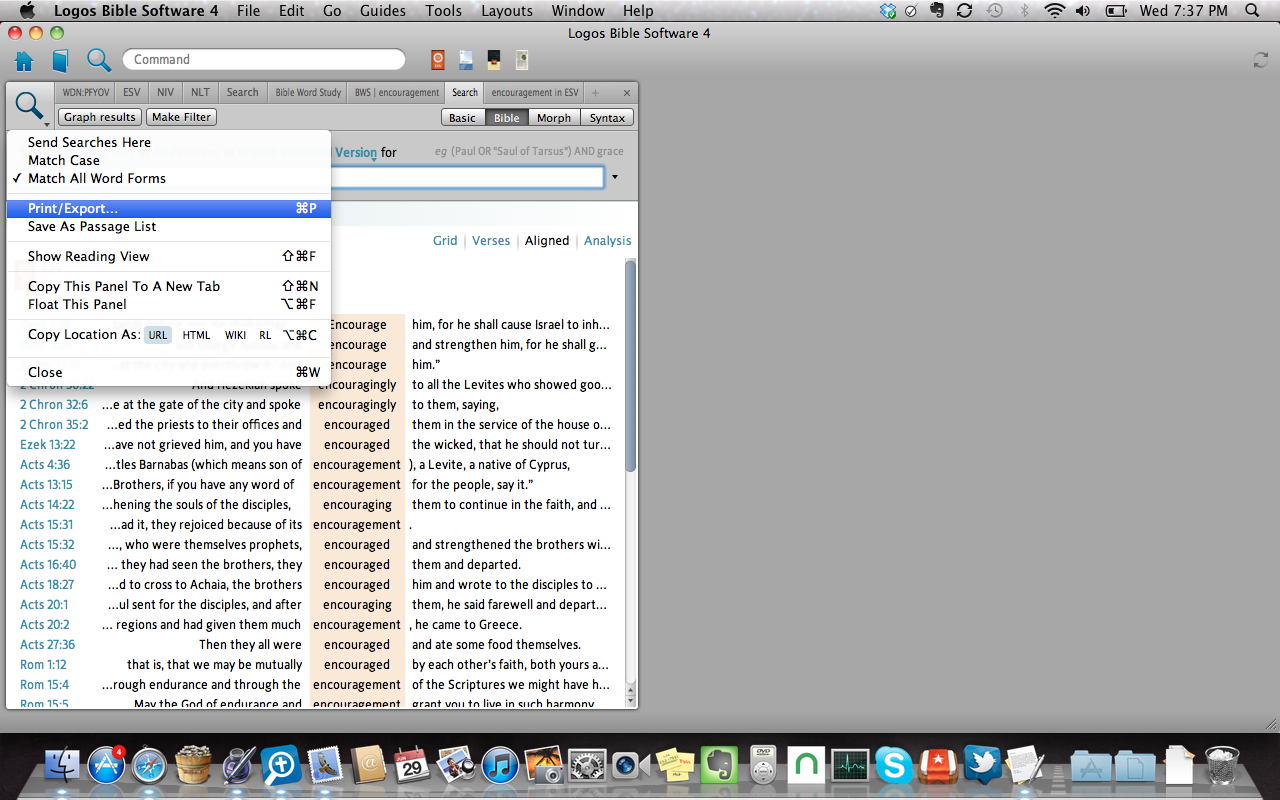
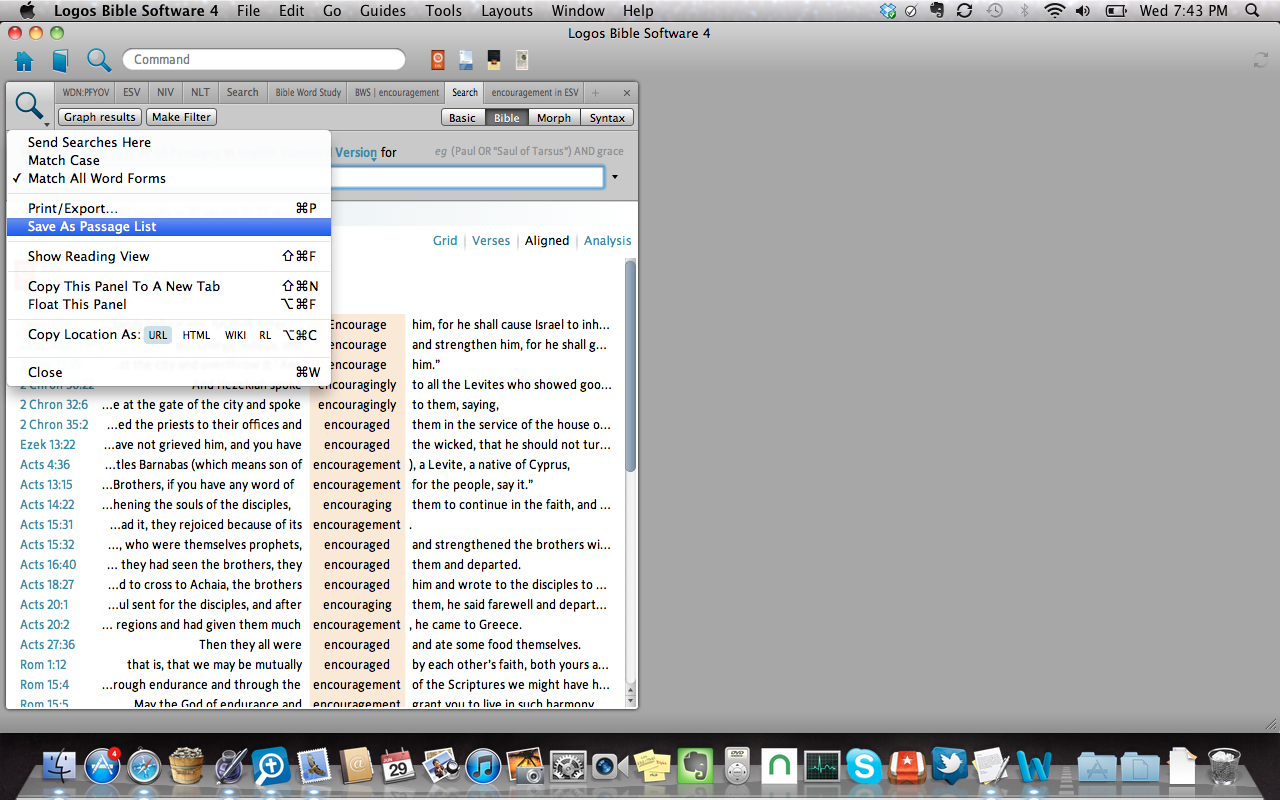
After completing your search, click on the search icon in the upper left of the search pane. A drop-down list should appear. The two options you want to consider are "Print/Export" and "Save as Passage list." The main difference between the two is that the former allows you to work with the material outside of Logos (as in MS Office, a web page, print out, etc.), and the latter to work with inside Logos. Of course, you can do both, if you want.
djaker -
Welcome to the forums! For a question like this, generally you would want to be either in the Logos 4 forum (PC) or Logos 4 Mac forum (well, for Mac).
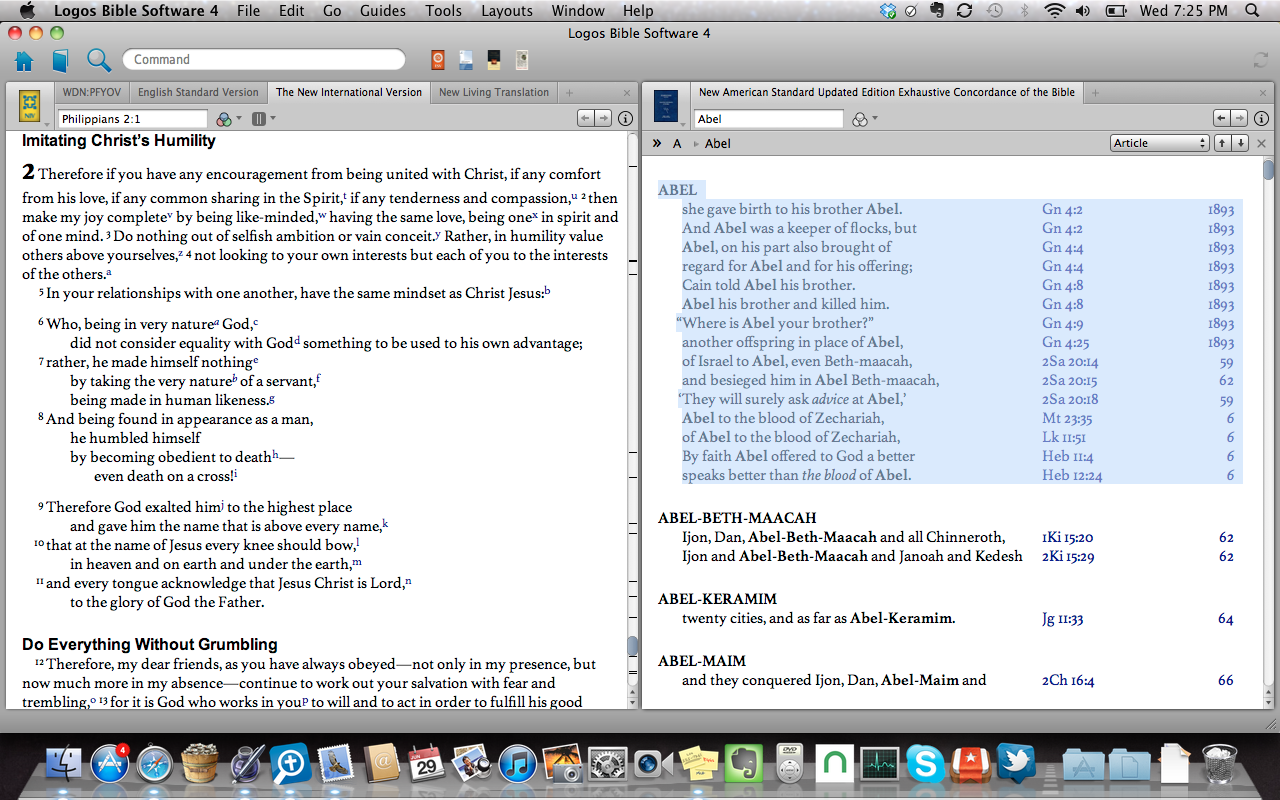
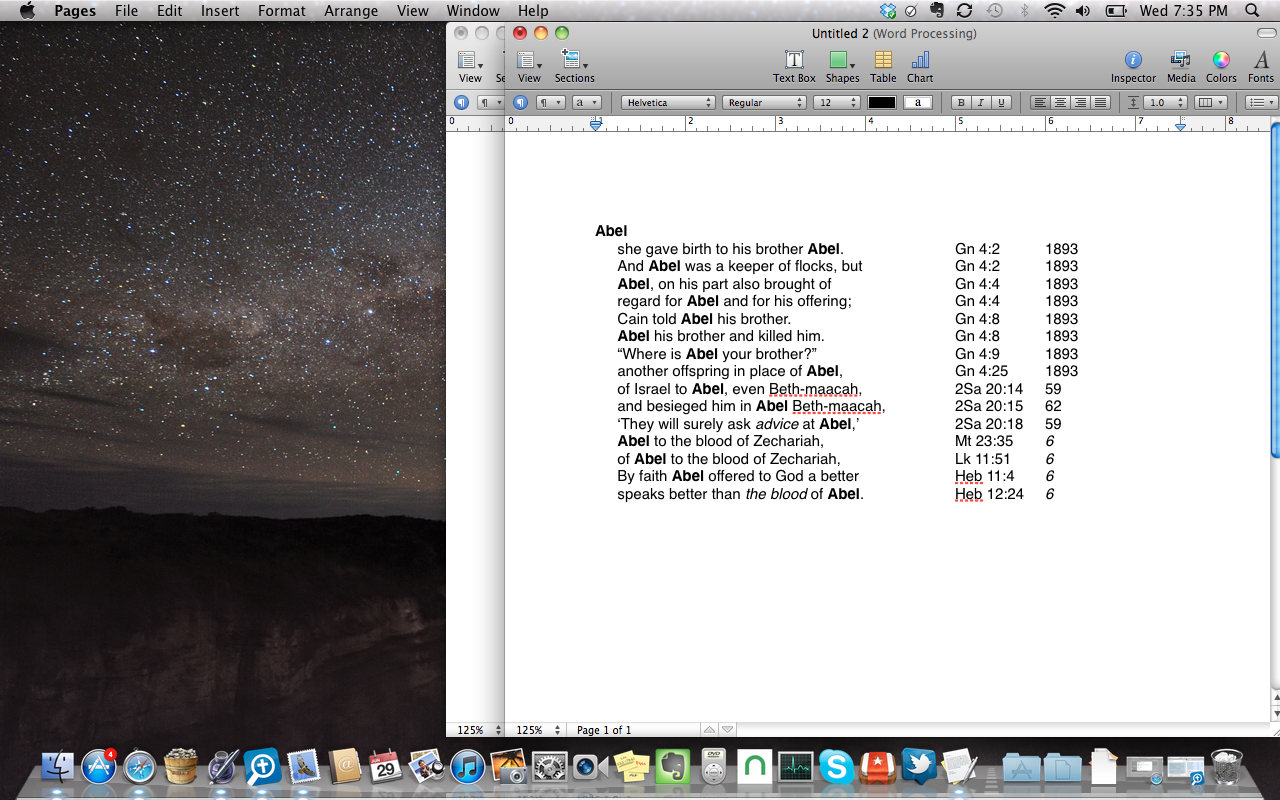
When you write: "concordance search," do you mean from a logos version of a print concordance, or do you mean a "bible word study?" For a traditional concordance, you just highlight the area, copy, and paste into your document.
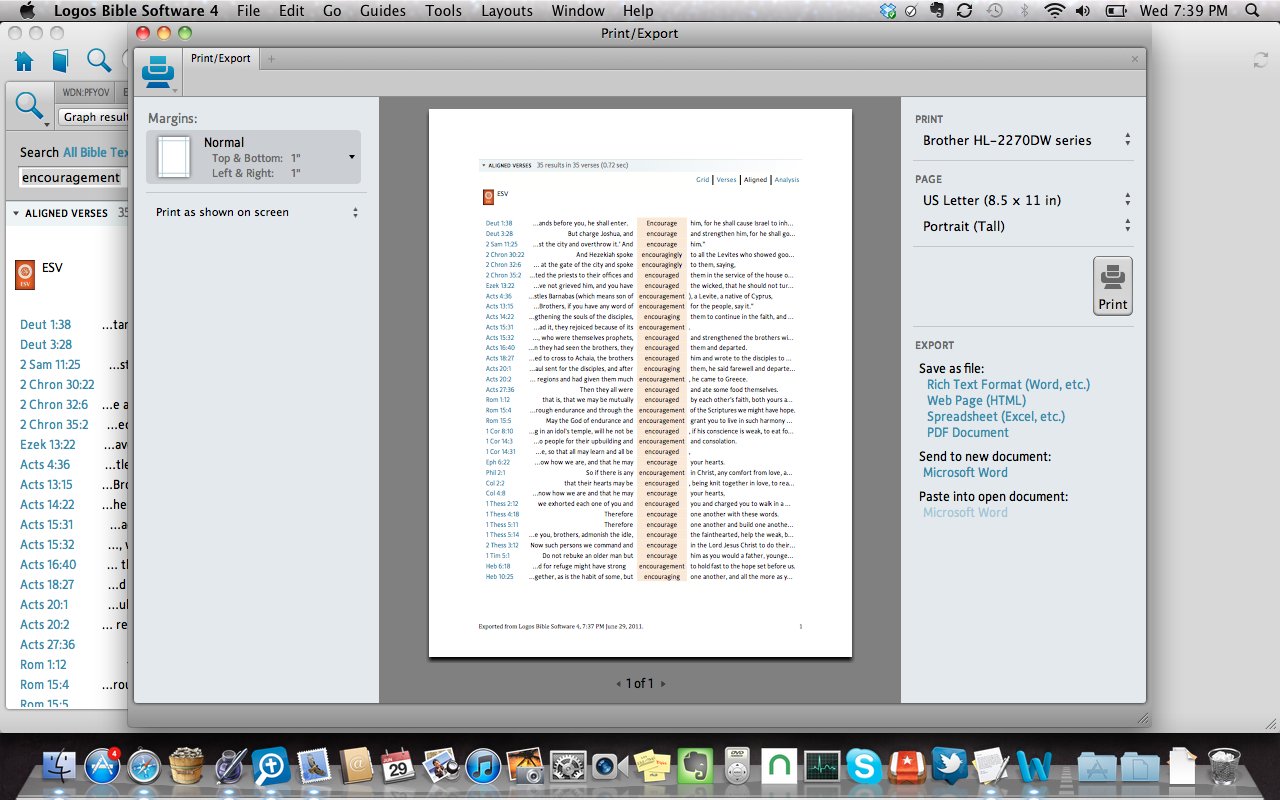
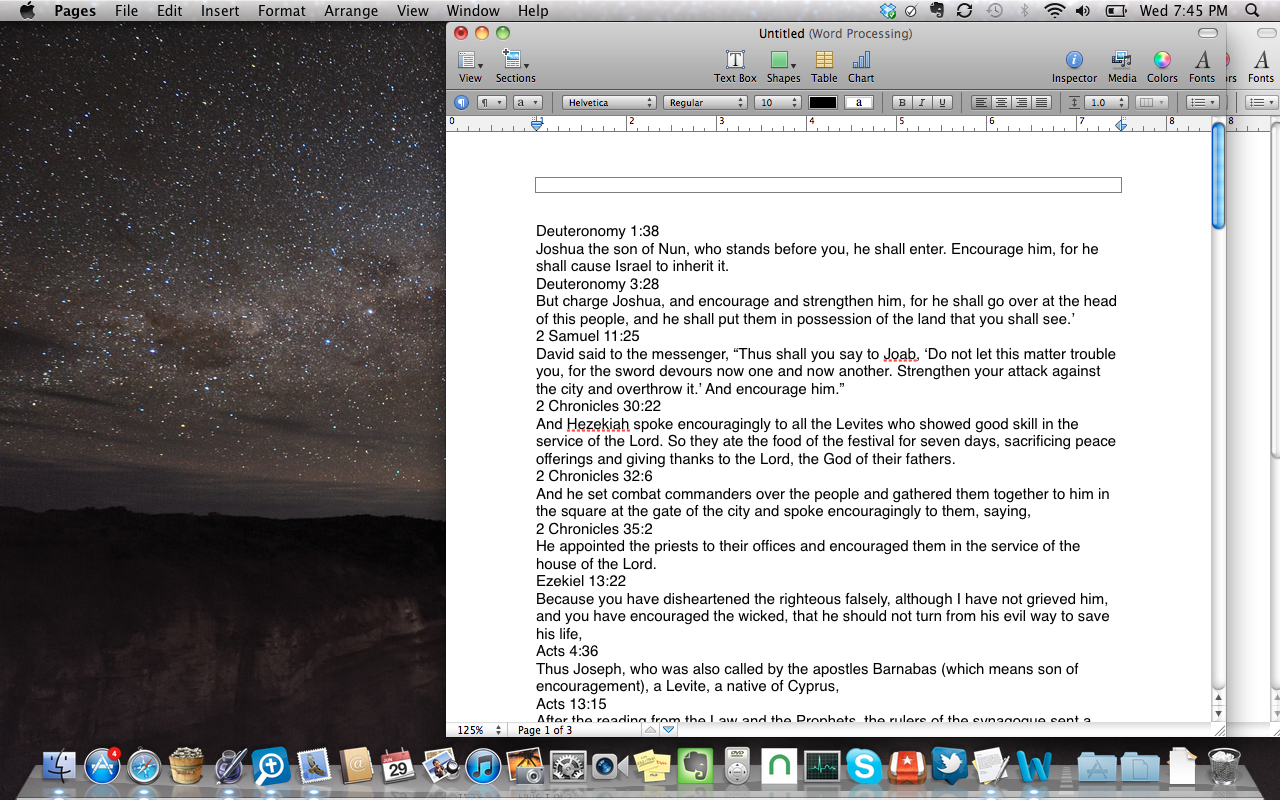
For a "Bible Word Study," click the magnifying glass, and select "Print/Export" from the drop down menu. From there a screen will pop up with several choices on exporting the document. NOTE: I don't think "send to a new document" works on Mac, at least with the newest version of Word. You can still export it as an RTF file.
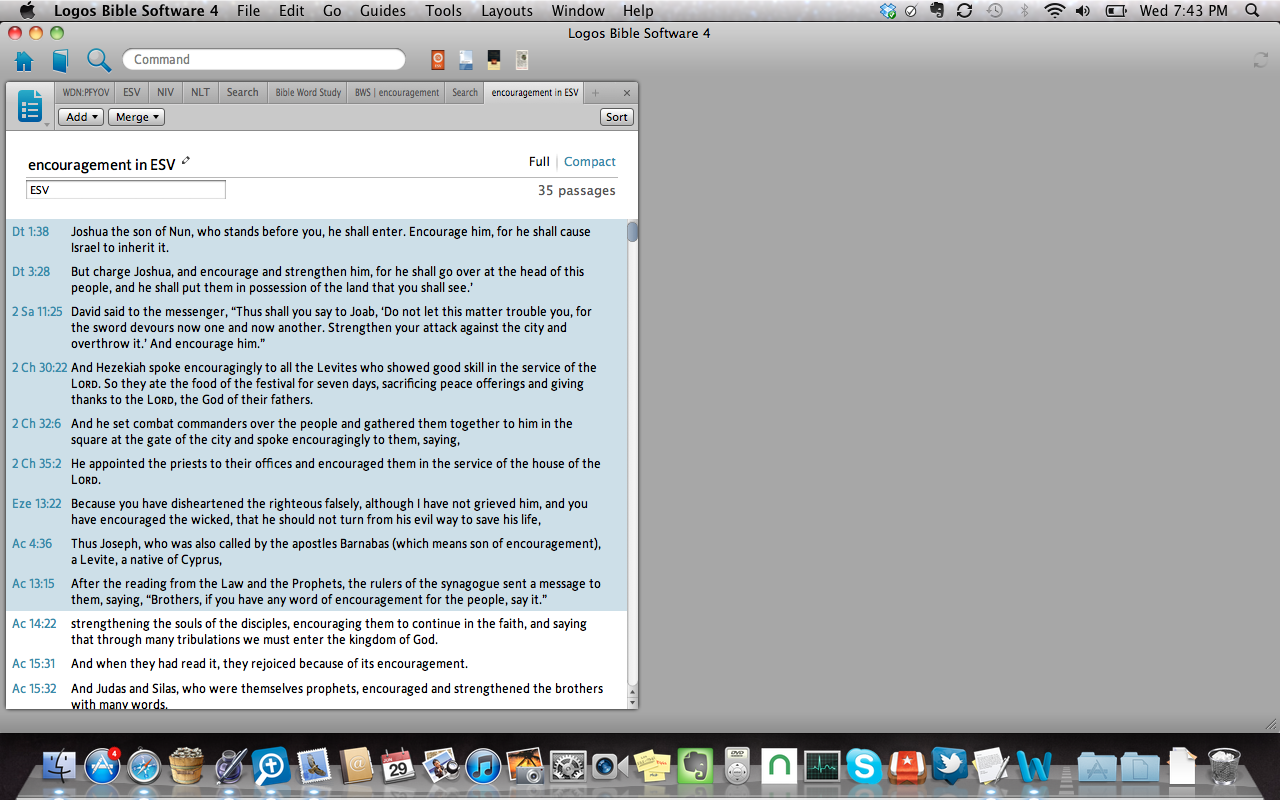
Another option is to save the search results as a "passage list." This can be more easily copied and pasted into another document.
Alabama and Richard both Nailed it...I am grateful thank you both
Available Now
Build your biblical library with a new trusted commentary or resource every month. Yours to keep forever.