Here's a strange one:
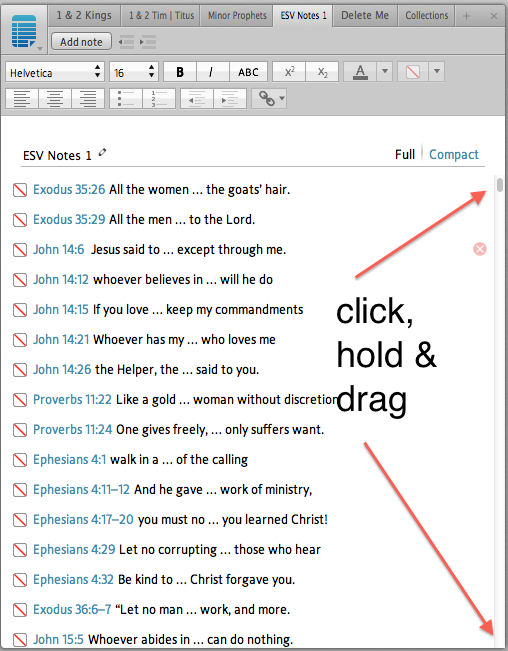
I cannot find a way to quickly move to the END of my NOTES file (created by the new Logos feature of making a Note File for all your highlighting)
So you open the Notes File ("Solid Colors" or whatever) and it shows up on another Tab; but the Note file will likely be quite long and the last entry goes to the bottom of the list, so you want to move to the END of the Note File -- seems to me that there is no SHORTCUT way to do this. You cannot engage the page and then press CTRL-END and send yourself to the END (nor does CTRL-HOME send you to the TOP).
Anywhere you hover your mouse so as to "engage" the list in the hopes of executing a CTRL-END results in engaging the particular note entry you are hovering over once you click the mouse button. You can never engage the LIST as a LIST even in a COMPACT listing.
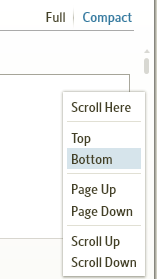
It is true that you can "mouse wheel" down to the end or "down arrow" to the end or grab the scroll button on the right and pull it to the end; but I found now way to short cut your way to the end via CTRL-END or any other method. If I am missing the obvious, please point me to it.