Can anyone tell me where can i look for the book after purchase?
I tried to find from all resources, but couldnt find it at all...
Thank you!~~
God bless,
Clarence
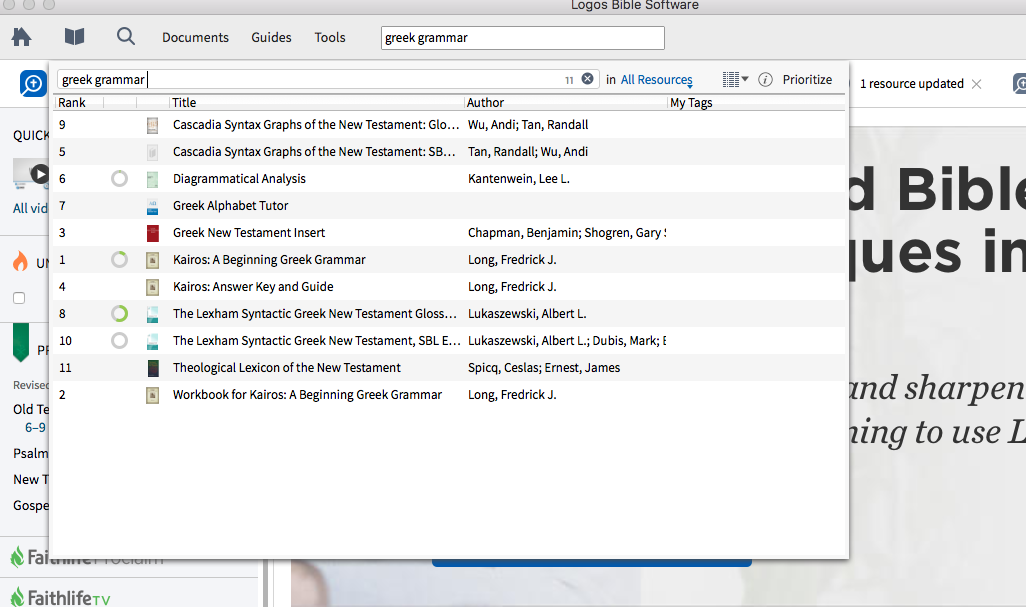
All your books are in Library. So, click on the Title heading to sort them, and look for "Greek Grammar". Alternatively, type "Greek Grammar" into the Find box (with the quote marks).
If you can't find it, try restarting Logos to see if it will initiate a download. Otherwise, type update resources into the Command box at the top of the window.
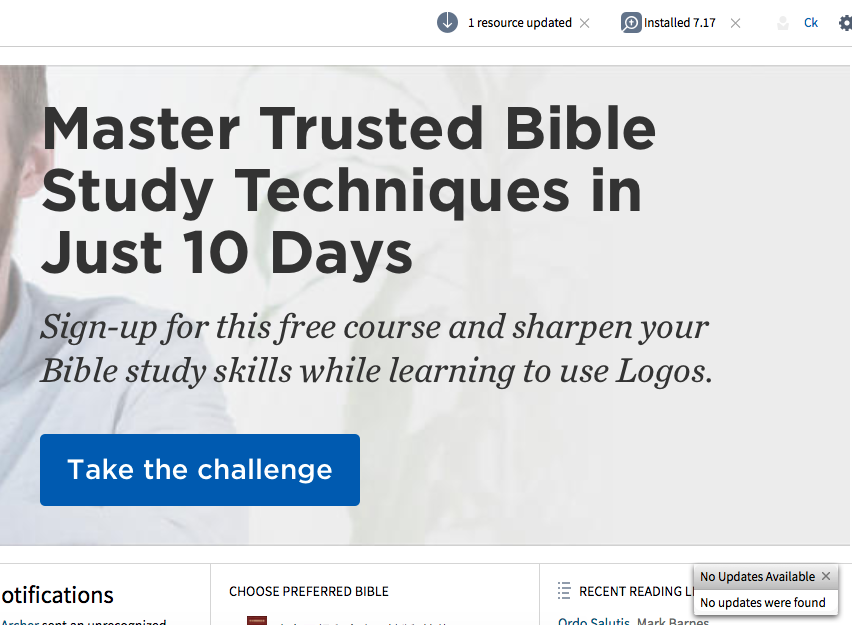
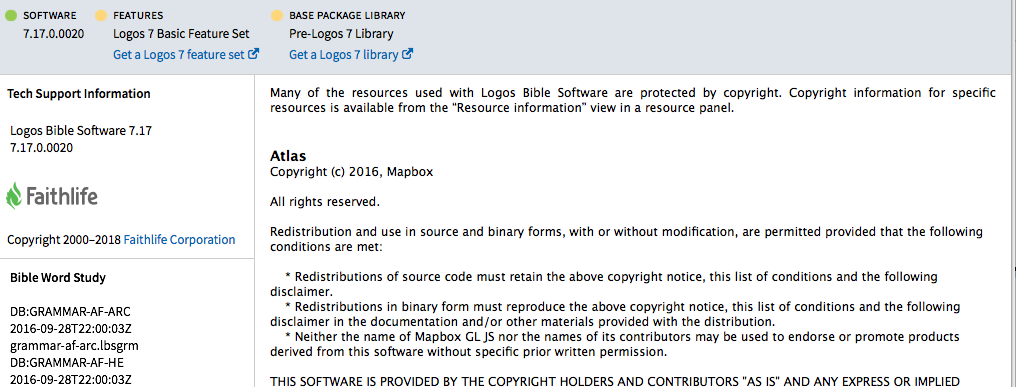
Still cant find it, please see below two pictures. No updates were found.
Still cant find it,
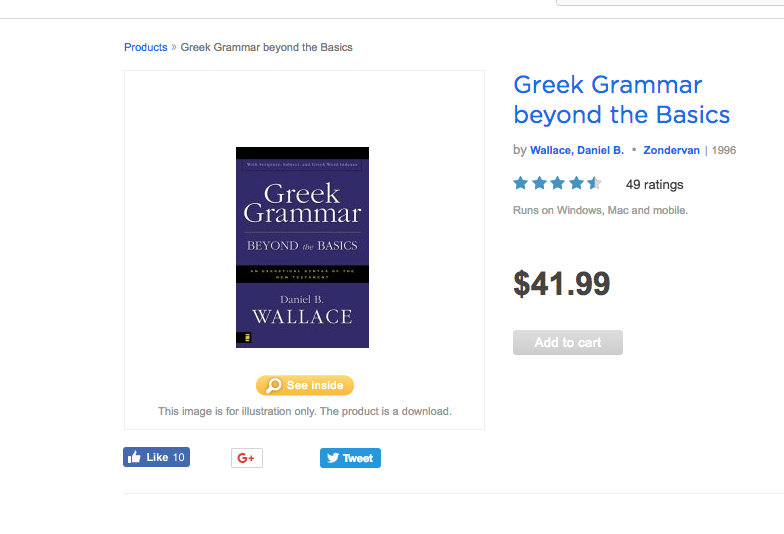
Is it grayed out on the site? If not call customer service tomorrow.
No updates were found.
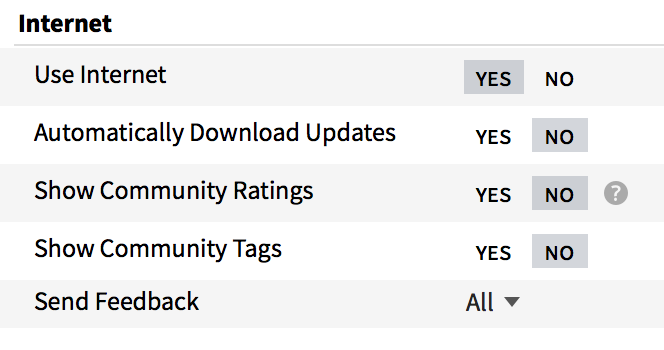
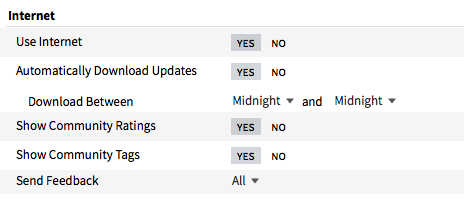
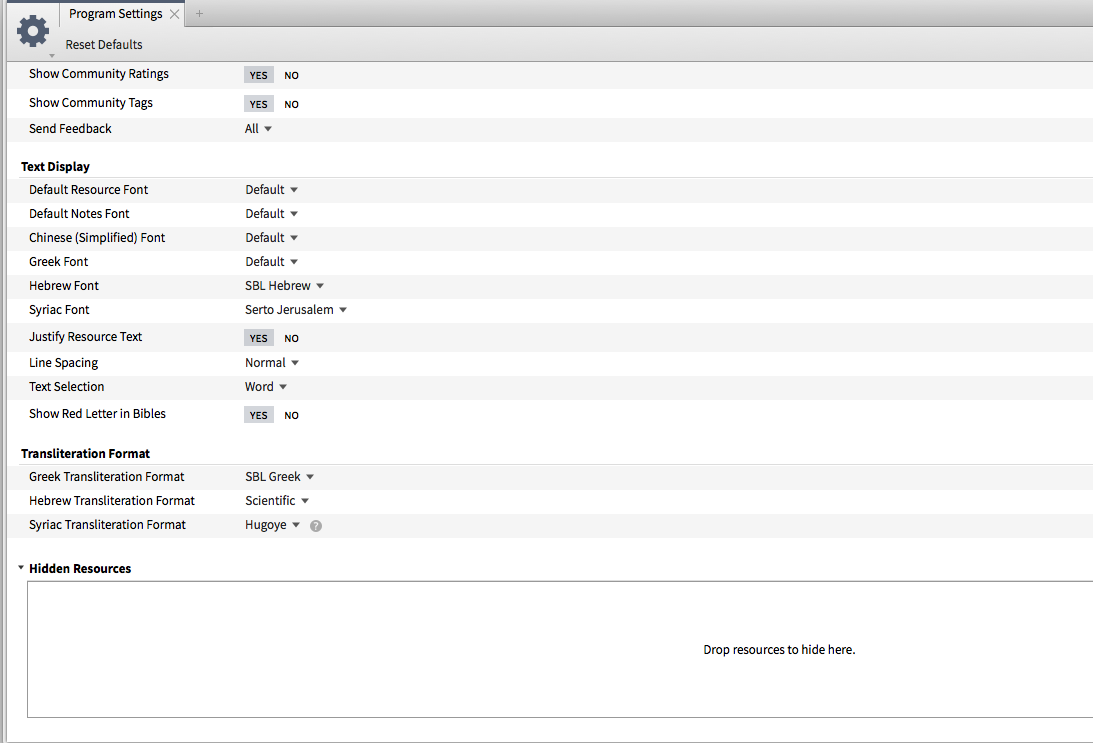
Under "program settings," what do you have for the top two lines?
Also, which specific version of the app engine are you running?
Please see below two pics.... strange..
Everything looks right at first glance. <Most> of the time, a purchase should be nearly instantaneous... but not always. As Beloved asked... does the resource appear "grayed out" (shown as "purchased") on the website? Is it possible that you haven't finished the transaction? Did you receive an email?
The only other solution I can think of (other than waiting and/or contacting FL by phone in the morning) would be to restart your computer.
Make sure you are using the same account on the website as Logos desktop. You could also try accessing it at https://app.logos.com.
yes, purchased. use only one account all the way ...
It is for some reason in your “hidden resources”?
You can check this at the bottom of Tools -> Program Settings
I can't think of anything else we can check here.
As suggested above I recommend contacting Customer Services and seeing if they can help
thank you Graham.
Hi Clarence,
Please post back with the results of the resolution of your issue as it would help us advise others in the future.
Thanks,
Beloved
Available Now
Build your biblical library with a new trusted commentary or resource every month. Yours to keep forever.