See https://community.logos.com/forums/p/131619/856664.aspx#856664 and https://community.logos.com/forums/p/131600/856673.aspx#856673 for context. This walks through the bare minimum knowing that additional attributes for additional readings, original sources etc. may well be desired.
1. To examine, edit of create user labels open Tools ==> Lbrary ==> Highlighting. Note that hovering on a style will show the associated attributes.
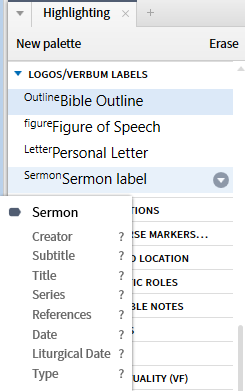
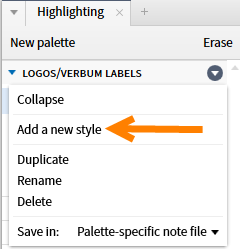
2. To create a new label, select "Add a new style".
3. Provide a name for the style
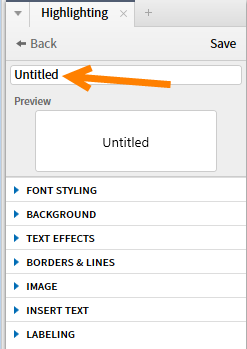
4. Optionally provide a visual highlight for the label. As the label appears in the right click menu, this is not required.
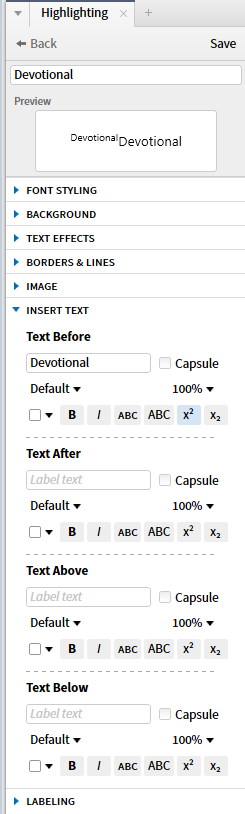
5. Use a check to assert that the style implies a label. Note that you can give the label a name that differs from the style.
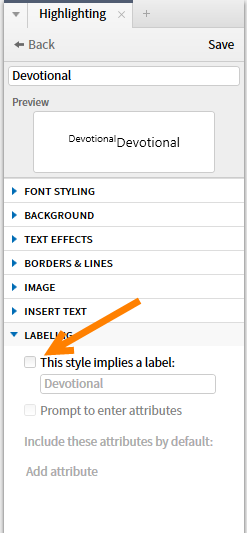
6. To be prompted to enter the standard attributes click on "Add attributes" ... note that attributes can be defined in the fly as well.
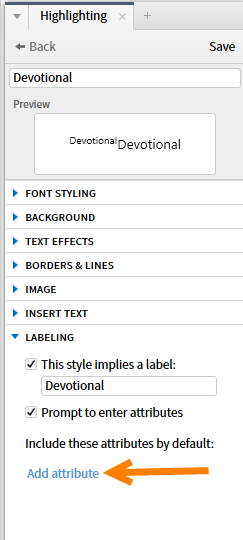
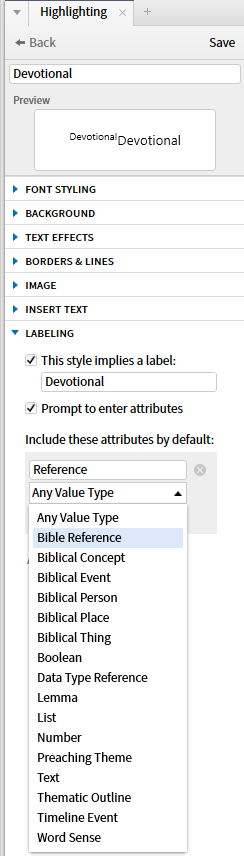
7. The first attribute is the Bible reference which will be entered via the Bible reference datatype. The system allows you to repeat the attribute if a devotion uses multiple passages.
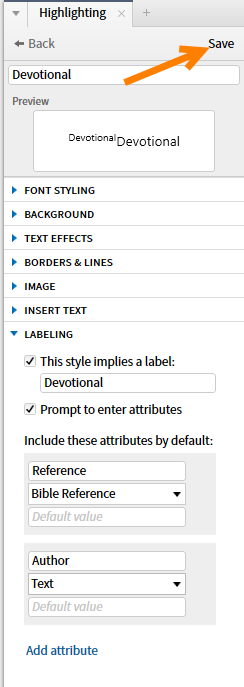
8. After adding a second attribute "author", I click on Save to save the style in the palatte.
9. This shows the new style in the palette.
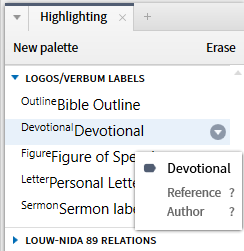
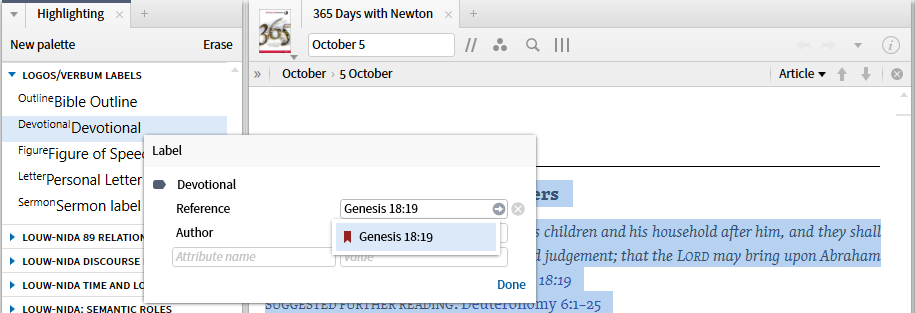
10. I add the label to a specific text.
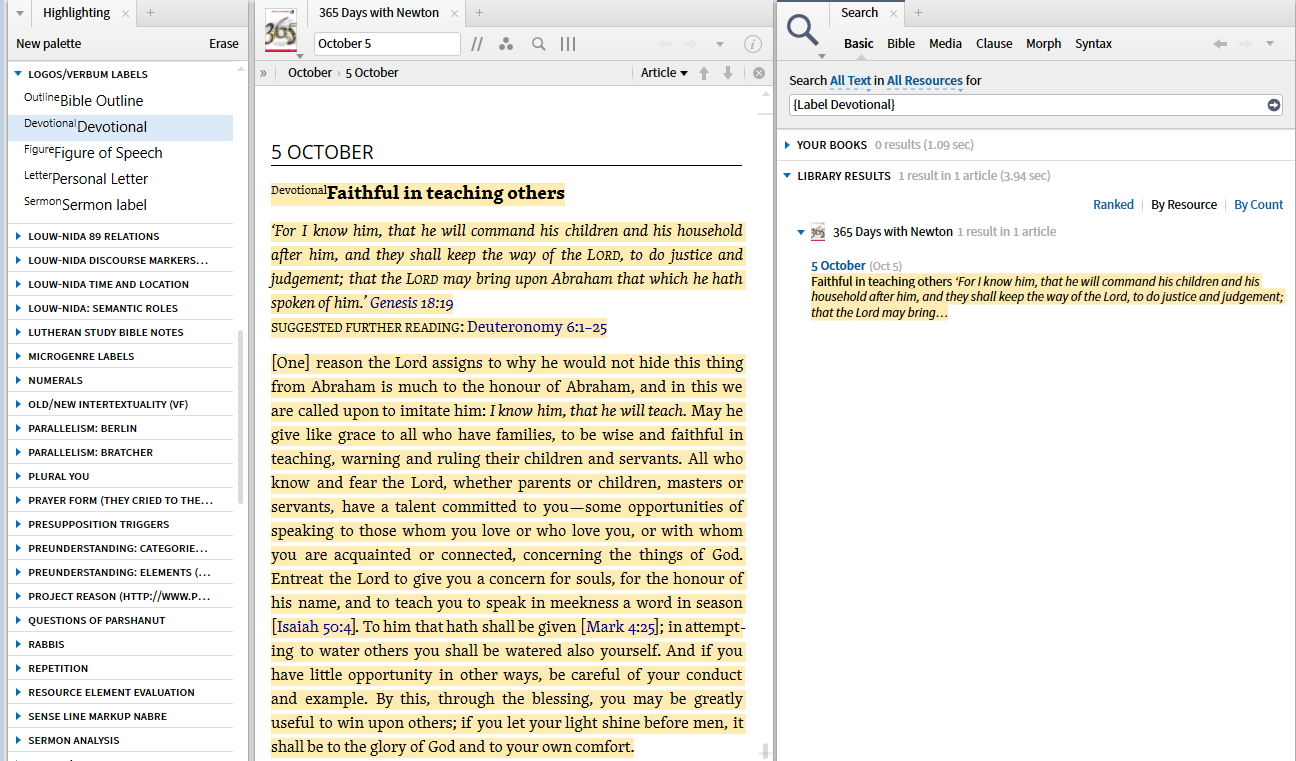
11. I can search for the label.
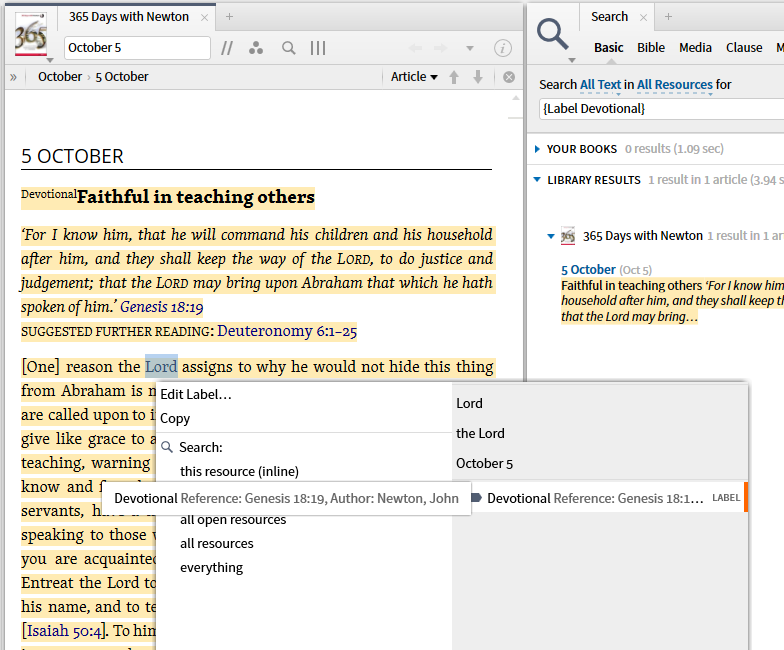
12. I can see the label in the Context Menu.
When users agree upon a standard label name and attributes, such coding may be exchanged among users.
