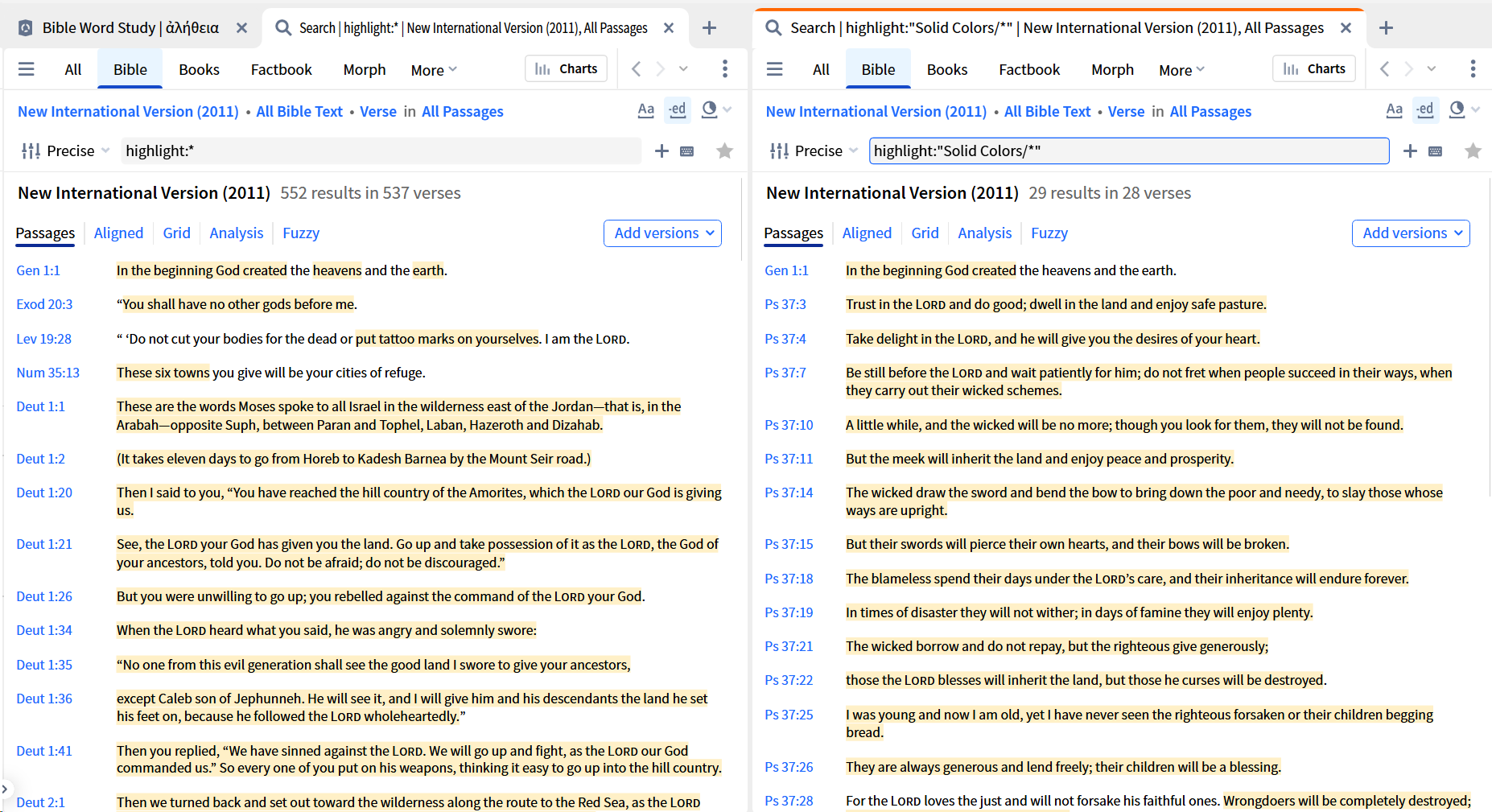
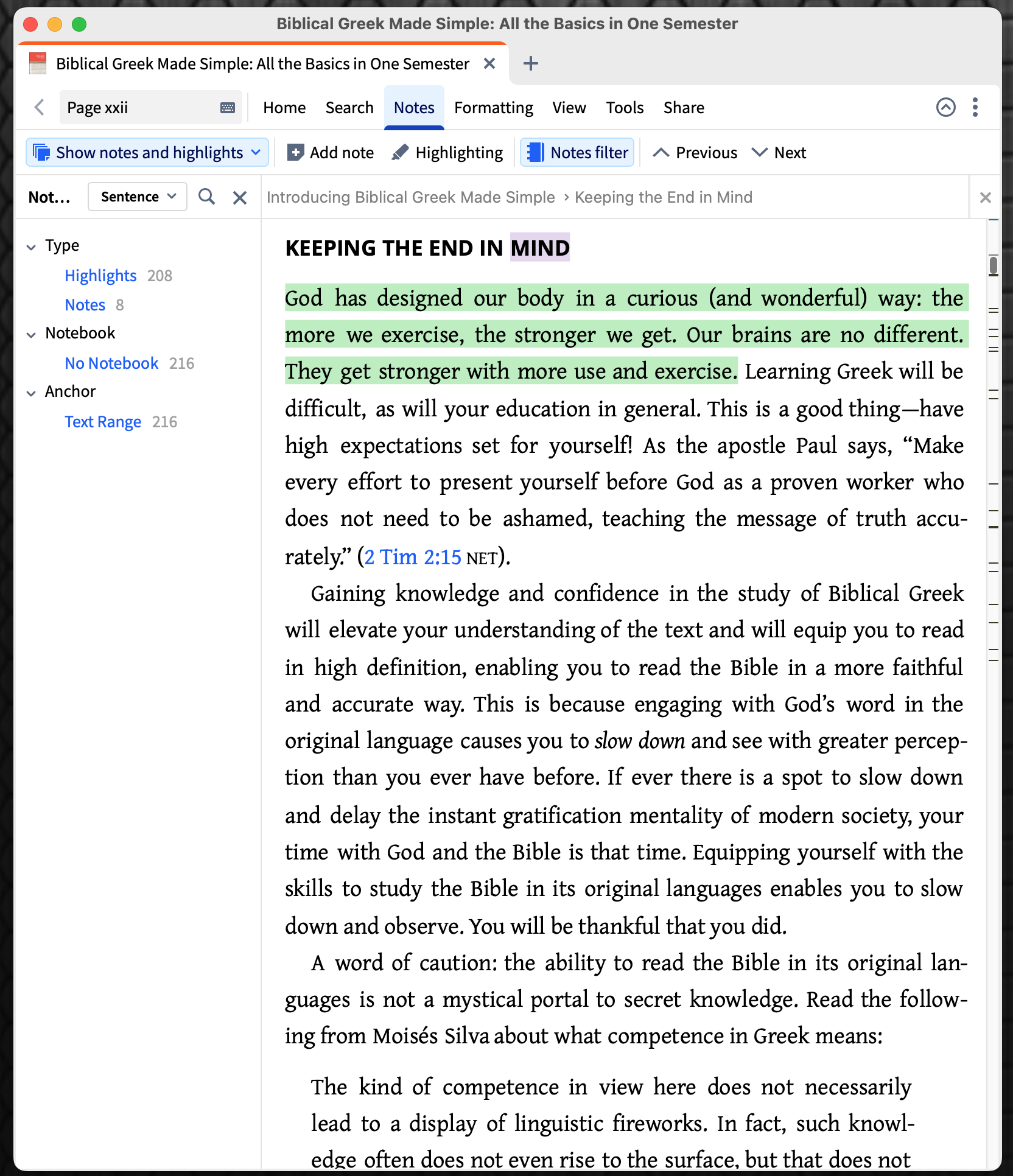
I think I heard that highlights are notes. Sometimes you might want to search all the highlighted portions of a text.
But I see no way to put them into a notebook. How could I search my highlights?
How could I search my highlights?
The Search function supports this:
Highlight Searching is outlined in the Logos helpfile here
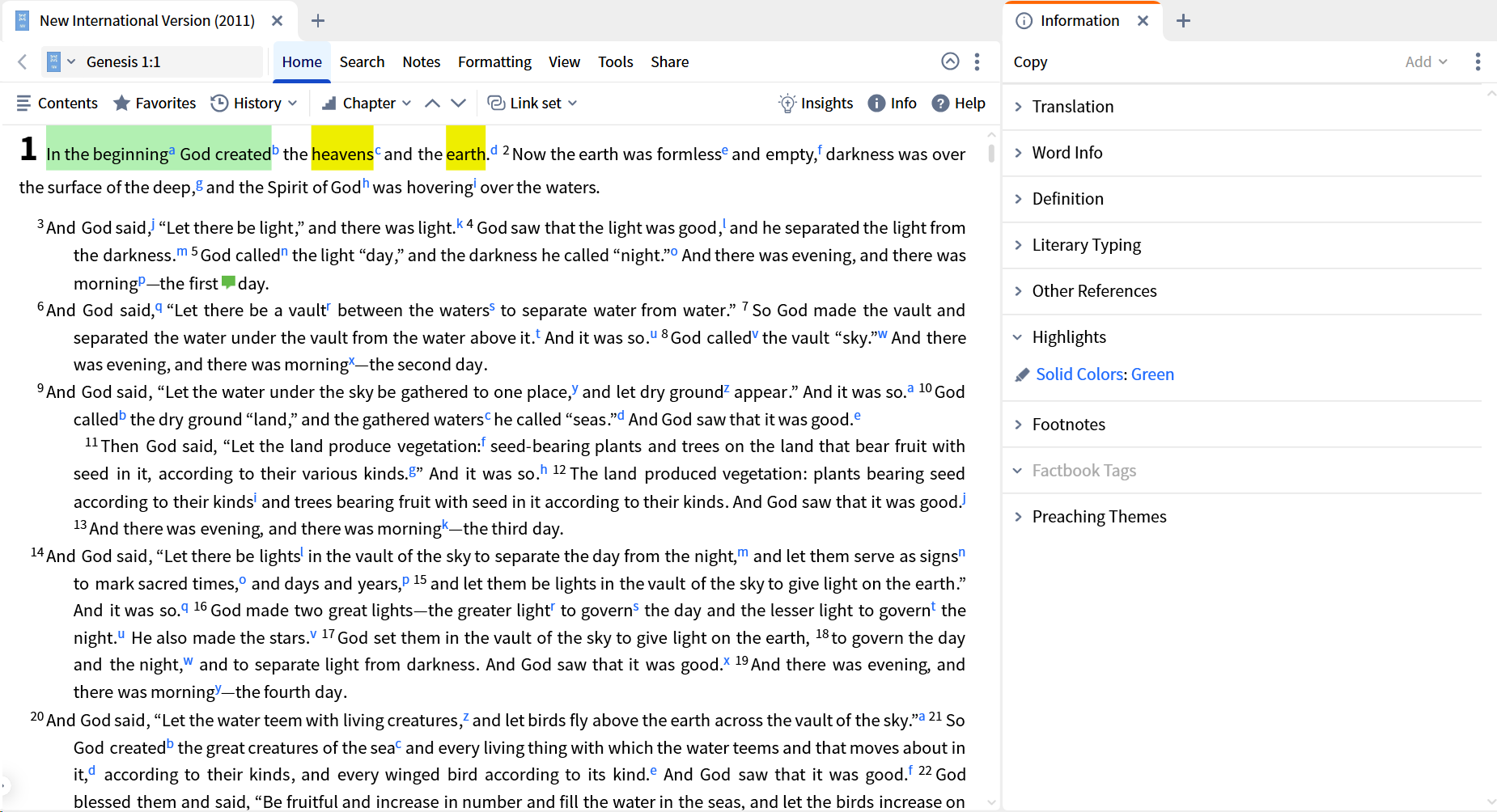
But one other way of deriving the syntax is using the Information Tool (assuming you are starting from a highlight in your text).
In the screenshot below I have clicked on the word beginning in Genesis 1:1 and the Highlights section of the Information Tool shows that it has a Green highlight from the Solid Colors palette.
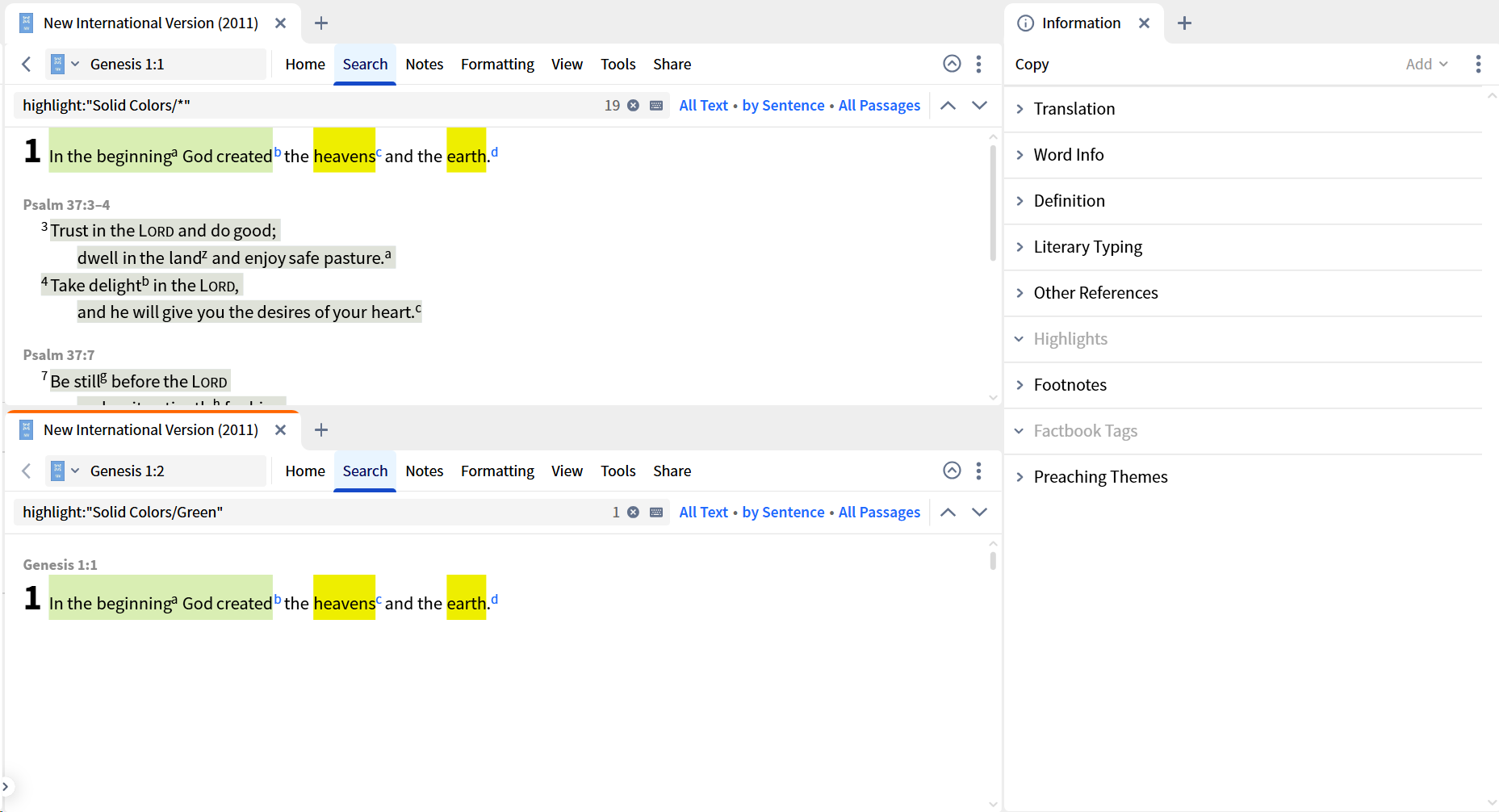
If I click the name of the palette, it generates an Inline Search for all highlights in that palette (top example). If I click the name of the highlight itself, it generates an Inline Search for that highlight in that palette (bottom example)
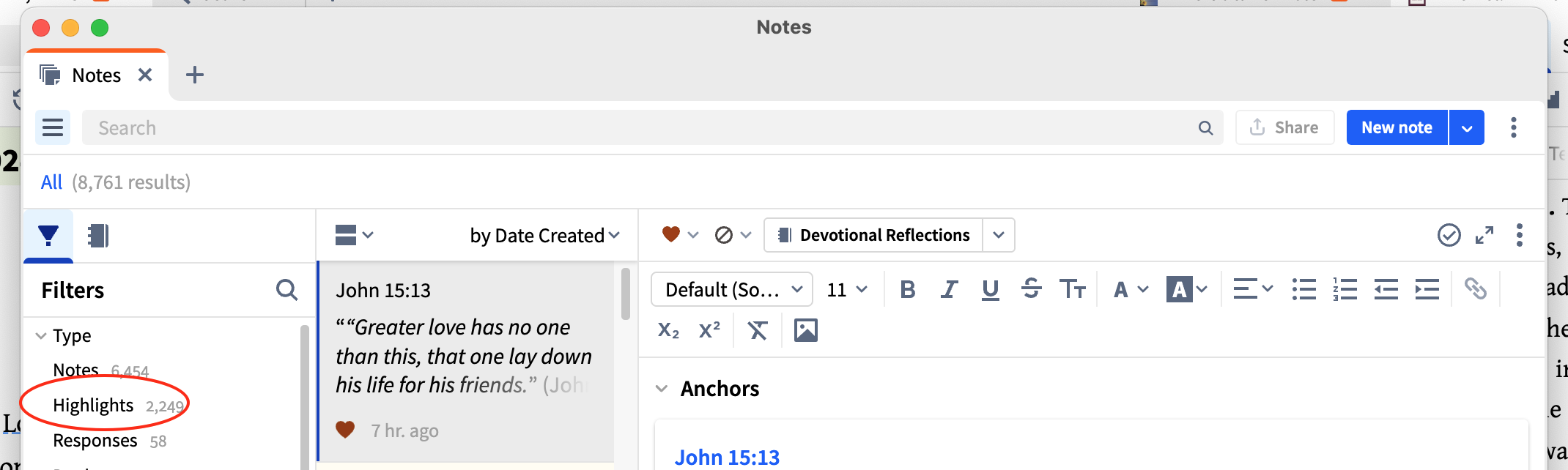
They are stored in the same location as your notes. You can start to filter out your notes by selecting 'highlights'. Then a bit further down in the filters, you can choose to filter the highlights with the book as well.
@Graham Criddle Thanks, Graham. You have fancy syntax here.
By chance, do you know where the documentation is that explains this.
I have not found reading Logos' documentation helpful, so I stopped looking.
thank you
I learned some things. that's always a good thing
While we are on the topic of highlights, don't forget that you can view them within the resource as well.
@Donovan R. Palmer thank you
Available Now
Build your biblical library with a new trusted commentary or resource every month. Yours to keep forever.
Is there any way to constrain a Web App bible search to specific books of the bible, as in the desktop? I see no obvious way to do it. I find it hard to believe this is as impossible as it seems as this is pretty basic functionality. Want me going to biblegateway.com? 🤣 I wanted to search only the book of Acts for…
Anyone know the source of transliteration for nouns in the translation ring of the context menu (and in EG), whether accessed from an English (ESV) or Hebrew Bible (LHB)? 2. Also, is it possible that the Logos version of some resources add this translation ring transliteration (that is, the hard copies do not contain it)?…
How to back up personal books? and how to copy personal books from my desktop to my laptop?
My Mac is running low on disk space, and it looks like the Library/Application Support/Logos4 folder is taking 20GB in /Data and 15GB in /Documents. I'm guessing that one of those is my library and the other is my notes and highlights. Is there a way to see the size of all the things in my library so I can get rid of those…
Hi all, even though I am subscribed for Logos emails, I have not received any promotional emails lately. Please could anyone let me know when they receive the coupon (I think it's expected tomorrow)… Thanks…