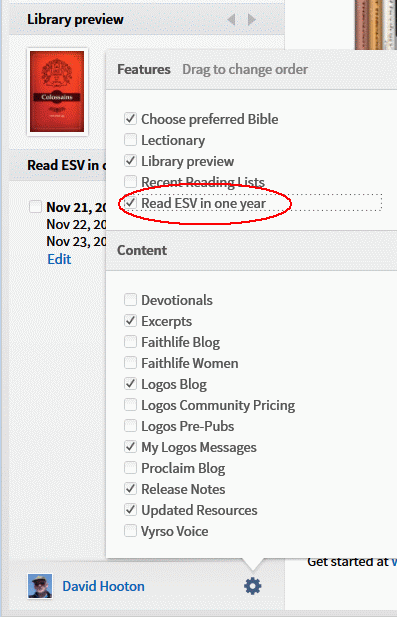
I've searched high and low, but there seems to be no way to remove Reading Plans from the left side panel of the Home screen in Logos 5.
Using a Mac, there is no File -> Delete. Contextual clicks do not reveal a way to remove these plans. When I choose to Edit them, I close the window and it disappears from the left side panel - but when I relaunch they all show up again.
How to?
thanks