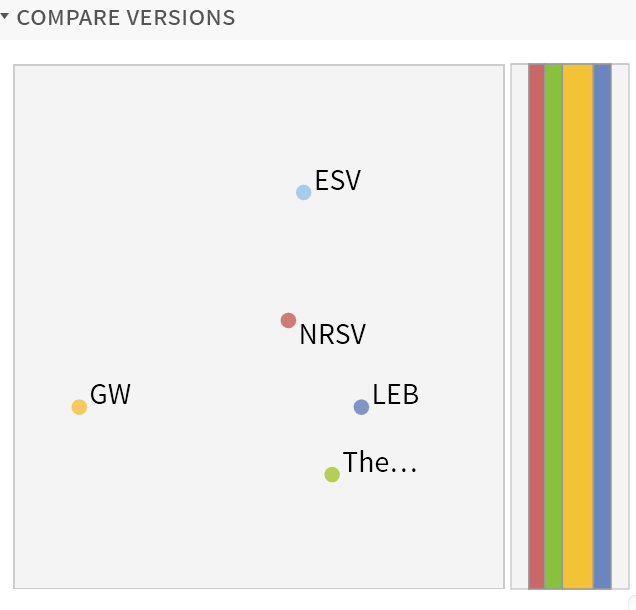
In Logos 4 Mac version, when i enter a reference and begin to browse my tools in the "passage guide" i like to use the 'compare versions' tool--I understand the river and how it reflects the comparison, but to the left of the river the translations used are placed in a seemingly random way...one in the middle high, one mid-left low, one right high, and so on. There must be a reason, but none of the training tools i've searched explain it to me, and i can't figure it out. any help here? Thanks!
(I'm a Logos Newbie, but thrilled with the possibilities)