Until recently, my Logos package only had single volume commentaries. When exegeting a text, I would open a couple of commentaries to see what they said. If I then wanted more in-depth analysis, I would use my much more comprehensive physical commentaries (physical books). I also have a couple of other software programs with multi-volume commentaries which I will use.
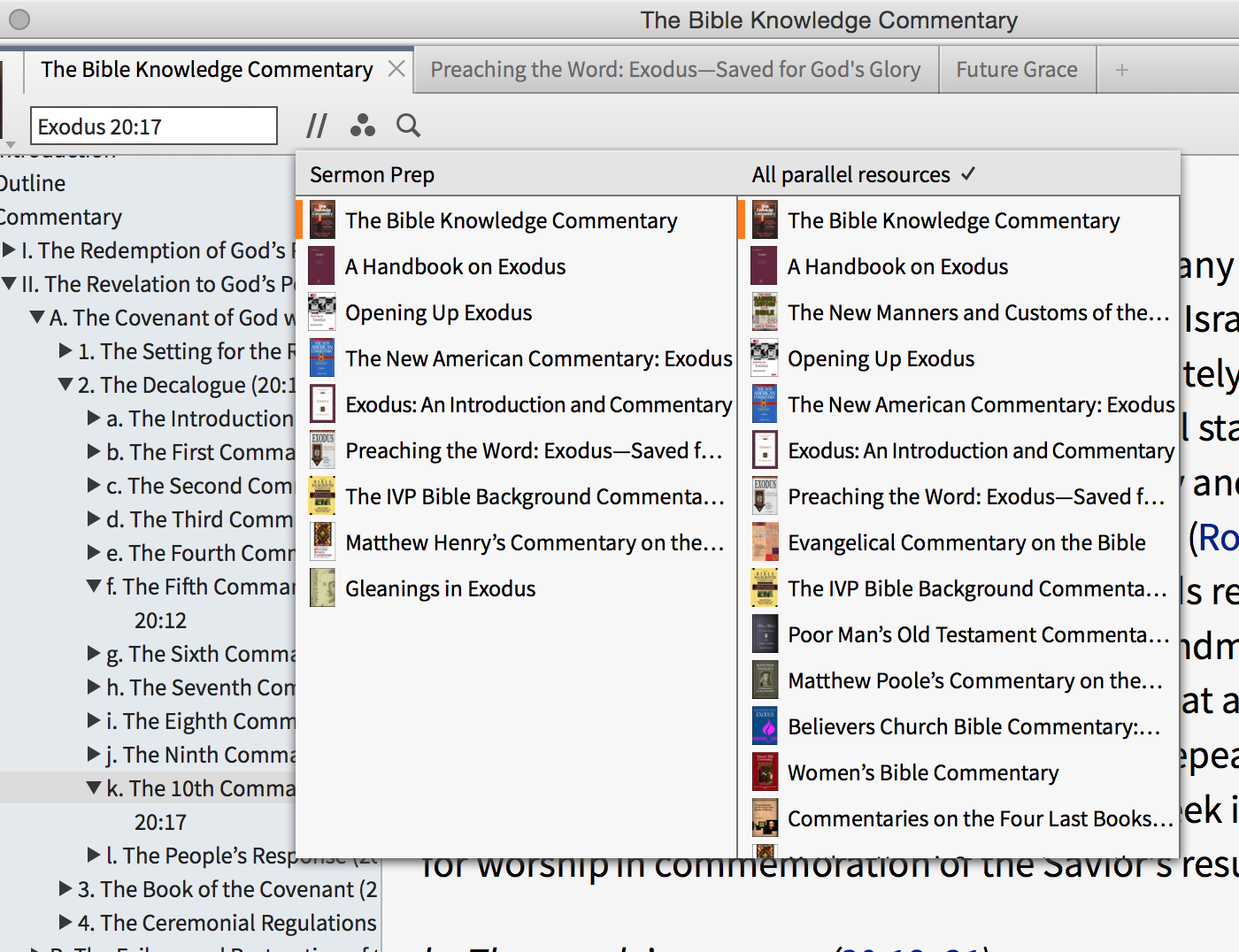
Recently, I've bought a couple of multi-volume sets of commentaries from Logos. It is nice to have books right there in my main software program. However, it creates another difficulty. When I only had single volumes, I could access any of my commentaries by opening the Library, typing "comm" and selecting from the 15 or so commentaries that were listed. When I clicked on a couple of them, they'd open to the passage I was on, and all was golden.
Now, when I open the Library, I've got maybe a hundred books under "commentary." Most are not relevant to my passage, as every volume of the sets I own come up. I would have to scroll through all of these - which is unreasonable. So, I type in the names of each commentary I want to use. Workable, but much more tedious than it was before the collections.
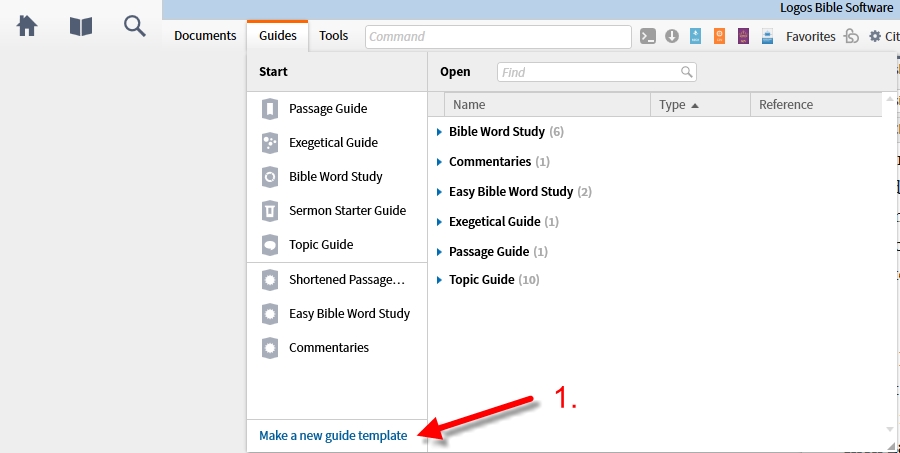
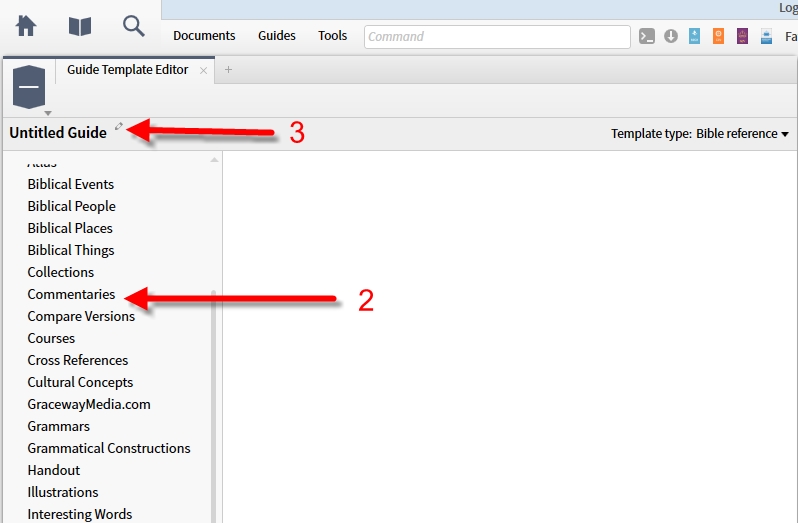
So, my question is, is there a short-cut that I'm not aware of to list my single volume commentaries, or (even better) only commentaries that are available for the book that is open? I'm assuming not, but after looking around, I thought I'd check.
Thanks,
Al