My Win 8.1 laptop crashed and replaced with a Mac Yosemite10.10.5 Retna. Ist time mac user, so far so good-a few quirks but much easier than Win 8.1.
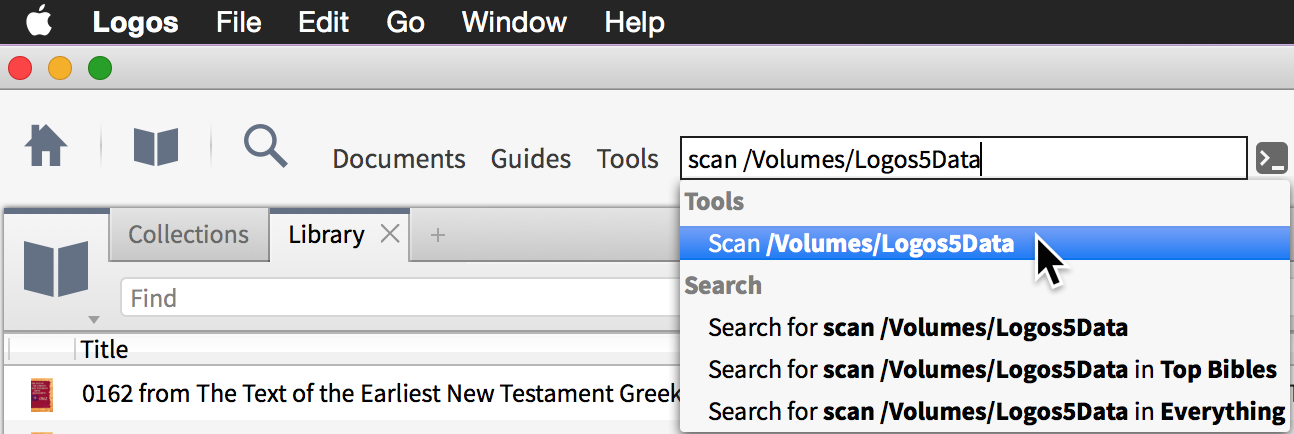
I am trying to avoid an 8 GB Logos download. I have all my resources on my desktop Win 7 machine that I can copy. Logos Wikipedia article Quick Installation onto Multiple Macs says to:
“3) Launch “Logos Bible Software 5” OR “Verbum” OR “Logos Bible Software 4” application then sign-in
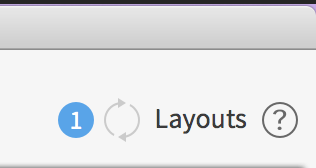
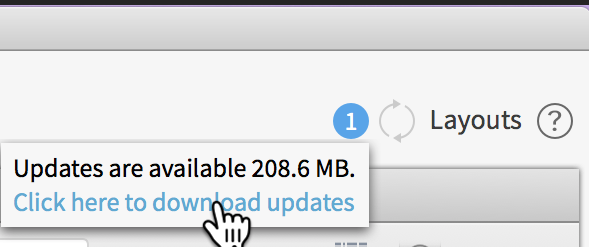
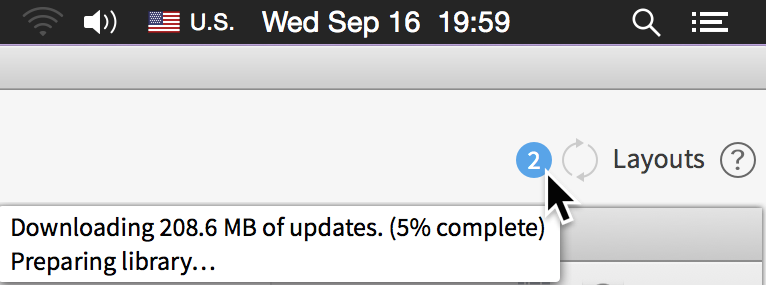
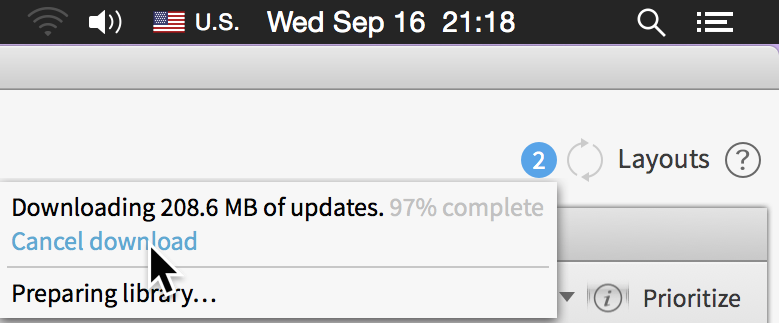
4) Once downloading starts, click on blue Logos icon in menu bar => Cancel Download
5) Click “Logos” OR “Verbum” OR “Logos Bible Software 4” => Preferences (OR Tools => Program Settings)
Change “Automatically Download Updates” from Yes to No”
I cannot find the option to cancel the download. When I drag the Logos into the Application folder it takes me to the sign in screen with no options. Once I sign in it goes to the 8 GB download.
What am I overlooking?