How do you post a screenshot on the forum? I know how to create a shot, but not how to post it.
Click the insert attachment icon
And I use Jing (http://www.jingproject.com/) to make the captures. It allows you to do both image and video captures of specific areas of your screen. You can then edit if necessary. You can then upload to the free webspace they provide or save teh capture locally on your computer. It is perfect.
Thanks Jacob. After a take the screenshot, where do I go to access it in order to post it to a forum message? I figure I can use a program I already have right? Like Microsoft Digitial Image?
You would simply navigate to wherever your screen capture utility places it. The build in Windows utility I believe captures to the clipboard, so you would have to launch an image editing software and paste into it and then save the file as a compatible format (jpg, gif or png I believe). Then navigate from the forum upload tool to wherever you saved it.
Jing allows you to save the file directly (skipping the clipboard business).
To ask a further question that I could not seem to fi
Let me try and talk through what I did and what I saw....
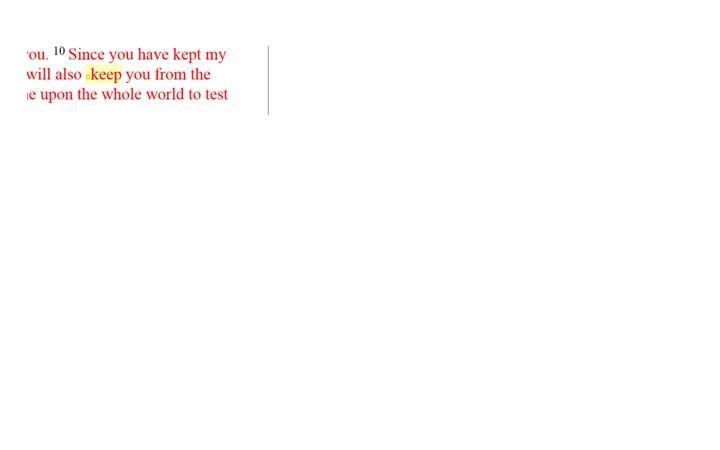
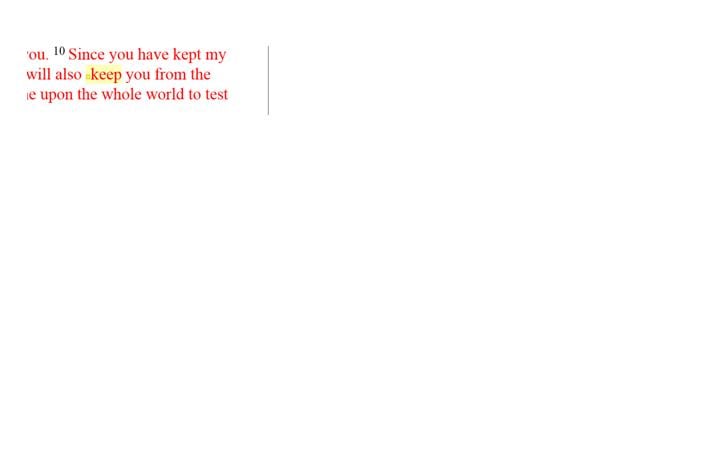
.I wanted to get a screen shot of a mark-up in the bible. So I highl
ighted a word. (O.K. no problem this far) 2. I went and I did a print screen from my keyboard. (no problems) 3. paste it to a document and cropped the picture (no problem). 4. Thought about the file and said I need a jpeg to post. cut the picture paste into paint (no problem) 5. file save as mypict.jpg (no problem) 6. create a forum post. click the paper clip. (np) 7. select the picture. and it pastes into this forum box. (np)
Now when I actually see it in the forum it is bigger than I want it. What you see below is the item of choice but l want to show you where my typing must move given the picture is so big. See what I mean? I just don't
understand why the pict is so big but let me past again below here and I will resize the box of the picture....makeing the picture itself too small..I hope you all get me...here ?? [^o)]
.I wanted to get a screen shot of a mark-up in the bible. So I highl ighted a word. (O.K. no problem this far) 2. I went and I did aprint screen from my keyboard. (no problems) 3. paste it to adocument and cropped the picture (no problem). 4. Thought about thefile and said I need a jpeg to post. cut the picture paste into paint(no problem) 5. file save as mypict.jpg (no problem) 6. create aforum post. click the paper clip. (np) 7. select the picture. andit pastes into this forum box. (np) Now when I actually see it in the forum it is bigger than I want it.What you see below is the item of choice but l want to show you wheremy typing must move given the picture is so big. See what I mean? Ijust don't
ighted a word. (O.K. no problem this far) 2. I went and I did aprint screen from my keyboard. (no problems) 3. paste it to adocument and cropped the picture (no problem). 4. Thought about thefile and said I need a jpeg to post. cut the picture paste into paint(no problem) 5. file save as mypict.jpg (no problem) 6. create aforum post. click the paper clip. (np) 7. select the picture. andit pastes into this forum box. (np)
Now when I actually see it in the forum it is bigger than I want it.What you see below is the item of choice but l want to show you wheremy typing must move given the picture is so big. See what I mean? Ijust don't
However you're trying to crop it afterpasting it into Paint is not working. You need to drag the edge of thewhite Paint canvas in to make it smaller (make your Paint window biggerto be able to see the edge).
I would recommend you download and use Jing, as Jacob suggested above. It's much easier.
Available Now
Build your biblical library with a new trusted commentary or resource every month. Yours to keep forever.