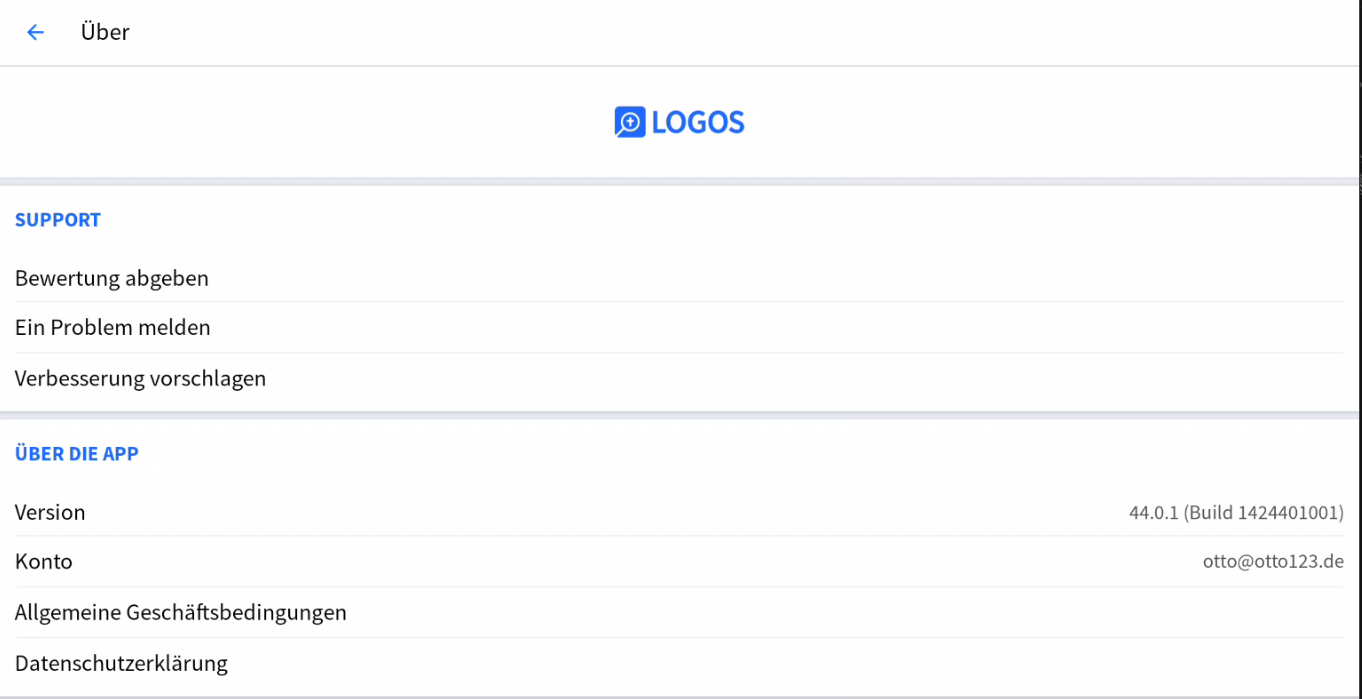
On my Samsung Galaxy Tab S7+ (german version) I can't do an inline smart search. There is no option for this. Only the classical inline search. I have version 44.0.1 of Logos Mobile and max subscrition.
Can you confirm you are trying to accomplish it following the steps on this support article, which features inline search on a mobile device?
https://support.logos.com/hc/en-us/articles/23526184005261-What-is-Smart-Search#tab-mobile
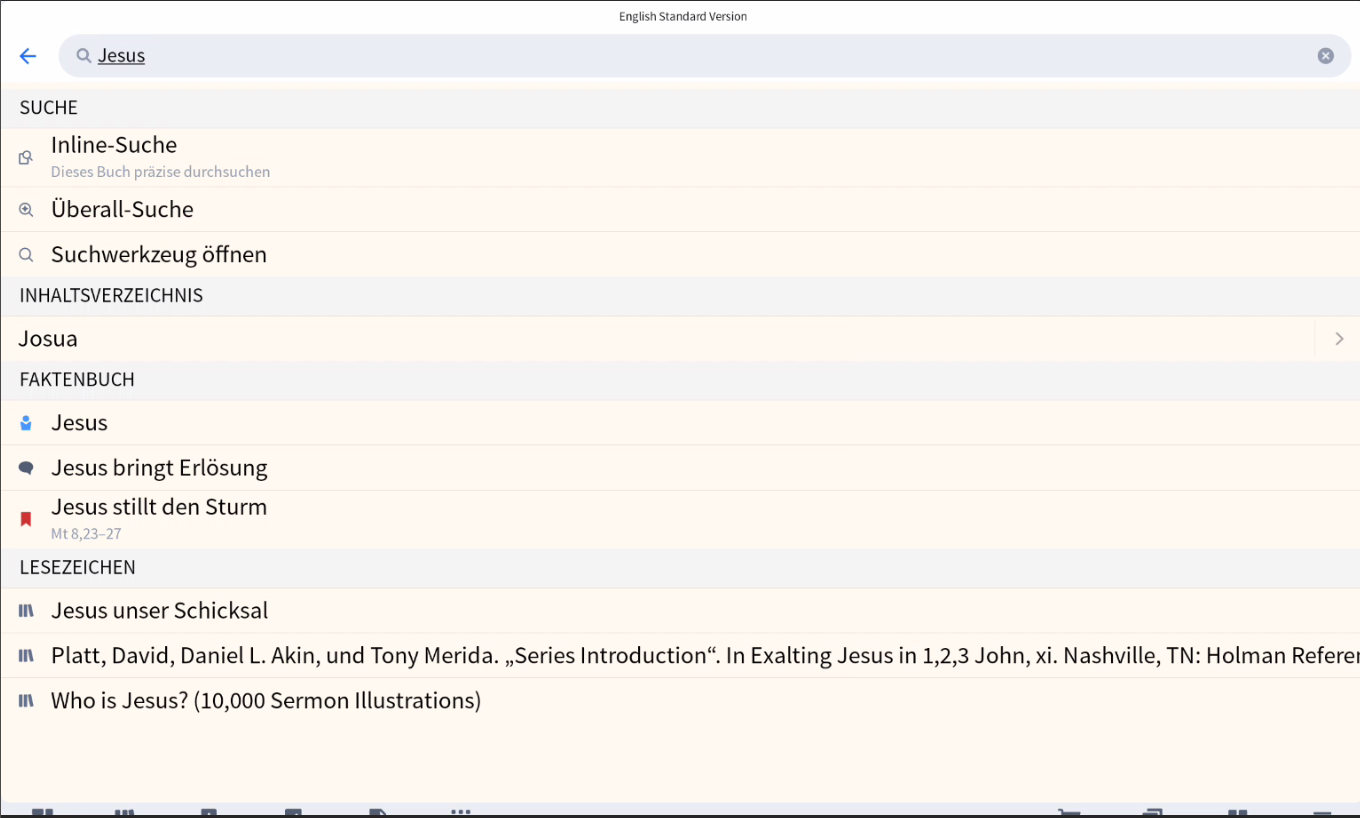
and can you post a screenshot showing what you get when you tap the magnifying icon to initiate the search?
Here is a screenshot. There is no option to select precise search or smart search
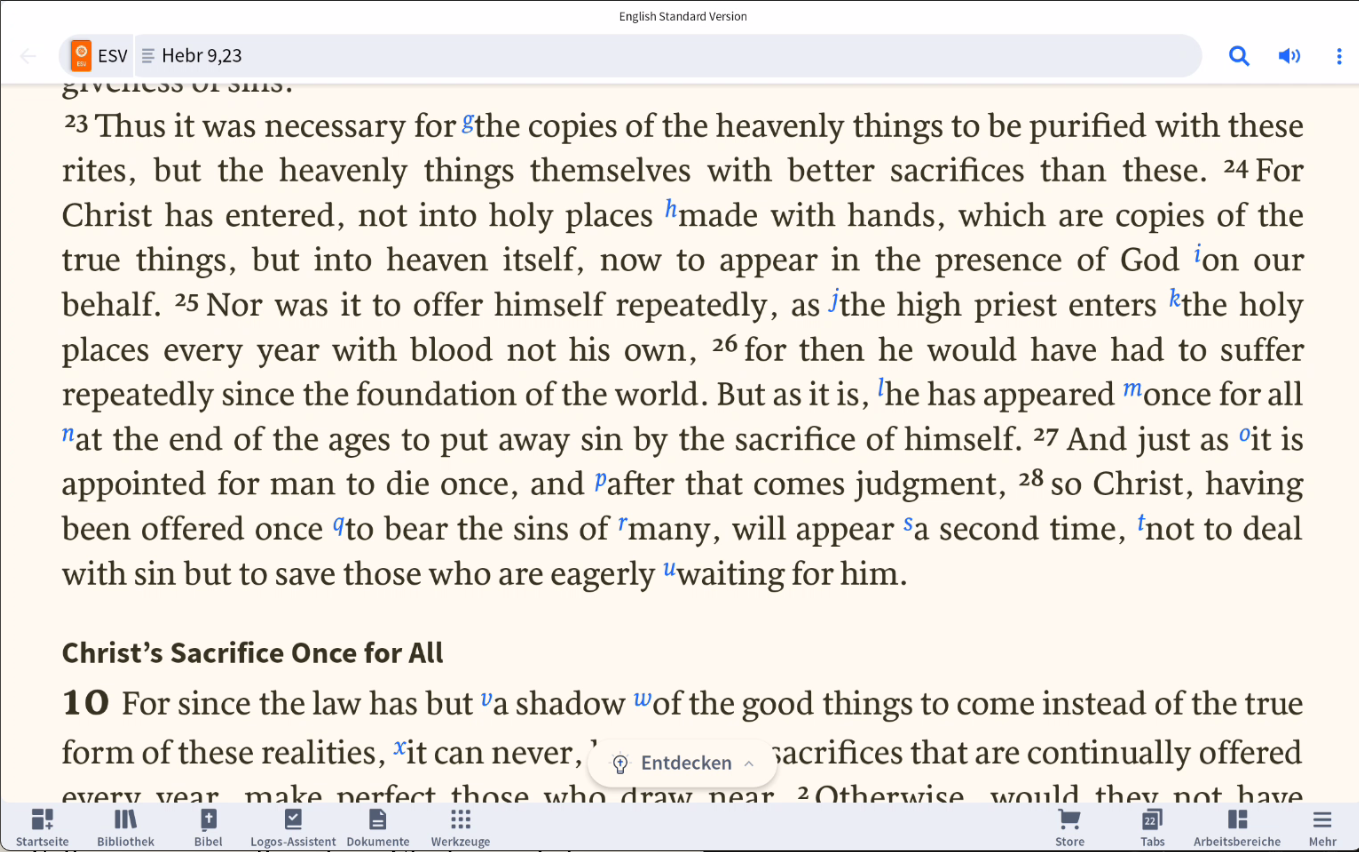
can you show the ESV without a filter?
I know you mention v 44 but it looks like an old version
No it's version 44.0.1
And here is the ESV without Filter
@Otto Hubenschmid in der deutschen Version ist die Funktion aktuell nicht verfügbar. Es wurde als Fehler gemeldet und ich hoffe, dass die Funktion auch bald bei uns verfügbar sein wird.
Available Now
Build your biblical library with a new trusted commentary or resource every month. Yours to keep forever.
I'm not new to Logos, but I am new to syntax searching. Trying to do a simple syntax search with 1 John 2:5 as the basis. I want to see where else in the NT we have the phrase, "By this we know." Of course, I want the Greek construction, not just when the translators used those English words. I was able to successfully…
I used the highlight panel to change the color of the text. I want to change it back to black but I can't find a way to do that.
I have received an email that appears to be from a legitimate Logos company email address. It is requesting information about the change of email address on my account as part of their audit process. I am happy to provide the information, but it does seem a little unusual, and I would like to confirm the source of the…
Is there a way to Update Active Layouts so it saves my layout on two monitores…I want to reopen the Desktop with the windows in the two different monitors the way I updated it before I cleared all?
I tried opening the Theology Guide this morning. It opened to the Factbook instead. Is that a bug, or has the Theology Guide been phased out?