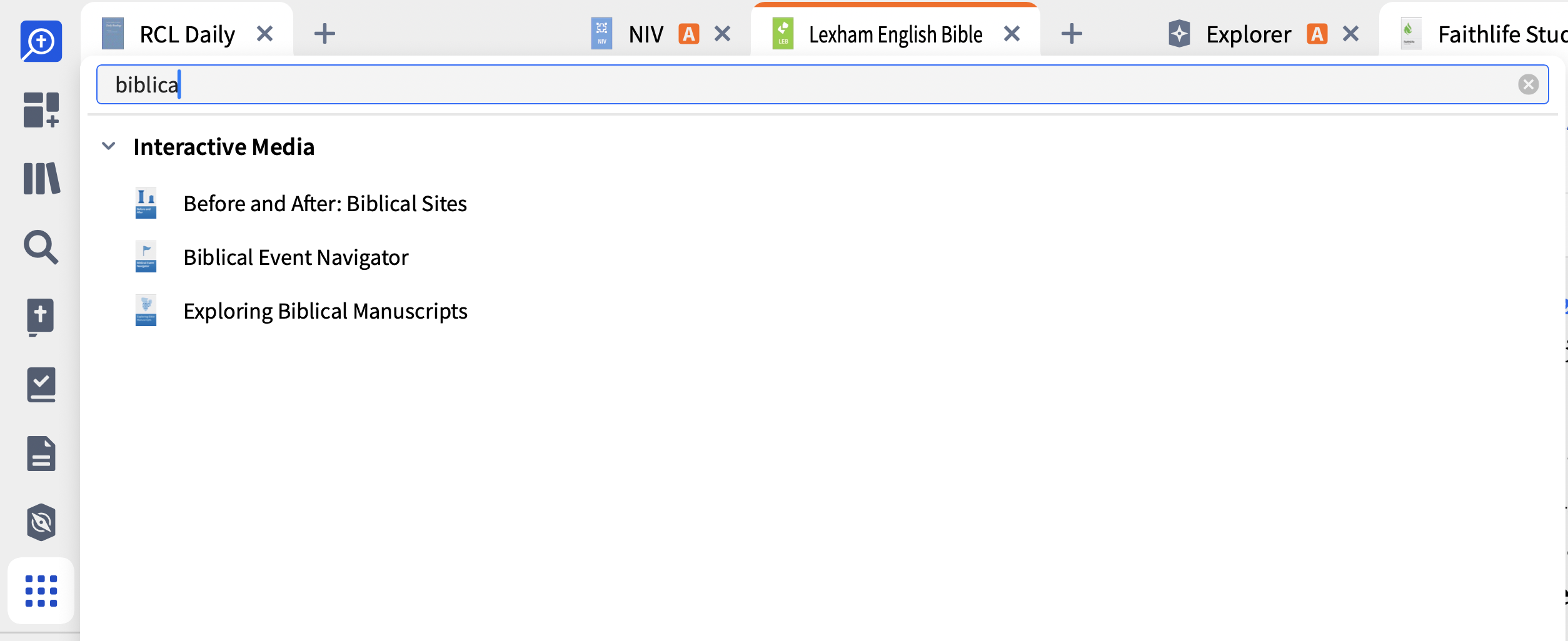
Where is the biblical event navigator?
Welcome @Jim Treadway
It is available under the Tools menu
Graham
That is the rub — its not there. I think there is some magic to get the rest of the Interactive Media apps to download.
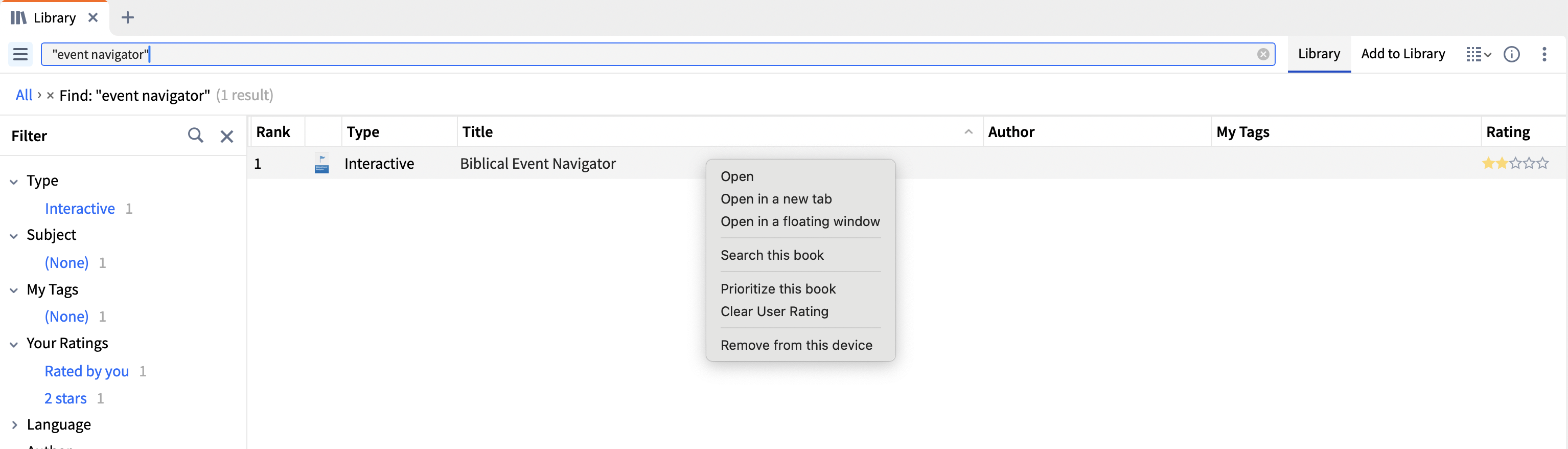
If it's not downloaded, find it in your Library, right-click and select the download option (my screenshot is showing a remove option as I have it downloaded)
Thank you so much! I've got it now. I didn't think to check the library. I thought it was only books.
Available Now
Build your biblical library with a new trusted commentary or resource every month. Yours to keep forever.
I admit this question is stemming from curiosity more than an actual need, but nonetheless, could someone please clarify a few basics regarding the mobile version? Am I able to save a layout on the mobile version? I was able to set it to "read later" and "favorite" but those were the closest I could find. When I opened the…
Greetings. What Greek-English interlinear would you suggest? I typically use the NASB 95 but would like to add a Greek-English interlinear to Logos for study purposes. Teaching, writing, etc. Just wanted some input from other users. Grace and peace.
I don't know how to delete this post so I deleted my question
Good morning, over the last week, on the desktop version, I've found that my dashboard has had a mind of their own, displaying whichever cards it wanted - mostly old worksflows and reading plans. The cards I chose (mostly layouts) dissapeared. I've corrected the issue once or twice (removing the numerous cards I don't want…
The recent security update to the web app negativity impacts my usage and functionality. Does anyone know whether the Desktop App has similar connectivity / interoperability to the Web App, in that will the Desktop App also disseminate information amongst my mobile devices? Thanks so much, and God bless, Matt