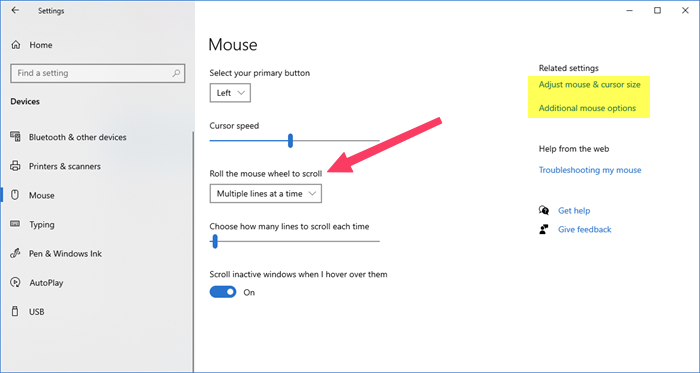
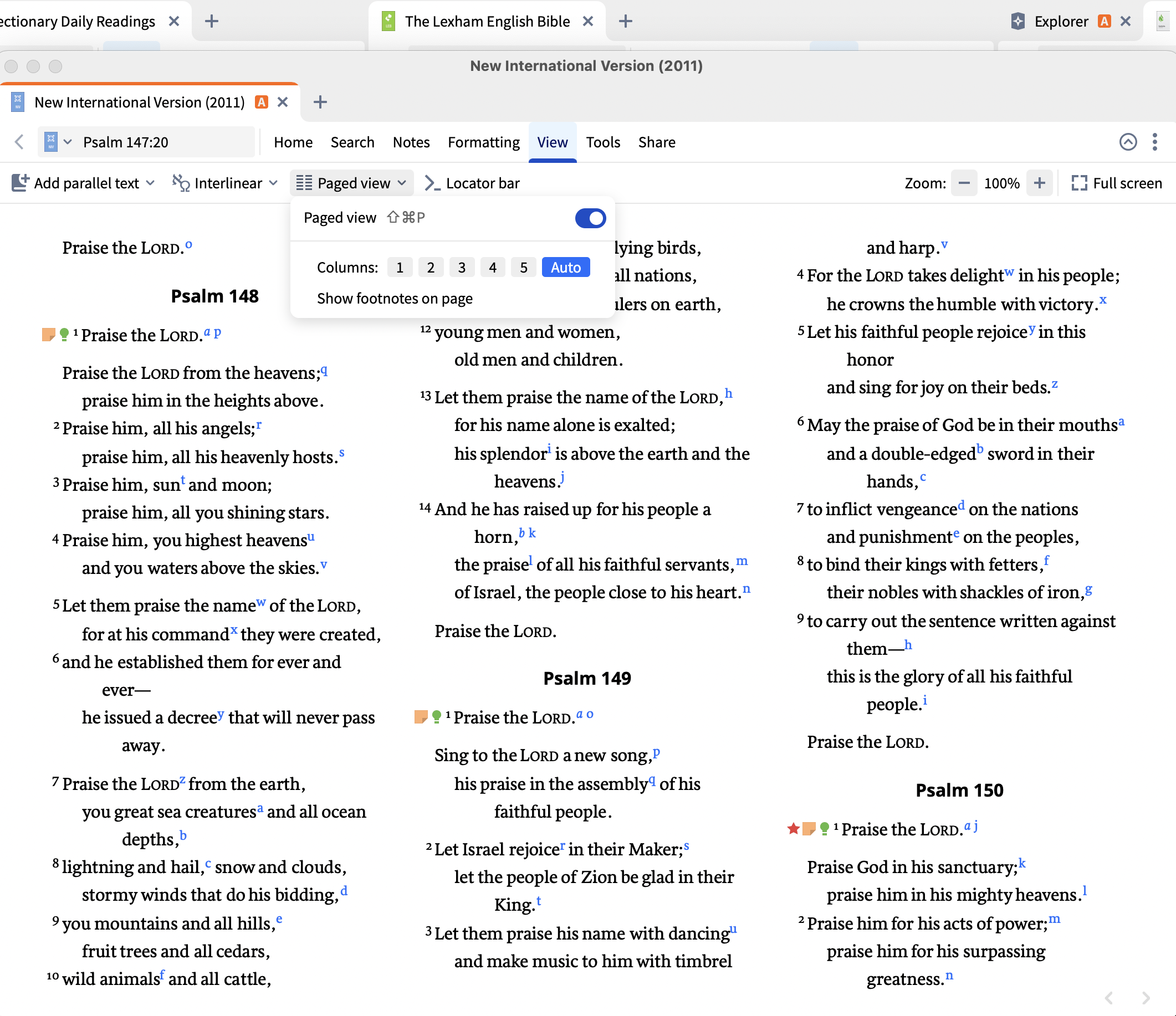
How do I slow down scrolling? most windows I try to scroll it scrolls way way too fast!
Where are you seeing the fast scrolling?
In paged view, you can press the spacebar to move to the next page - does that help at all?
Hi Tim,
Maybe this could help?
Thank you. Scrolling is fine in other apps. It's just really fast in Logos.
Do you have Paged View enabled? If so, try turning it off and seeing if that helps
Thank you. Yes, that helped. I like paged view so I'm sorry it only works when it's off.
That's a good tip. I didn't know about the spacebar moving to the next page. Thank you.
Available Now
Build your biblical library with a new trusted commentary or resource every month. Yours to keep forever.
“Content removed by original poster”
Is there any way to duplicate a tab within the mobile app? I have some tabs set up and sized perfectly and there are times I’d like to duplicate and link them to other resources within a particular layout and duplicating would make it much faster.
I am still having issues with copying a bunch of verses. I understand that I go to Share —> Passage List, but then after that the passage list is blank and wants me to manually add verses. It also says I can drag and drop the verses, which I would love to if I could select the verses, but there again doesn't seem to be a…
How do I create a family tree for a given Bible character? Using version 47.0.332, Logos 7 Library
I needed to restart Logos, and now when I tried to do an "All" search, that AI thing is there. How do I get rid of it?